
In a small service business, a lead usually gets lost not because the client lacks interest, but because of chaos on the company side. Data comes in from forms, phone calls, e-mails and social media, and then ends up in different places. A CRM only makes sense if every lead enters a single process and always has clear ownership assigned. A good implementation does not start with choosing a tool, but with deciding how the lead will be captured, handled and measured. That way, the CRM stops being a contact database and becomes a system that protects revenue.
What are the key strategic goals of CRM implementation in a small service business?
The key goals of CRM implementation are to bring every lead into one process, shorten first-response time, organise ownership and measure business results. These are the elements that decide whether enquiries are actually handled or merely recorded. In a small service business, the problem is usually not a lack of leads, but a lack of control over what happens to them after contact. The CRM should restore that control.
The first goal is 100% coverage of leads with a defined process. In practice, that means every enquiry, regardless of source, enters the register, has a status and an owner. If a lead has no assigned owner or stage, it can very easily disappear between the inbox, the phone and notes. The second goal is to shorten the time to first contact, because a delayed response reduces the chance of a conversation and qualifying the need.
The third goal is to build a single history of contact with the client and to improve lead qualification and prioritisation. This gives the team visibility of where the contact came from, what the issue is, what the next step is and whether the lead has sales potential. The fourth goal is a measurable return on marketing activity, meaning the ability to link the source of the lead with revenue. Without data on source, stage and sales outcome, the CRM does not help manage growth, it only organises addresses.
How do you define a structured sales funnel for effective lead management?
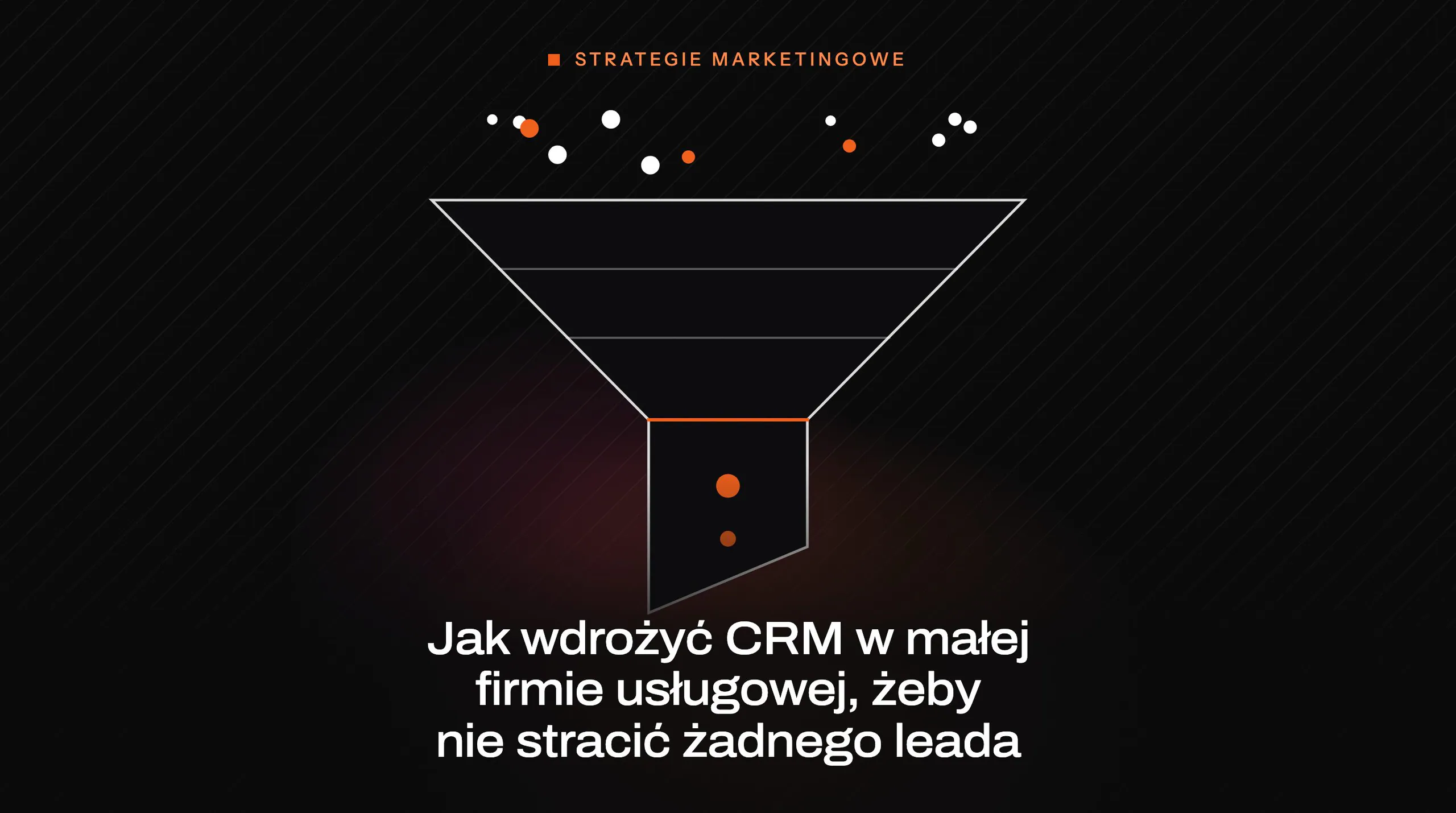
A structured sales funnel should be defined as a simple sequence of stages that every lead passes through from entry to decision. Such a funnel cannot be a collection of loose statuses like “to contact” or “in progress”. Each stage must correspond to a real step in sales or owner-led work. This makes it clear what has already been done, what is still missing and where the lead has stalled.
A good starting point is a small number of stages, usually four to six, with clear entry and exit criteria. In practice, the sequence may include registration and data completion, initial qualification, owner assignment, first contact, quoting, follow-up and a won or lost decision. Not every stage has to be highly detailed, but each one must represent a concrete change in status. If the team cannot say unambiguously when a lead moves on, the funnel will not be reliable.
When defining the stages, you need to decide straight away which fields are mandatory when the status changes. At first contact, you need identification details and basic service context; at quoting, the estimated value and priority become more important; and when a deal is lost, the reason for loss becomes mandatory. This is not administrative formality. These details later show which sources deliver valuable leads and at which stage the company loses the most opportunities.
The funnel will only be effective if it covers all contact sources and enforces the next step. A lead from a form, phone call, e-mail, chat or referral should enter the same process instead of being handled through separate methods. For each active lead, three things should be visible: the owner, the current stage and the date of the next action. If you can leave a lead in the pipeline without a next step, then the company does not have a funnel, only an archive of endless conversations.
What criteria matter most when choosing a CRM system?
The most important CRM selection criteria are fit with the defined process, integrations with the main contact channels, flexible configuration, ease of use and the real cost of ownership. In a small service business, the system is meant to look after lead capture, the next step and accountability. If the tool imposes overly complex logic, the team will start working around it. Then leads will once again end up back in inboxes, on phones and in private notes.
First, check whether the CRM can handle your pipeline without workarounds and manual exceptions. It should allow you to set your own stages, fields, statuses and mandatory information when a stage changes. This matters in practice, because without such enforcement it is hard to maintain data order. A good tool adapts to the company’s process, not the other way round.
The second filter is native integrations with forms, e-mail and telephony, because these reduce manual re-entry of data. It is also important that the interface is simple for people who need to respond quickly rather than spend hours learning the system. Finally, calculate the total cost of ownership, meaning licences, implementation, integrations and the team’s time. A low starting price does not help if later you lack the features essential for lead handling.
Which lead sources should feed our sales process?
The sales process should be fed by all the channels through which the client actually contacts the company. This is not just the form on the website, but every entry point from which a sales opportunity can arise. If even one channel operates outside the CRM, some enquiries stop being visible and measurable. In practice, this is the most common cause of “disappearing” leads.
It is worth bringing the following sources into one process first of all:
- forms on the website and landing page‘s,
- incoming calls and call-backs,
- e-mail messages to company inboxes,
- enquiries from social media and chat,
- referrals, networking and contacts from offline events.
Each of these sources should create a lead record in the same CRM, not in separate spreadsheets or inboxes. This gives the company a complete contact history regardless of channel. This is especially important when a client first calls, then sends an e-mail, and later comes back via a form. Without a shared register, the team may treat one person as three different leads.
For each source, you need to record not only contact details, but also the acquisition context. In practice, this means the source, medium, campaign, landing page and the field “how did you hear about us?”. This information later makes it possible to distinguish channels that only generate traffic from those that drive sales. Without it, CRM organises contacts, but does not help assess marketing effectiveness.
What integrations are key to effective CRM performance?
Key integrations are with website forms, email, telephony, calendars and the invoicing system. These eliminate manual data entry, delays and gaps in the contact history. In a small service business, the biggest losses arise precisely between channels. When data flows automatically into the CRM, the process becomes tighter and easier to measure.
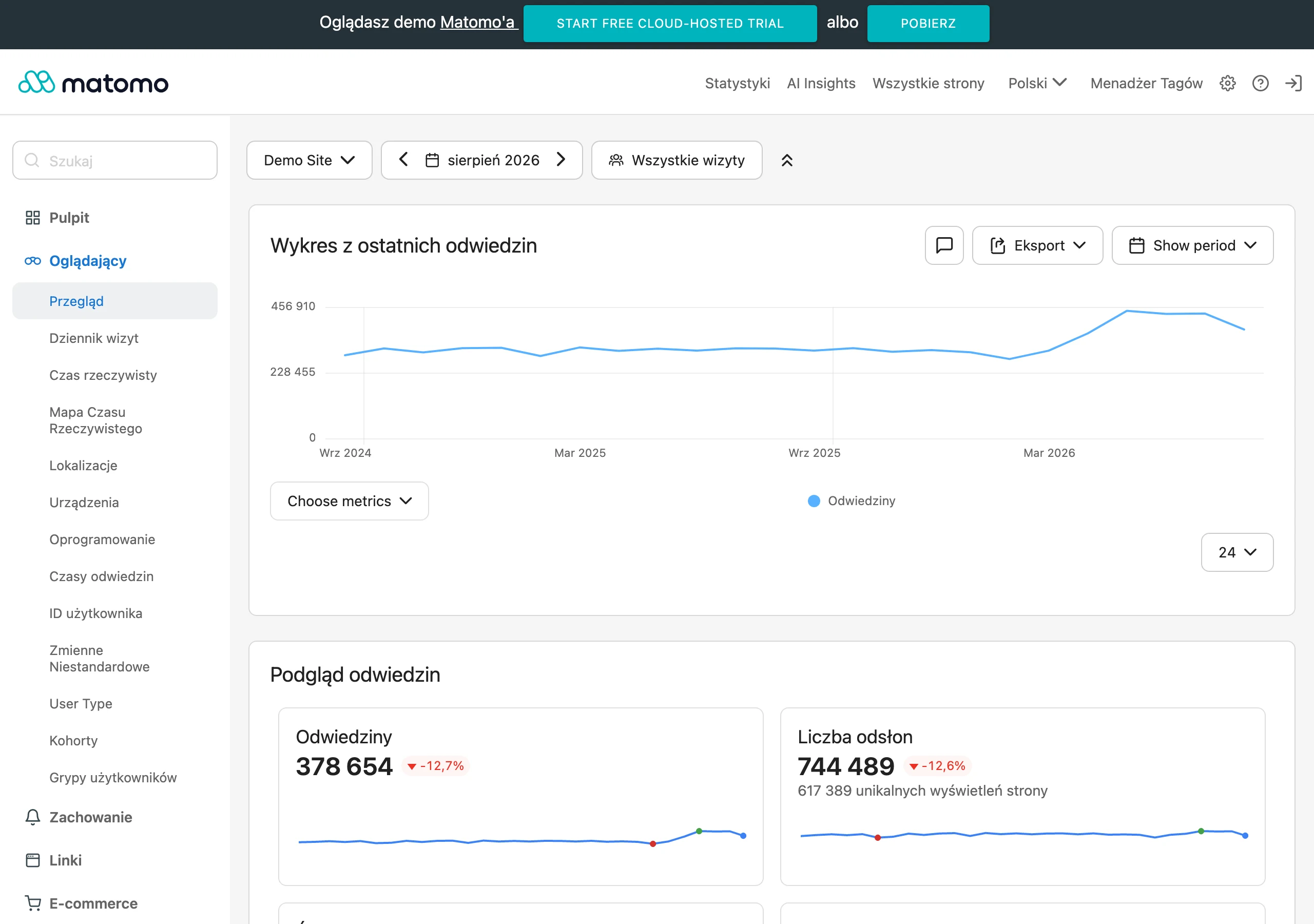
The most important integration is with the website, because that is usually where most enquiries begin. The form should create a lead immediately with contact details, source, campaign and landing page. If the CRM can also save the user journey or connect the session to the form, it becomes easier to assess which landing pages genuinely support sales. This matters in practice, because without this data marketing and sales are looking at different versions of the truth.
Just as important is two-way synchronisation of email inboxes and call logging. This ensures that correspondence and conversations do not disappear into private inboxes or the employee’s memory. When a customer comes back after a few days, everyone can see the earlier arrangements and continue the conversation without chaos. A single contact history in the CRM reduces the risk of the customer receiving conflicting answers.
Integration with calendars organises meeting scheduling and next steps, while the connection with invoicing closes the loop between the lead and the sale. In practice, this means it is easier to check which sources deliver not only enquiries, but also revenue. Without this, the CRM ends at the quoting stage and does not provide a full picture of profitability. This is particularly important when the company wants to compare the effectiveness of acquisition channels.
Which automations will increase the efficiency of lead handling?
The automations that increase lead-handling efficiency the most are automatic owner assignment, tasks triggered by status changes, SLA alerts, source tagging and duplicate detection. These rules do not replace the team’s work, but they make sure the process does not fall apart under the pressure of day-to-day tasks. In a small business this is especially important, because one missed message can easily become a lost opportunity. Automation should therefore primarily safeguard the basics of the process.
The first rule should concern assigning the lead owner according to simple rules. A lead can be routed to a specific person based on the source, type of service or an agreed division of work. Immediately after assignment, the system should create a first-contact task and set a deadline for the next step. This means you know not only who is responsible, but also what they need to do and by when.
The second group of automations is alerts about inactivity and exceeding the set time for the first response. If a lead has not been handled in time, the CRM should show this and, if necessary, trigger escalation. Such notifications are practical because they protect the process from records silently piling up in the pipeline. Without them, the status may look correct even though nobody has contacted the customer.
The third group is tagging, segmentation and merging duplicates. Automatically marking leads by source or behaviour makes prioritisation and later analysis of channel effectiveness easier. Duplicate detection, on the other hand, protects against a situation where several people contact the same customer independently. This improves both data quality and communication consistency.
How to avoid typical mistakes during CRM implementation?
Typical mistakes are avoided when implementation starts with the process, not with the choice of tool. First, map out on paper where the lead comes from, who takes it over, how much time they have to respond and when it changes stage. Only then choose a CRM that can handle this flow without exceptions and manual workarounds. The second common mistake is starting with too much, because too many fields, statuses and scenarios quickly discourage the team from working properly.
Implementation has to be treated as a business change, because the system itself will not fix operational chaos. That is why the company should appoint one project owner who keeps an eye on stage definitions, handling rules and data quality. Without such a person, decisions drift between sales, marketing and administration, and the CRM starts behaving differently from what was agreed. If nobody is responsible for the process after launch, leads will start disappearing outside the system again.
It is safest to implement CRM iteratively, on a small scale and with rapid team feedback. First launch the basic pipeline, the key fields and one main lead source, and only then add further integrations and automations. At the same time, onboarding and short training sessions are needed, because even a simple system will be bypassed if people do not understand the rules. After launch, regularly check test enquiries, leads without an owner, duplicates and reasons for loss so you can catch leaks before they become the norm.
FAQ
Frequently asked questions
How do you define a CRM process so that a lead does not get lost in a small service business?
Every enquiry should go into one register, have a status, an owner and the next step. If a lead has no assigned stage or account owner, it can easily disappear between contact channels.
Why should CRM in a small service business not start with choosing a tool?
First, you need to establish how the lead will be captured, handled and measured. Only then do you choose a system that supports that process without workarounds and manual exceptions.
What stages should a simple sales funnel in CRM have?
The funnel should be a simple sequence of 4–6 stages that reflect the real steps of the work. These can include, among others, registration, qualification, first contact, quoting, follow-up, and a won or lost decision.
Which lead sources are worth connecting to one CRM?
Forms, phone calls, emails, messages from social media and chats, as well as referrals and contacts from offline events, should all feed into one process. This way, the team can see the full contact history regardless of channel.
Which integrations are most important when implementing CRM in a service company?
The most important are integrations with website forms, email, telephony, calendars and invoicing. They reduce manual data entry and make it easier to track the journey from lead to sale.
Which automations help prevent losing a lead after CRM implementation?
Most helpful are automatic owner assignment, tasks after a status change, alerts for no response, source tagging and duplicate detection. This keeps the process from falling apart under the pressure of day-to-day work.