
A small business can connect AI with CRM without a costly project if it treats this as an improvement to a specific piece of work, rather than buying “magic” technology. The biggest savings come from automating repetitive sales and marketing activities, especially when handling leads from forms, emails and SEO content. The cheapest AI implementation in CRM starts with one problem, one process and a simple pilot. This kind of start limits risk, makes it easier to assess results and allows the solution to be improved without rebuilding the whole system.
Defining a clear business goal in AI and CRM integration
A clear business goal means identifying one process that AI is meant to improve in CRM. In practice, this means specifics such as shortening lead qualification time, automatically tagging enquiries or creating conversation summaries. A goal like “implement AI” is not helpful, because it does not say what should change in the salesperson’s or marketer’s work. Without that, it is hard to choose the tool, the scope of the test and the way to assess the result.
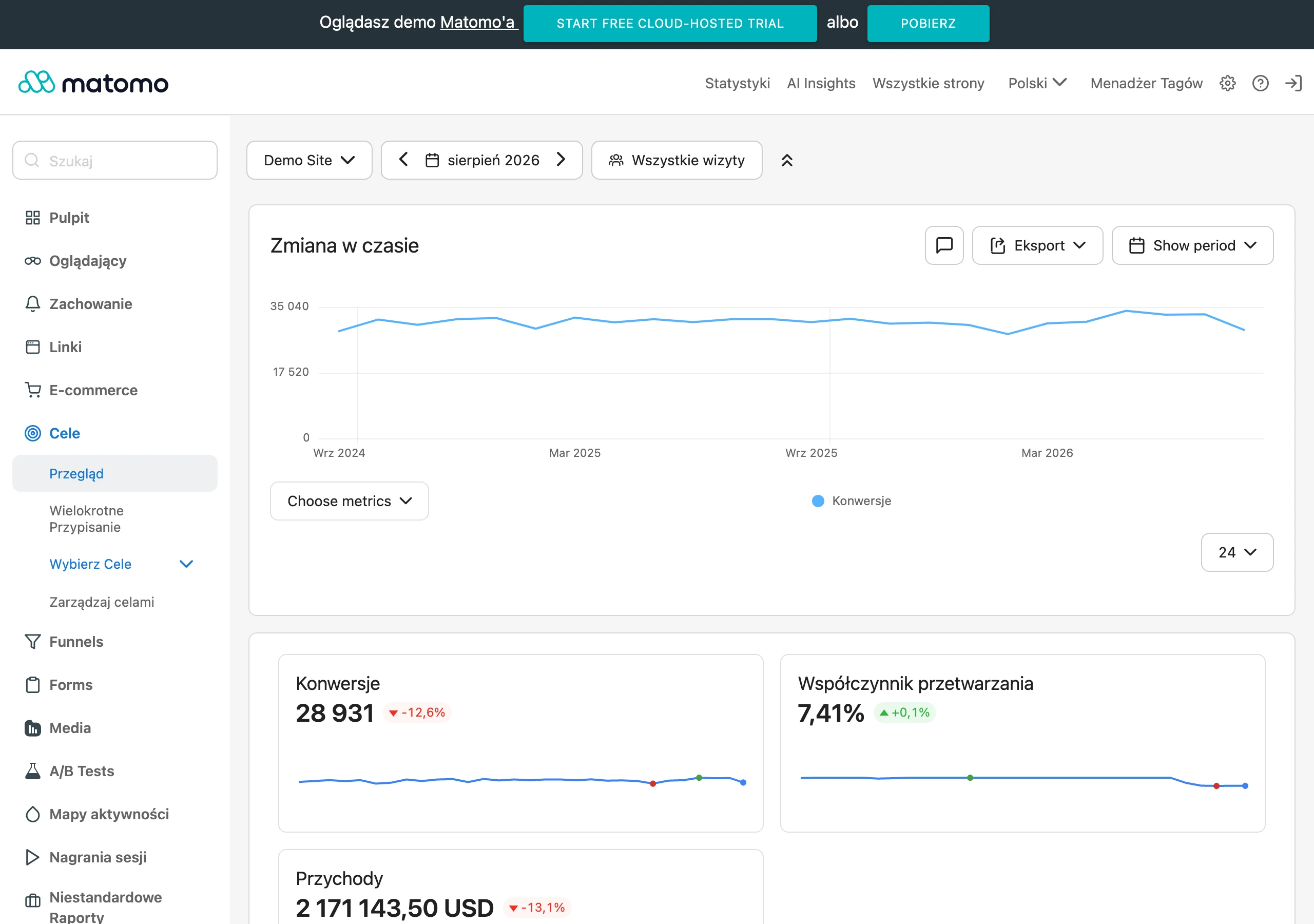
A well-defined goal should be immediately tied to a metric that is visible in day-to-day work. If you want to respond to leads faster, measure response time. If AI is meant to sort enquiries, check the share of correctly classified items. When a company acquires contacts from SEO and content, a sensible goal is often better recognition of the quality of leads from organic traffic, because this affects subsequent sales and marketing activities.
The most common mistake at this stage is choosing too broad a scope. The company tries to analyse leads, write emails, summarise calls and plan the next step all at once, and then it does not know what is working and what is generating errors. It is better to choose one use case that occurs often and takes real time. This kind of choice gives a faster answer as to whether AI genuinely improves the process or merely adds another layer of complexity.
Minimum Viable Product (MVP) as the key to an effective implementation
An MVP in AI and CRM integration is a small, reversible pilot covering one process and at most a few fields. Its purpose is not full automation of the company, but a quick check of whether the chosen hypothesis makes business sense. That is why, at the start, it is worth limiting yourself to a simple flow, without data migration and without rebuilding the whole CRM. The easier the pilot is to switch off, the safer and cheaper the implementation is.
A good MVP example is automatic categorisation of new incoming enquiries and saving the result to one field in CRM. Another sensible option is extracting data from a form or email into a note and creating a task for the salesperson. Such implementations are cheap because they work on existing data and a simple decision framework. In addition, they quickly show whether AI saves time and whether the result is accurate enough for the team to want to use it.
The scope of the MVP should be matched to the resources of a small business, not to the capabilities of the technology. Usually, one technically competent person who understands the business process, can configure the logic and check the result in CRM is enough. There is no need for your own code or a project team straight away. The most important thing is that the pilot can be improved step by step, rather than building from the outset a solution that is too large for real needs.
Securing data quality in CRM as the foundation of AI implementation
Data quality in CRM is the foundation of AI implementation, because the model amplifies the existing order or the existing chaos. If lead statuses are inconsistent, contact sources are recorded differently and conversation history is incomplete, the AI output will be unstable. In practice, this means incorrect tags, poor summaries and scoring that the team does not trust. Such a problem quickly undermines the sense of even a cheap pilot.
Before the start, there is no need to clean up the whole database, but the data used in the chosen process must be organised. The most important things are consistent statuses, clearly named lead sources, complete contact notes and removed duplicates. When these elements are standardised, AI has something to work with and it is easier to assess its accuracy. This also makes it easier to later measure whether response time or qualification quality has changed.
In a small business, it is best to begin with a short audit of the fields that will feed the pilot. Check whether salespeople use the same stage names, whether forms save the contact source and whether one customer appears several times. If leads come from SEO and content, correct source tagging is particularly important. Without this, you will not distinguish valuable contacts from organic traffic from the rest and you will not draw sensible conclusions for marketing.
Choosing technology: a light architecture and iPaaS platforms
The most practical technology choice for a small business is a light architecture: CRM, an iPaaS platform and an AI model connected via API. This setup makes it possible to implement automation without your own system and without data migration. CRM remains the team’s working environment, iPaaS handles the workflow logic, and the AI model performs the specific task. The result goes back into CRM as a field, note or task.
In the simplest version, the flow looks like this:
- a new lead or event appears in CRM,
- a webhook or API sends the data to the iPaaS platform,
- the iPaaS passes the structured data to the AI model,
- AI returns the result in a defined format,
- the iPaaS saves the result back into CRM.
This architecture works well for lead scoring, enquiry categorisation, email data extraction and interaction summaries. It is important that the result goes into simple fields that the team actually uses. If you save the outcome only in a long note, the automation will be less useful. The closer the AI effect appears to the salesperson’s everyday view, the greater the chance of actual use.
A small business usually chooses between a ready-made CRM integration, a no-code platform and custom code. Ready-made integrations are quick, but often too rigid when it comes to bespoke rules. Custom code gives the greatest control, but increases implementation costs and ongoing maintenance. That is why iPaaS is most often a sensible compromise between price, flexibility and speed of work.
When choosing a tool, check three things: whether the CRM has an API or webhooks, whether the platform can handle errors, and whether you can easily write the result to the right field. It is also a good idea to set up a simple fallback straight away, for example a manual task for the account owner if the model does not return a result. This limits the risk of the process being stopped by a single integration error. In practice, a low-cost implementation is effective only when it works predictably, even in exceptional situations.
Key uses of AI in CRM for small businesses
The most cost-effective uses of AI in CRM for a small business are those that organise incoming leads and reduce the work involved in the first response. These are repetitive, text-based tasks that produce a result that can be easily saved in a single field, note or task. As a result, the team responds faster and does not waste time manually retyping information. It is precisely in these processes that a low-cost implementation has the greatest chance of delivering a real improvement in work.
In practice, the best-performing uses are those that do not require the model to make independent business decisions. AI can assess the content of a form, email or note and return a simple result to the CRM. The salesperson receives a structured record instead of raw text. This changes day-to-day work more than flashy but rarely used features.
At the start, it is worth considering a few lightweight scenarios:
- automatic lead scoring based on the content of the enquiry and the contact source,
- categorisation of incoming enquiries by type of need or topic,
- extracting data from emails and forms into predefined fields in the CRM,
- creating short summaries of conversations and interactions,
- suggesting the next step for the salesperson.
Lead scoring makes sense when the business has clear criteria for what constitutes a good contact. If a lead from a form includes budget, urgency, type of service and acquisition source, AI can produce a preliminary score faster than a human. Such a result should not replace the salesperson’s decision, but it can set the priority for the contact. The biggest benefit appears when AI helps organise the team’s workload rather than trying to run sales on its own.
Categorisation and data extraction are usually even simpler and safer. The model can recognise whether an enquiry concerns an offer, implementation, support or partnership, and then save the result to a category field. It can also extract the company name, phone number, subject of the need and preferred contact date from a message. This reduces manual retyping and improves data hygiene, which later affects reports and automations.
Summaries of interactions and next-step suggestions support salespeople who are handling many conversations in parallel. After a phone call or an email exchange, AI can save a short summary and suggest the next action, for example a call back, sending materials or booking a demo. This mechanism is useful because it reduces the team’s memory burden and makes it easier to hand a lead over between people. For SEO and content leads, it also adds extra value because it shows which questions and objections come up most often.
In a small business, it is worth choosing uses that also support marketing straight away. If the CRM collects customer questions, rejection reasons and recurring needs, AI can help organise them. From such data, specific BOFU content topics, FAQ sections and better alignment of the website with customer language emerge. This matters because integrating AI with CRM can improve not only lead handling, but also the quality of future organic traffic.
Prompt engineering and the human-in-the-loop role
Prompt engineering determines the quality of a low-cost AI implementation in CRM, and the human-in-the-loop role protects the business from costly mistakes. In a small business, it is usually the prompt, not the model, that decides whether the result is useful. If the instruction is vague, the answers will be inconsistent and difficult to save in the CRM. If the instruction is specific, the automation becomes predictable.
A good prompt should clearly define the AI’s role, the task, the order of analysis and the response format. In practice, the best approach is: what the model should be, what it should assess, what criteria it should apply and what result it should return. Examples of correct answers and a rigid output format, ideally JSON or a predefined set of fields, are very important. This allows the iPaaS platform to save the result to the CRM without any issues.
When scoring or classifying, it is not enough to write “assess the lead”. It is better to specify which signals increase the value of the contact, which ones lower the priority and how to name the final category. If the business handles leads from SEO, it is worth adding examples of questions typical of organic traffic and the expected way of tagging them. The more the prompt reflects the real logic of the salesperson’s or marketer’s work, the fewer manual corrections are needed after implementation.
Human-in-the-loop means that AI prepares a proposal, but a person approves it before any higher-risk action is taken. This is sensible when sending an offer, changing a lead’s status to rejected, or assigning a contact to a specific sales scenario. In such situations, an error costs more than a few seconds of manual approval. That is why it is better to automate the recommendation rather than the final decision.
In practice, the simplest model looks like this: AI writes the result to a helper field, creates a note or suggests a task, and the salesperson approves it with one click. This setup does not slow down work, while still giving control over quality. The team trusts the solution faster because it can see that it can correct a wrong suggestion. This is particularly important at the start of the pilot, when the prompt is still being refined.
To improve results, it is worth putting a simple feedback loop in place from the outset. This could be a “correct” or “incorrect” field, a short comment from the salesperson, or a separate status for assessing the AI output. The collected feedback shows whether the problem lies with the data, the prompt logic or the task being too broad. Such feedback is more valuable than a general impression that “AI works well” or “it works badly”.
In a small company, you do not need a data science team for this. What you need is a technically capable person who understands the sales process, can work with a no-code tool and knows how to test instructions on real records. The best results come from regularly refining prompts based on real cases, rather than from a one-off configuration. This keeps the solution low-cost, while making it increasingly better aligned with how the company works.
Measuring effectiveness: key metrics and validation of results
The effectiveness of integrating AI with CRM is measured by comparing the pilot results with the baseline established before launch. Without such a baseline, it is impossible to distinguish real improvement from the team’s subjective impression. For a small company, what matters are metrics that show faster work and better lead handling quality. First measure the current state, and only then assess whether automation makes sense.
The metrics should be chosen to match a single pilot objective, because measuring too broadly blurs the picture. If AI classifies enquiries, the most important factors will be relevance and response speed. If it enriches the CRM with data from forms or emails, data entry accuracy and the time saved by salespeople become key.
- response time to a new lead,
- percentage of correctly classified enquiries,
- conversion between funnel stages,
- time saved by salespeople,
- cost per lead,
- lead quality from organic traffic.
After the pilot starts, you need to manually check a sample of records and compare the AI output with the assessment of an experienced person. A good approach is to audit around 100 records, because it quickly reveals recurring errors. Such validation shows whether the problem lies in the prompts, the data quality, or a poorly defined task.
Results should not be assessed just once, because a low-cost implementation only works well after several adjustments. If the classification is inconsistent, first improve the instruction, examples and response format. When the model returns an incomplete or incorrect result, the record should go to manual handling instead of corrupting data in the CRM. Only stable results justify extending the pilot to further processes.
FAQ
Frequently asked questions
How can a small business integrate AI with CRM without expensive implementation?
The best approach is to start with one process that genuinely takes time and build a small pilot instead of overhauling the entire system. This reduces risk and lets you check whether AI actually improves the work.
Do you need your own code to integrate AI with CRM in a small business?
No, the article indicates that often one technically minded person and an iPaaS platform are enough. Custom code gives more control, but increases implementation and maintenance costs.
Which AI use cases in CRM are the most cost-effective for a small business?
The most cost-effective are repetitive, text-based tasks such as lead scoring, enquiry categorisation, extracting data from emails and forms, and short conversation summaries. These help the team respond faster and spend less time manually re-entering information.
Why is data quality in CRM important before implementing AI?
Because AI amplifies either the existing order or the chaos in your data. If lead statuses, contact sources and notes are inconsistent, the output will be unstable and hard to trust.
What data needs to be tidied up before an AI pilot in CRM?
Above all, consistent statuses, clearly named lead sources, complete contact notes and removed duplicates. You do not need to tidy the whole database, only the data used in the chosen process.
How do you measure whether AI integration with CRM is working well?
You need to compare the pilot results with the baseline established before launch. The article mentions, among other things, lead response time, the percentage of correctly classified enquiries, time saved by salespeople and the quality of organic leads.