

URL parameters are additional pieces of information appended to a page address after the “?” character, which make it easier to measure traffic, filter content or save view state. In practice, they can be very useful, but only when they work according to clearly defined rules. Without oversight, dozens of variants of the same address quickly appear, and along with them come messy reports, indexing issues and unnecessary crawl budget usage. The most important thing is to distinguish whether a given parameter changes the page content or is only used for measurement or interface handling. SEO decisions, analytics, linking and technical settings later depend on this. Understanding this logic from the outset helps avoid common mistakes.
What are URL parameters and how do they work?
URL parameters are “key=value” pairs added to a page address after the “?” character, which pass additional context to the browser, application, analytics system or server. An example could be an address with utm_source=newsletter or sort=price_asc appended. When there is more than one parameter, they are separated with “&”. Each unique combination of parameters creates a separate URL, even if the user sees almost identical content.
In practice, parameters most often perform several recurring functions. They can indicate the source of traffic from a campaign, filter a product list, change sorting, handle pagination, save an internal search result or switch between list and grid views. This is convenient because such an address can be copied and shared. Problems begin when the system generates too many variants without control.
First, it is worth establishing why a given parameter exists at all, because this determines how it should be handled. A tracking parameter should not affect page content, only classify visits in reports. A functional parameter may change interface elements, but it does not have to modify the content itself. A content parameter genuinely changes the page output, for example by displaying a different paginated page or a different product set after a filter has been applied.
The source of parameters is not always obvious. They may be appended manually by marketers, automatically by ad systems, as well as by the CMS, store, application router or analytics scripts. If you do not have a naming standard and a fixed operating logic, the same entries or views will start appearing under different addresses. As a result, it becomes harder to analyse data, debug issues and keep indexing under control.
Technical consistency of the format is also important. The same parameter written differently, for example using upper and lower case letters or in a different order, may be treated as a different address. This affects not only reports, but also cache, CDN and server logs. A consistent parameter order, uniform naming and removing empty values is a simple thing that brings real order.
- 01Pass contextKey=value after the '?' for the system.
- 02Multiple parametersSeparated by the '&' character.
- 03Unique URLsEach combination creates a separate link.
- 04Typical functionsFiltering, sorting, campaign tracking.
Key takeaway: URL parameters are additional data that modify how a page works and create its unique variants, enabling functions such as filtering or campaign tracking.
The importance of URL parameters in analytics and SEO
URL parameters are highly important in analytics and SEO, because on the one hand they make it easier to measure traffic, and on the other they can generate duplicate addresses that need to be managed. In analytics, they allow a visit to be attributed to a campaign, source or medium. In SEO, they can cause a search engine to treat one page as several of its versions. The same mechanism can therefore be very helpful or exceptionally costly, depending on how it is implemented.
In analytics, campaign parameters, especially UTM, are most commonly used. Thanks to them, it is possible to distinguish traffic from a newsletter, a paid campaign, a partner or even a specific creative. This works well only when the names are consistent and variants such as “Facebook”, “facebook” and “fb” are not mixed. Inconsistent tagging does not break the traffic, but it does break data interpretation, and that leads to poor decisions.
In SEO, the problem is that search engines can treat addresses with parameters as separate URLs. When several such addresses lead to very similar content, duplication appears. In practice, this means signal dilution, unnecessary URLs to crawl and more disorder in the index. You therefore need to decide which variants make sense as separate pages and which should point to the main version via canonical or be excluded from indexing.
Filters, sorting and pagination require particular attention. Some combinations have real value for users, but many of them create only technical variants with no significance in search results. If a store allows filters to be combined freely and parameter order to be changed, the number of addresses grows exponentially. This is not only an SEO issue, but also a matter of cache performance and more demanding log analysis.
Parameters are also important from the perspective of security and data privacy. Anything that ends up in the address may appear in browser history, server logs, referrers and external tools. That is why sensitive data, long-lived tokens or information that should not be shared must not be placed there. A URL is not a place for confidential data, even if it technically “works”.
In day-to-day work, three questions are key. Does the parameter change the page content, or does it only measure the visit. Should such a variant be indexed. And is its format consistent with the standard adopted across the whole site. When these three issues are clear, parameters stop being a source of chaos and start serving a specific purpose.
How to use URL parameters correctly in practice?
URL parameters are best used when each parameter has one clearly defined purpose and pre-established rules of use. In practice, it is worth distinguishing measurement parameters from those that change the page’s view or content. Without such a distinction, different URL variants quickly arise that mean one thing to the system and look almost identical to the team. This is one of the most common sources of errors in analytics, SEO and frontend implementations.
The simplest way is to divide parameters into three groups:
- tracking, e.g. UTM, which are used solely to measure the source of the visit,
- functional, e.g. view=grid, which switch the interface state but do not necessarily change the content itself,
- content-related, e.g. filter, sorting, pagination, which genuinely affect the result presented to the user.
This division makes technical decision-making easier. For each group, you can separately define indexing, reporting method, internal linking and cache rules.
The second rule is to standardise naming. Use lowercase, consistent key names and coherent values, because even small differences such as Facebook, facebook and fb split the data into separate rows in reports. The same applies to parameter order. If you link ?color=black&size=m one time and ?size=m&color=black another time, the system may treat them as two different URLs.
In campaigns, it is worth sticking to one UTM tagging scheme and checking it before publishing. A tracking parameter should not modify the page content or take the user to another offer variant. If the content changes after campaign parameters are added, the problem lies not in analytics, but in the site’s logic. This usually ends in incorrect attribution and data discrepancies that are hard to spot.
With functional and content-related parameters, the key is to limit the number of combinations. There is no point creating separate URLs for empty filters, random option order or states that in practice nobody needs to share. The fewer unnecessary URL variants there are, the easier it is to keep order in indexing, cache and reports. This usually works better than tidying up hundreds of unnecessary URLs later.
Finally, technical control is needed. Check whether the page accepts parameters correctly, does not return 404 errors, does not lose them during redirects and encodes special characters properly. It is also worth regularly reviewing logs, analytics reports and new URLs discovered by the crawler. Parameters should not carry sensitive data, because they end up in the address bar, browser history, server logs and sometimes also in the referrer.
- 01Clear purpose for each parameterDistinguish measurement from content.
- 02Division into 3 groupsMakes management and decisions easier.
- 03Separate technical rulesIndexing, cache, reporting.
- 04Standardisation of namingLowercase, consistent keys.
The key is to distinguish functions and standardise, to avoid errors in analytics, SEO and implementations.
What URL parameter indexing rules should be used?
URL parameter indexing rules should be set based on whether a given parameter changes the page content in a way that is important for the user and the search engine. That is the basic criterion. If a parameter adds nothing important, it should not create a separate indexable page. If, however, it sensibly changes the result, you still need to assess whether such a variant has real value as an independent URL.
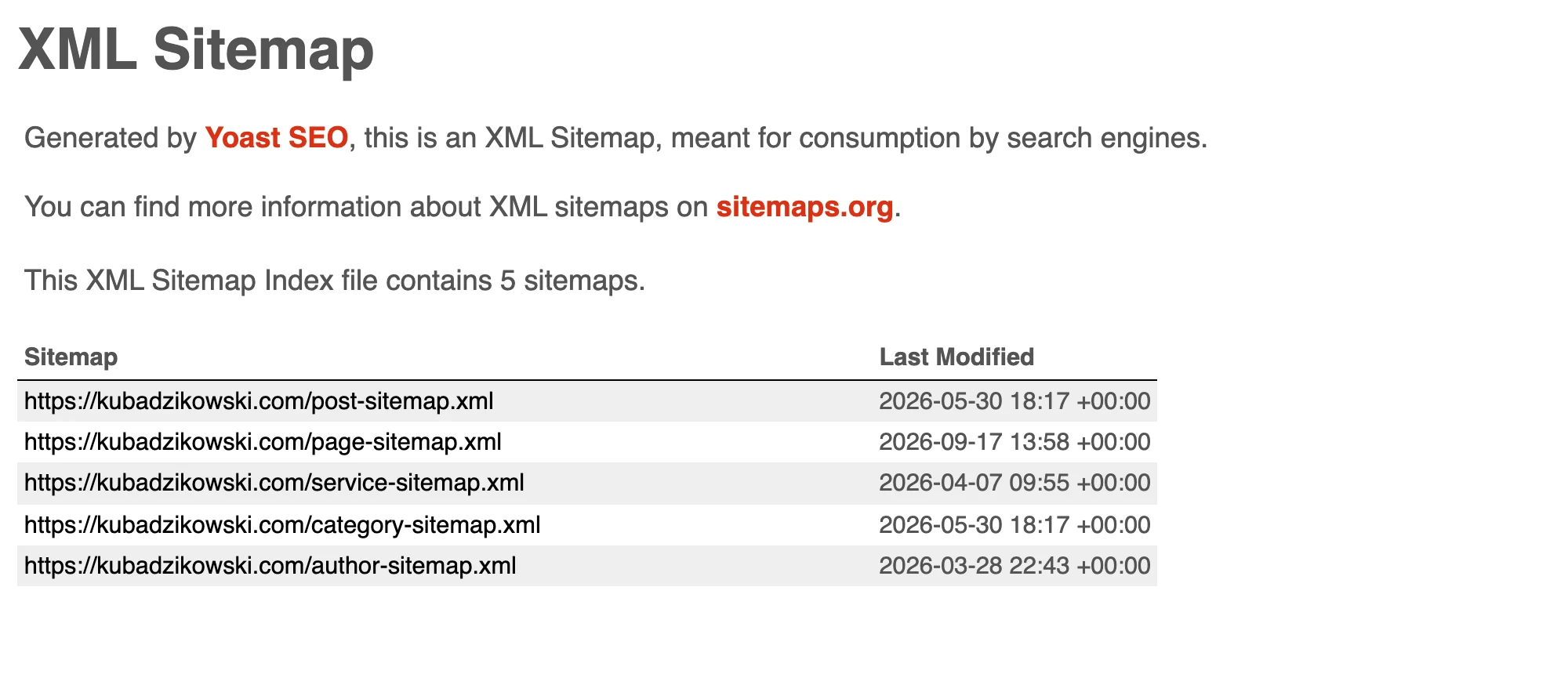
Tracking parameters should usually not be indexed as separate URLs. Most often, the right solution is to point them via canonical to the clean version of the URL and avoid linking to such variants within the site. They are also not added to the sitemap. This gives the search engine a clear signal as to which URL is the primary version.
With filters, sorting and pagination, everything depends on what the end result should be. If a filter creates a useful, stable set of products or content that answers specific user needs, such a URL may be justified. However, if a given combination is random, extremely narrow or shows almost the same as the main version, it is wiser to point canonical to the parent URL or limit indexing. Not every technically available combination should be a page for Google.
Sorting is a good example of a parameter that often changes the order of results but does not add new substantive value. On many sites, variants such as price_ascending or newest are better kept out of the index and treated as an interface setting. The list/grid view toggle works in the same way. It is a convenience for the user, not a separate subpage.
In practice, the canonical declaration alone is often insufficient, especially when a site at scale links to variants with parameters. The search engine then receives conflicting signals. That is why it is worth making sure that internal navigation, filters, breadcrumbs and pagination elements lead to the versions of URLs that are actually meant to be discovered and indexed. The sitemap should contain only canonical URLs or deliberately selected indexable variants.
It is also worth looking at indexing more broadly than just through the lens of SEO on-page. Parameters affect crawl budget, server logs and cache performance, so an excess of variants can cause harm even when some of them ultimately do not end up in the index. The best strategy is to limit the generation of unnecessary URLs at source, and only then organise the signals through canonical, meta robots and linking. That order delivers more predictable results.
What mistakes should you avoid when using URL parameters?
Most often the problem is mixing up parameter roles, that is, using some for tracking, others for filtering, and others again for controlling the application, without clear rules. As a result, the same type of data sometimes lands in the URL, sometimes in cookies, and sometimes in a script, which makes analysis and debugging difficult. Each parameter should have one purpose and one owner on the business or technical side.
A serious issue is also the lack of consistent naming. If one time utm_source=facebook appears, and another time utm_source=Facebook or fb, reports split this into separate sources. Such chaos damages attribution and makes it harder to compare campaigns over time.
It is also a mistake to multiply URL variants through any order of parameters, empty values or technical tags appended automatically by the system. For the user it is usually the same page, but for the search engine, cache and logs these are separate URLs. The more unnecessary combinations there are, the greater the risk of duplicate content and wasted crawling budget.
It is risky to place sensitive data, session identifiers or tokens in parameters that should not end up in the browser history, referrer or server logs. This also applies to links sent by email or through messaging apps. If a value is not meant to be publicly visible, do not pass it in the query string.
A common SEO mistake is leaving parameters without a clear decision on whether a given variant should be indexed or not. In practice, this results in an index filled with pages for filtering, sorting or internal search that add no value to organic results. The opposite approach can be just as costly, when variants that genuinely answer specific user intent are blocked.
On the technical side, the problem can also be a lack of post-launch testing. Parameters can trigger 404 errors, incorrect redirects, duplicate page views or weaker cache performance if the application treats every URL version as a new resource. A parameter should be tested not only in the browser, but also in analytics, logs, cache and indexing.
- 01Clear parameter roleOne purpose, one owner.
- 02Consistent namingA uniform convention, avoiding chaos.
- 03Variant minimisationAvoid empty, random, technical ones.
- 04Improved attributionClean data, better reports and analysis.
Defined roles, consistent names and simple URLs are the key to accurate analysis and data attribution.
How should you monitor and optimise URL parameter usage?
URL parameter usage is best controlled through regular reviews of server logs, analytics data, indexing reports and the real URLs generated by the site. The aim is to quickly catch new parameters, incorrect campaign tagging and uncontrolled URL combinations. Setting rules alone is not enough, because new parameters often appear when changes are made in the online store, CMS or advertising tools.
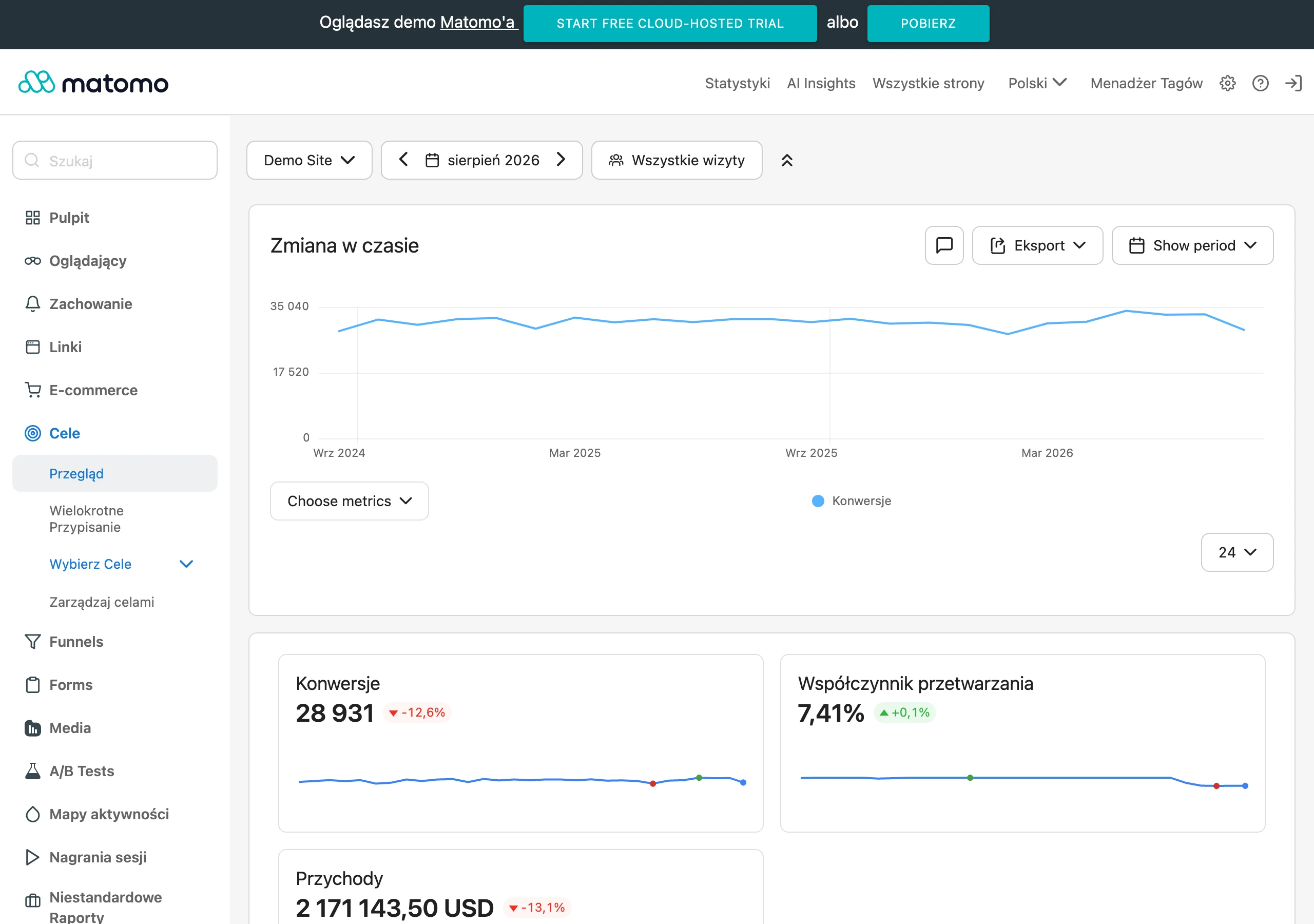
In analytics, it is worth checking whether campaign parameters are reaching reports as intended and whether they are not splitting one channel into multiple variants. The simplest warning sign is a sudden increase in the number of sources, mediums or campaigns with almost identical names. If the report shows several versions of the same source, fix the naming first, and only then analyse the results.
From an SEO perspective, you should monitor which URLs with parameters are crawled and which ones ultimately end up in the index. Server logs, reports from webmaster tools and analysis of the sitemap and internal linking help with this. If bots regularly visit variants that should not function independently, you need to go back to canonicals, indexing rules and the way links are generated.
Optimisation usually starts with standardising URLs. In practice, this means a fixed order of parameters, removing empty values, limiting the number of possible combinations, and keeping names and character encoding in order. The best result comes from reducing the number of variants before they are generated, rather than only after a problem has been detected.
It is also worth monitoring on an ongoing basis how parameters affect performance. When the same resource is available under many near-identical URLs, cache and CDN are usually used less effectively, and reporting and traffic analysis lose clarity. In such a situation, it is best to establish which parameters genuinely change the server response and which can be safely ignored or standardised.
The most practical approach is one based on regular audits of parameters after every major change to the website or campaigns. Such a review should be based on URLs from ads, newsletters, filters, pagination and the internal search. URL parameters do not harm a website all at once, but gradually, so regular monitoring is more important than a one-off tidy-up.
FAQ
Frequently asked questions
How do URL parameters added after the “?” sign work?
They are key=value pairs that pass additional context to the browser, application, analytics or server. When there is more than one, they are separated with “&”.
Can URL parameters change page content?
Yes, if they are content-related, for example with filters, sorting or pagination. Tracking parameters should usually not change the content, only be used for measurement.
Why can URL parameters cause SEO problems?
Because search engines may treat different variants of the same address as separate pages. This leads to duplication, diluted signals and unnecessary crawling.
When should a URL parameter not be indexed?
When it is used solely to measure traffic or only changes an interface setting and adds no value as a separate page. In such cases, a canonical to the main version or no internal linking to the variant is better.
What rules are worth following when tagging UTM?
You need to use one consistent naming scheme and not mix variants such as Facebook, facebook and fb. This keeps reports from splitting traffic into artificially different sources.
What mistakes are most often made when using URL parameters?
The most common are mixing parameter roles, inconsistent naming, generating unnecessary combinations and keeping sensitive data in the URL. A lack of post-launch testing is also a problem, which leads to 404s, redirects or duplicates.