

Owners of websites care about their sites being indexed quickly. As a result, it is important to become familiar with the concept known as crawl budget (budget indeksowania). It is relevant to both smaller and larger sites, although it most often concerns larger websites where there is a risk of various errors.
The budget mentioned above is closely related to crawling. In the ideal scenario, this involves Google sending out its bots to browse websites and then index the content found on them. Once such tasks have been completed, that content will be included in the search engine index.
As a result, it is important to make it easier for Google to find all relevant pages. That is why it is crucial to create sitemaps that make it easier for bots to find URLs, as well as to have the site’s information architecture structured properly.
In the case of smaller sites with up to a few hundred URLs, crawling happens quite quickly. However, if a site includes many thousands of subpages that are added regularly and updated every day, then it is important to determine what should be crawled and when.

Crawl Budget – what is it?
The concept of Crawl Budget is linked to two basic factors: Crawl Rate and Crawl Demand. It is therefore worth looking at them in more detail.
- 01Crawl rate limitPreventing server overload.
- 02Protecting performanceAvoiding too many requests.
- 03Site speedPerformance determines the pace.
- 04Indexing effectSlow sites = fewer analysed subpages.
Crawl Budget combines server speed with the request limit, affecting the number of subpages indexed by Google.
Crawl Rate Limit
The crawl rate limit was created so that Google does not crawl too many subpages of our site in too short a time. In this way the server of a given site is not overloaded. In other words, Crawl Rate Limit means that Google does not send too many requests that would make the site run more slowly.
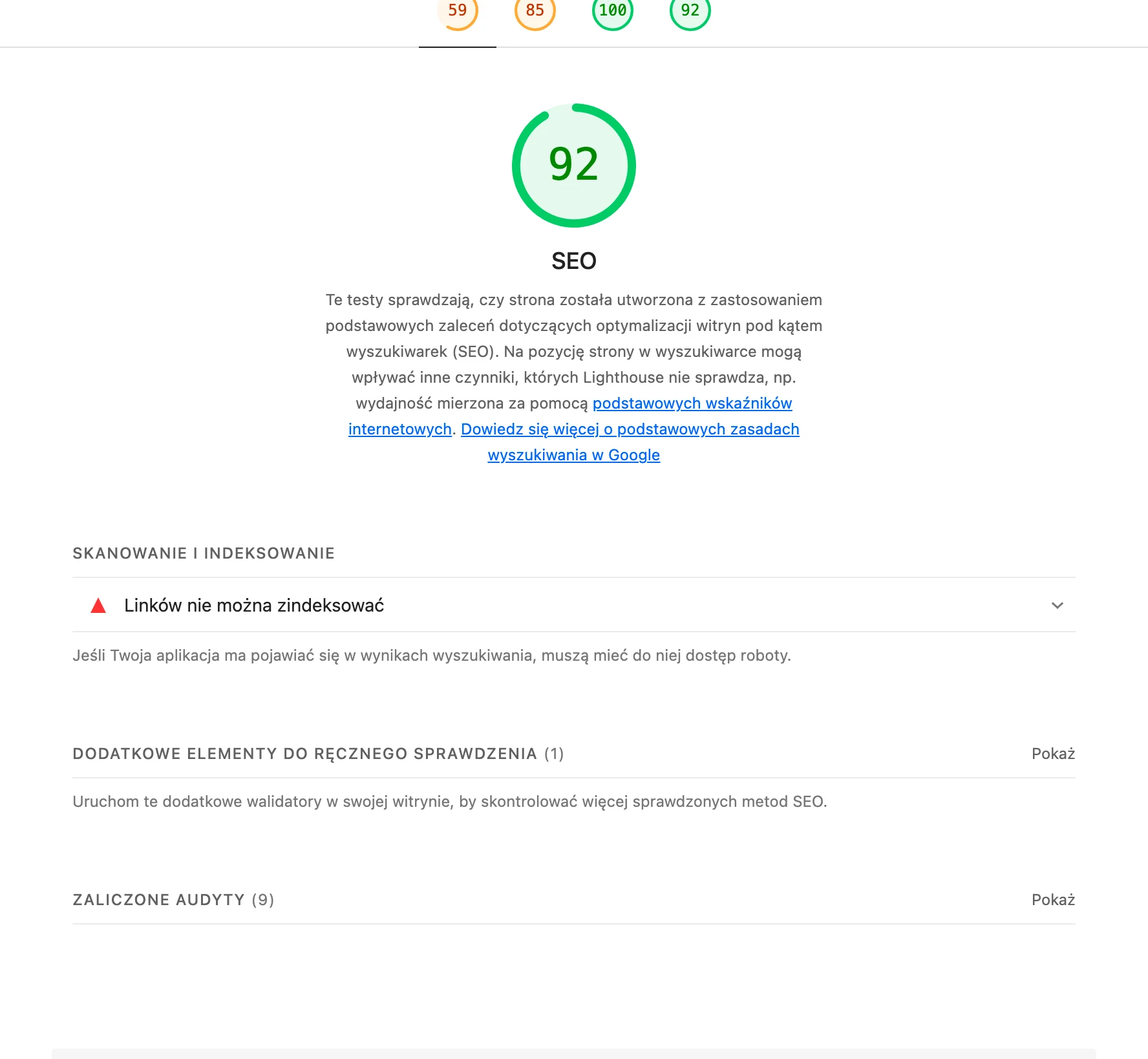
Of course, this factor also depends on how fast the site runs. A slow website and server mean that the crawling pace drops significantly, and the result is that Google analyses only a few subpages. The scope of indexing increases significantly for faster sites.
Crawl Demand
This term refers to indexing demand. If it is low for a given site, then the Google bot will not crawl it. According to information provided by Google, content that is updated on an ongoing basis and is popular has a higher value of this factor. This demand also depends on the popularity of the pages and on whether they contain up-to-date and original content.
*Based on the above concepts, it can be concluded that Crawl Budget is the number of subpages or URLs of a given website that are crawled by the Google bot, taking Crawl Demand and Crawl Rate Limit into account.
- 01Small sitesLow risk, few subpages
- 02Large e-commerceHigh risk, errors and redirects
- 03No indexingZero chance of SEO
Key message: Larger sites, especially e-commerce sites with technical issues, are most at risk of exhausting Crawl Budget and losing visibility in Google.
How does Google determine Crawl Budget?
Crawl Budget means the time and resources used by Google to analyse a given website. This can be expressed as the following equation:
Crawl Budget = Crawl Rate + Crawl Demand
Domain authority, backlinks, site speed, crawling errors and the number of landing pages are factors that affect a site’s Crawl Rate. Larger sites usually have a higher rate, while smaller and slower sites, and sites with an excessive number of redirects and server errors, are usually analysed much less often.
Google also determines Crawl Budget based on “Crawl Demand”. Popular URL addresses have a higher demand for crawling because Google wants to deliver the freshest content to users. Google does not like outdated content in its index, so pages that have not been analysed for some time also have a higher Crawl Demand.
A website’s Crawl Budget can change and is certainly not fixed. By improving hosting or site speed, you can make the Google robot analyse the site more often, knowing that it will not slow its performance for real users. To find out more about the current average Crawl Rate for a given site, you should check the Crawl Report in Google Search Console.
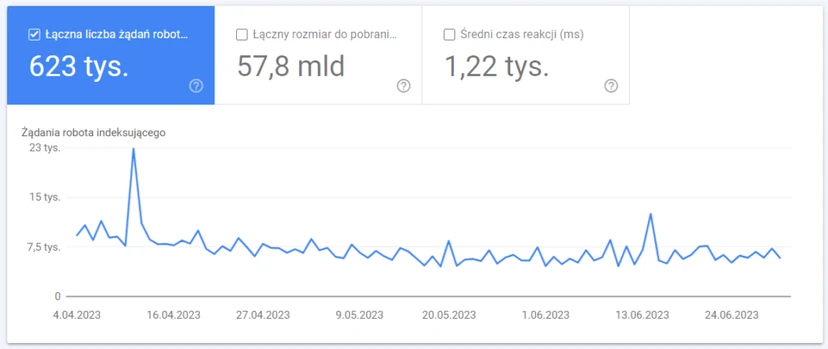
Should you worry about a website’s Crawl Budget for every site?
Smaller websites that focus only on SEO for a small number of landing pages do not need to worry excessively about Crawl Budget. However, larger sites, especially those that contain malfunctioning subpages and redirects, can reach their crawling limit quite quickly.
The greatest risk of exhausting Crawl Budget usually applies to sites that have tens of thousands of landing pages. Large e-commerce websites are in particular often exposed to a negative impact on Crawl Budget. Many large company sites have a significant number of landing pages that have not been indexed. This means zero chance of SEO in Google.
There are several reasons why e-commerce sites, in particular, need to pay closer attention to how their Crawl Budget is used.
- Many e-commerce sites are built from thousands of landing pages with products or with cities and regions in which they sell their products.
- These types of sites regularly update their landing pages when stock runs out, new products are added or other inventory changes occur.
- E-commerce sites that tend to create duplicate subpages (e.g. product pages) and session identifiers (e.g. cookies). Both of these cases are regarded as “low-value” URLs by the Google robot, which adversely affects Crawl Rate.
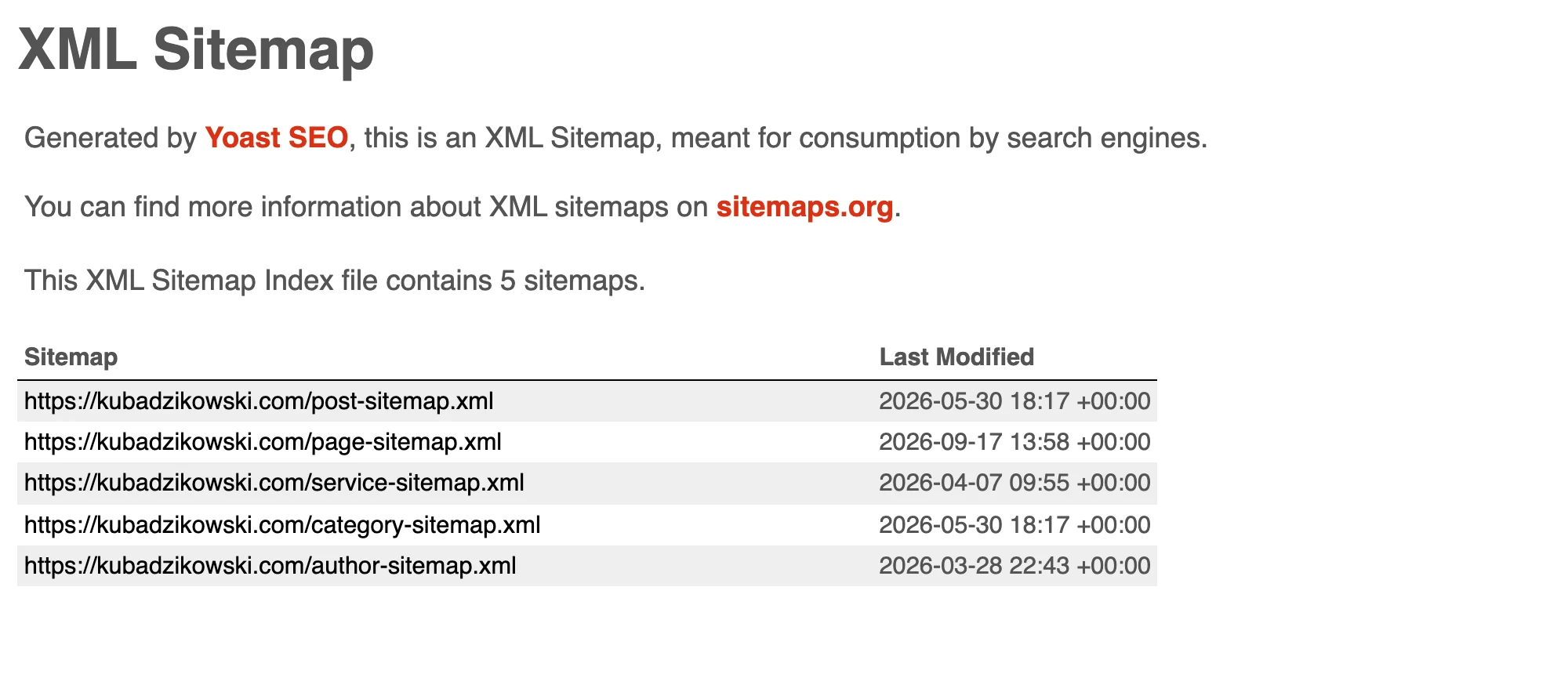
Another issue when it comes to the impact on Crawl Budget is that Google can increase or reduce it at any time. Although a sitemap (site map) is important for large sites in order to improve the crawling and indexing of their most important pages, this is not enough to make sure that Google does not use Crawl Budget on malfunctioning or low-value pages.
How do you take care of optimisation for Crawl Budget?
Although website owners can set higher crawling limits in their Google Search Console accounts, such a setting does not guarantee an increased demand for crawling or influence which pages are analysed by Google.
The natural solution seems to be making Google’s robot visit the site more often, but there are only limited optimisation methods that have a direct link to an increased Crawl Rate.
It is well known that in finance, good budget management does not mean increasing the limit of available funds. You simply need to plan your spending sensibly. Applying the same principle to Crawl Budget (indexing budget) can ensure better crawling for a website. Below are a few strategic steps to take to help Google use the Crawl Budget in a way that benefits the website.

Step 1: Establish which subpages are visited by Google’s robot
Until recently, the indexing report in Google Search Console informed website owners only about how many crawling requests their site received on specific days. Although Google’s new Crawl Stats Report provides more detailed information about crawling, the best way to understand how Google analyses a site is to familiarise yourself with server logs.
When Google visits a website, it uses a so-called user agent. This tells the server that the traffic is generated by Google’s robot rather than by a real user.
By analysing the content of server logs, website owners will gain a lot of information about the Crawl Budget for a given site. Such logs reveal several things:
- which pages the User-Agent visits,
- how many subpages the agent analyses per day,
- information on whether the analysed pages contain various errors – including 404.
The ideal situation, desired by website owners, is for Google to analyse landing pages that are optimised for the highest-value keywords. In addition, website owners should never waste budget on pages with 404 errors. Google Search Console shows only some of the 404 errors, but all of them can be identified thanks to logs.
Step 2: It should be accepted that not all landing pages need to be ranked in Google
The main reason why many business websites waste their Crawl Budget is that they allow Google to analyse every subpage.
Business and e-commerce website owners should know which subpages of their sites are optimised for conversion. Additionally, it is worth finding out which subpages have thin content or which we simply see in server logs as an unnecessary construct. It is great if a subpage fulfils business goals or builds a layer of expertise within our site, developing topical authority.
Next, every opportunity should be used to ensure that Google allocates the Crawl Budget precisely to such high-performing pages.
Landing pages with high conversion and ranking potential are worth allocating Crawl Budget (indexing budget) to. Below are a few tips to help ensure that Google includes such pages in the budget.
- Reducing the number of subpages in the sitemap. Focus only on the subpages that genuinely have a strong chance of ranking and attracting organic traffic.
- Removing poorly performing or unnecessary subpages. You need to remove those subpages that do not bring any value in the SERP.
It is difficult for every website owner to let go of any content. However, it is much easier to prevent Google from analysing specific pages than to increase the overall Crawl Budget. Cleaning up the site so that Google’s robots are more likely to find and index the best content is the main priority for anyone who wants to use their Crawl Budget sensibly.
Step 3: Use internal linking to show Google’s robots the best subpages
After establishing which subpages are analysed by Google and pruning poorly performing subpages, changes should be made to the sitemap. This will make Google’s robots more likely to use the budget on the right subpages.
To genuinely maximise such a budget, websites must have everything necessary for SEO. On-page SEO activities are key, but a more advanced technical strategy is to use the structure of internal linking to boost pages with strong potential.
In SEO, the PageRank sculpting strategy is well known. When running a large website with thousands of landing pages, an advanced specialist can conduct SEO experiments in order to optimise the internal linking profile of the site to improve PageRank.
For a new website, you can gain an advantage by taking PageRank sculpting into account in the site architecture and paying attention to site value for every landing page you create.
Below are two effective strategies for analysing pages to determine which will deliver the greatest benefits as a result of PageRank sculpting.
- You should look for subpages that generate good traffic but have weak PageRank. You need to find ways to give such pages more internal links.
- You should focus on subpages that have many internal links, but do not generate much traffic, search results impressions, and are ranked for few keywords. Pages with many internal links usually have high PageRank. If PageRank is not being used to generate organic traffic on the site, then it is wasted. It is better to pass that PageRank to pages that perform better.
Understanding the role played by each link on a website includes not only sending the Google bot to different subpages, but also takes into account the distribution of link value. This is the final stage of Crawl Budget optimisation.
Creating a proper internal linking structure can significantly improve the SEO of revenue-generating subpages.
FAQ
Frequently asked questions
how does Google determine crawl budget for a website?
Google takes two elements into account: Crawl Rate and Crawl Demand. The budget is influenced by factors such as domain authority, backlinks, site speed, crawling errors, and the popularity and freshness of content.
does every website need to worry about crawl budget?
No, small sites with a few hundred URLs usually do not need to worry about it too much. Larger sites, especially those with many pages and errors, can exhaust their limit more quickly.
why does a slow site have a worse crawl rate?
Because a slow website and server mean Google analyses fewer pages in the same amount of time. The Crawl Rate Limit is designed to protect the server from overload, so crawling slows down when performance is weaker.
what most harms crawl budget on a large online store?
Duplicate pages, session IDs, redirects and server errors are particularly harmful. Such URLs are of low value to Google and can consume budget that should go to more important pages.
how can you check which pages Google actually crawls?
The best source is server logs, because they show traffic generated by Google’s user agent. The Crawl Stats report in Google Search Console is also helpful, as it provides more detailed information about crawling.
how can you optimise a site for crawl budget without increasing the limit in Search Console?
You need to focus on removing unnecessary and poorly functioning pages, and on improving your sitemap structure and internal linking. This makes it easier for Google to direct budget to the highest-value pages.