
How Discord works as a communication platform
Discord functions as a server-based platform (communities) with text and voice channels that organise conversations and access to content. A Discord account is your identity, and a server is the place where you grow a brand community (e.g. “Customer club” or “Beta testers”). It is often compared to Slack, but in practice it is more “community-first” and better supports informal interactions and fan culture. From a marketing perspective, the key is to separate a public server (acquisition) from a private one (VIP, customer onboarding) and connect them with roles and restricted invitations.
The core of the experience is different channel types, each serving a different communication purpose. Text channels work great as evergreen content (FAQ, announcements, resources), while voice channels make meetings, consultations and “coworking” easier. Stage Channel is a good fit for webinars and AMAs, because it allows you to control who speaks (speakers) and who listens (audience). To stop discussions from turning into chaos, it is worth using threads and forum channels, which work like a mini knowledge base of questions with tags and search.
- Roles and permissions work like tags: they let you segment your audience and direct messages to specific groups without “spamming everyone”.
- Events make it easier to plan meetings, reminders and attendee lists, which supports recurring webinars or support office hours.
- Notifications are worth limiting (e.g. by not overusing @everyone/@here) and basing them on roles such as “I want webinar notifications”.
- Discord is free for users, and servers can operate without fees, but some upgrades depend on “Server Boosts” (e.g. stream quality limits, benefits such as better audio or more emoji).
- In practice, file uploads are usually 8 MB per file (more with Nitro), so for assets it is worth planning the formats and distribution method.
Servers are usually discovered through invitation links, directories (e.g. Disboard.org, Discord.me), social media and recommendations. If you ask “does Discord have SEO?”, in practice traffic is primarily referral-based, which is why a well-described invitation, landing page and consistent CTA across other channels matter. As a result, Discord rarely builds reach on its own, but it can effectively close funnels thanks to relationships and fast interaction. It is a space where a user stays longer when they see value in the conversation and access to the right people.
- 01Your Identity and CommunityThe account is the identity, the server is the brand space
- 02Servers and ChannelsText and voice organise content
- 03“Community-first” cultureSupports informal interactions and fans
- 04Marketing strategySeparate public from private, connect with roles. Public (Acquisition), Private (VIP/Onboarding)
Discord combines the user’s identity with brand community building through flexible servers, channels and accessibility strategies.
Building a brand community on Discord
Building a brand community on Discord comes down to launching a server with a clear “reason to meet” and designing it so it supports relationships, support and ongoing value. Discord works best when the server is not just a promotional channel, but a place for learning, networking, hobbies or genuine help. The best results are usually achieved by brands that treat the server like a product: they have onboarding, community rituals, recurring events and fast responses. Such a setup shortens decision time, because people can see real product use and recommendations from others in a specific context.
A practical foundation is to divide the space and communication so that the user does not feel overwhelmed, while still having a clear next step. In marketing, it is worth separating a public server (entry and discovering value) from a private one (VIP, customer onboarding) and connecting them with roles and restricted invitations. Roles are the “heart of personalisation” here, because they allow segmentation and directing messages to selected groups without mass pings. This makes it possible to build an experience tailored to the audience even without a classic CRM, using roles like tags.
For a community to grow in a healthy way, it is crucial to keep conversations organised and consistently deliver value on an ongoing basis. Threads help keep discussion “under one topic”, and forum channels make it easier to collect questions and issues with tags and search. Events support recurring meetings and reminders, and with a larger number of messages it is better to limit @everyone/@here and base notifications on topic-based roles. In practice, it is consistency (meetings, office hours, Q&A) and a simple route to getting help that build retention and make Discord a real marketing channel rather than “just another chat”.
Marketing strategies and lead generation on Discord
Marketing strategies on Discord work best when they lead the user from conversation to a specific business action (e.g. trial, consultation, purchase) without “feed-style” spamming. You can base lead generation on content available after taking on a role, for example a resources channel unlocked after leaving an email in Typeform or Google Forms and assigning a role manually or automatically. Qualification is sped up by a short onboarding survey (industry, budget, goal) and roles such as “B2B”, “E-commerce” or “Student”, which organise further communication. In practice, roles work like tags, so they let you deliver tailored content without irritating the whole community.
You can build expert positioning on Discord fastest by running recurring AMA (Ask Me Anything) sessions “live” in response to real user problems. A good format is a 60-minute session on Stage, and it is worth collecting questions in advance in a forum with tags so the discussion does not drift off topic. You can structure events and webinars as a series (e.g. 4 weeks at a fixed time) and collect RSVP through Events, which makes steady growth easier without one-off bursts. A product demo in a voice channel with screen sharing lowers the entry barrier, and you can then share the recording in a dedicated channel with restricted access.
You should plan an ambassador programme and a community-led launch so that they can be measured and scaled without chaos. You can give ambassadors a role with benefits (e.g. access to closed Q&As, early versions, discounts) in exchange for referrals, and track the results with unique invite links per person and tools such as Invite Tracker. A launch works well as a sequence: countdown, sneak peeks and a waitlist with the “Early Access” role, and on launch day a time-limited offer only for that role (e.g. a coupon code). If you want to refine the offer faster, collect feedback in a forum with tags (e.g. “bug”, “idea”, “UX”) and close threads with a short summary of the decisions.
- 01Conversion strategyConversation to action (e.g. trial)
- 02Lead generation through contentResources for email (role)
- 03Qualification and segmentationRoles as tags (e.g. B2B)
- 04Building expertiseRecurring live AMA
Turn the community into customers through targeted communication, segmentation and valuable interactions, building authority without spam.
Designing a server for effective marketing
Designing a server for effective marketing comes down to creating a simple structure and onboarding path that shows value and the next step in the first minute. At the start, 8–12 channels work best, and it is worth expanding only on the basis of real conversations and community needs. The “Start” channel should explain in 30–60 seconds: who the server is for, what I will get here and what I should do next (e.g. click a reaction, choose roles), acting like a landing page. Add a clear CTA (e.g. a link to the offer or demo) and a short “How do I get help?” section so the user does not get stuck on entry.
- Minimal setup to start with: #start-here, #announcements, #faq, #introduce-yourself, #questions, #feedback, #off-topic, plus 1–2 topic-specific channels related to the offer.
- Self-select roles (e.g. “SEO”, “PPC”, “E-commerce”) make personalisation easier and can unlock dedicated channels and expert office hours.
- Keep the #announcements channel in a “low noise” format: only key updates, launches, webinars and links to resources, and base distribution on roles to reduce notification fatigue.
An effective marketing server should balance the visibility of public content with control over access to premium value. Some channels can serve as a “bait” (public), while others remain available only after a role is assigned, for example #case-studies or #templates for people who have passed form verification and received the “Newsletter subscriber” role. Branding also makes a difference: a consistent name, icon, banner and “Server Description” as a short, specific claim make it easier to click the invite and choose the server in directories. At the same time, set the joining rules and enable “Membership Screening” so the user accepts the terms before seeing the channels, which genuinely reduces spam at the start.
Support and sales on Discord work best when they are designed as a process rather than a stream of random chat conversations. You can structure support like a “help desk”: a #help channel with threads per issue or a ticket bot, so that matters do not get lost and can be sensibly categorised (e.g. “payments”, “implementation”, “bug”). FAQ should not be a wall of text, but a collection of short sections with links and an index, and for SaaS models the #faq (brief) + #how-to (step by step) + forum “Problems” with tags and solutions setup works well. Drive sales through consultations and resources (“leave a question and we’ll advise”), rather than aggressive private messages, because that lowers trust and retention.
Using events and webinars on Discord
Events and webinars on Discord are easiest to turn into results when you plan them as a recurring cycle with a clear rhythm, rather than one-off actions. The Events feature lets you set up meetings with reminders and an RSVP list, which helps to build the habit of showing up in the community. A good practice is a regular series (e.g. 4 weeks at the same time), so that you grow organically and without communication “spurts”. To avoid irritating the community, limit pinging @everyone/@here and base notifications on roles such as “I want webinar notifications”.
Webinars and Q&A sessions are best run in a Stage Channel, because you can control who speaks (speakers) and who listens (audience). When the goal is a product demo or a consultation, a voice channel with screen sharing works well, as it has a lower barrier to entry than classic webinar tools. After the meeting, it is worth moving the knowledge into an archive so that the server is not only a “here and now” chat. Even if there is no recording, a summary in the form of 5 takeaways and links helps people who were absent quickly catch up on the key points.
- 01Regular series and rhythmRecurring cycle, clear rhythm.
- 02Dedicated rolesFewer pings, more sign-ups.
- 03Stage channelPresentation mode, speaker control.
The key is to build the habit of showing up through a regular rhythm, not one-off actions.
Tools and automations supporting marketing on Discord
Tools and automations on Discord genuinely support marketing when they take the burden of moderation, handling questions and distributing content off the team, while at the same time not adding “noise” in the channels. For automatic moderation, reactions and logs, bots such as Dyno and Carl-bot are often used, while MEE6 is sometimes implemented for levels/XP (with some features being paid). When order in support tickets becomes a priority, Ticket Tool can turn Discord into a mini helpdesk: the user clicks a button, and the bot creates a private channel for the issue visible only to support. This makes it easier to measure response times and categorise topics sensibly (e.g. “payments”, “implementation”, “bug”), instead of digging through scattered chat threads.
Planning recurring meetings is made easier by Sesh, which handles RSVP and reminders across several time zones, which is very important in international communities. Surveys and data collection can be based on emoji reactions or simple polls, and for more advanced research you can use Typeform, Google Forms or Tally and on that basis assign roles resulting from the answers (e.g. “Interested in an audit”). To connect Discord with CRM and marketing automation, use Zapier or Make, and for security restrict webhook permissions and keep integrations on a separate technical account with 2FA. Webhooks can also automatically publish posts from the blog, YouTube or a status system in the updates channel, and adding UTM parameters to links helps to check whether the community is actually generating traffic.
It is a good idea to complete automations with verification and source tracking, because this protects the quality of the server and makes a reliable assessment of marketing activities easier. Verification bots can require a button click, a short quiz or email confirmation, which reduces bot raids, and protection can additionally be strengthened with Discord security settings (e.g. verification levels and DM blocks). Separate invite links for campaigns (e.g. newsletter, partner) with an expiry date or a usage limit help in acquiring and analysing growth channels. Tools such as Invite Tracker make it easier to check which sources bring in active members, rather than just “empty” joins.
Analysing and measuring marketing results on Discord
The effects of marketing on Discord are best measured through activity, retention and conversions into business actions, rather than by the number of members alone. Built-in Discord Insights (for larger servers) allows you to assess, among other things, active members, retention and growth, which answers the question “is the community alive?”. Set baseline KPIs such as weekly active users (WAU), the number of new active users after 7 days, and the average number of messages per active user. Do not treat the number of members as the main goal, because it is a vanity metric — the key are behaviours that genuinely support sales and retention.
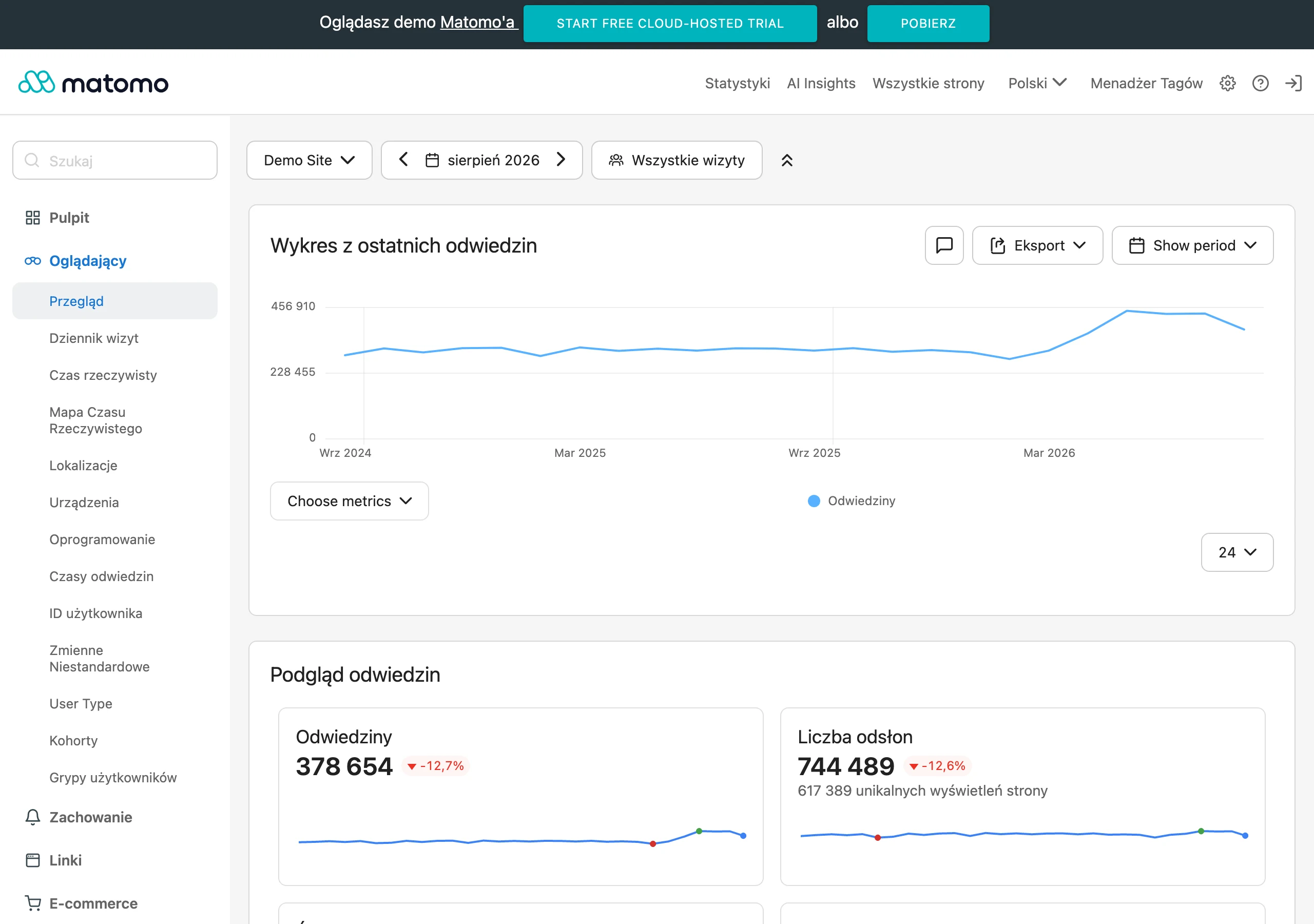
Conversions from Discord are easiest to track through UTM parameters and, in e-commerce, discount codes assigned to a role. Add UTM parameters to links leading to the landing page (e.g. utm_source=discord&utm_campaign=ama) so that in GA4 you can see what impact the server has on traffic and user actions. If you sell products, use discount codes available exclusively to the “Discord” role, so you can count sales without complicated integrations. It is also a good idea to assess the quality of the community through the role structure, e.g. the share of customers, trial users, potential customers and partners, in order to distinguish “random traffic” from the right target group.
To make metrics genuinely support decisions, map out the onboarding funnel and test the elements that keep the user on the server. Such a funnel may look like this: entry → acceptance of the rules → role selection → first message → participation in an event → business action (trial/consultation/purchase), and drops at a specific stage indicate what to improve in the structure and messaging. A/B tests can be done simply by changing the copy in onboarding for 2 weeks and comparing metrics, e.g. the rate of role selection or CTR in links from the pinned message. In the monthly report, show growth, activity (WAU/MAU), top channels, top events and conversions, and also add 2 insights and 2 decisions for the next month, so that community management is “product-led”.
Managing security and moderation on Discord
Security and moderation on Discord are managed most efficiently when you establish the team roles, response thresholds and enforcement rules in advance, rather than acting “on emotions”. The moderation policy should specify who makes decisions and when you apply a warning, mute or ban, which helps maintain a stable server atmosphere. If you are considering how many people are needed, a sensible starting point for an active server is 2–4 moderators on rotation and one person responsible for the community plan and content. In addition, enable Discord security settings, such as the appropriate verification level (e.g. requiring a verified email), as well as the content filter and spam protection.
You can reduce the risk of phishing and scams by educating the community and blocking the most common attack vectors used against new users. Typical threats include fake “giveaways” and links masquerading as logins, so it is worth having a pinned post “How to spot a scam”. Clearly communicate the rule: the team never asks for passwords, 2FA codes or payments in private messages. In practice, restricting link posting by new users for the first few minutes/hours and logging moderation events genuinely reduces attacks and makes incidents easier to explain.
Compliance and operational order are easier to maintain when you combine DM rules, legal requirements and crisis procedures into one clear operating framework. Introduce a policy banning unsolicited sales messages and harassment in DMs, as well as a clear reporting route, because a sense of safety translates into retention and event participation. If you collect data through forms (e.g. emails), you need a legal basis, an information notice and a clearly defined purpose, and when integrating with a CRM you are responsible for data flow compliance and the retention period. Stick to the principle of least privilege for bots (not everyone needs Administrator), enable 2FA for admins and prepare a “runbook” for crises, including short, rapid messages and temporary restrictions (slowmode, link blocking).
FAQ
Frequently asked questions
How does Discord work as a communication platform in marketing?
Discord is based on servers with text and voice channels that organise conversations and access to content. In marketing, it works best when it serves relationship-building rather than publishing more posts to everyone.
Why is it worth designing a Discord server like a product?
Because then it immediately shows value, has clear onboarding and guides the user towards the next steps. This setup supports retention, regular activity and faster access to help.
Which channels are best to add first to a marketing server?
At the start, 8–12 channels works best, and in a minimal setup this includes #start-tutaj, #ogloszenia, #faq, #przedstaw-sie, #pytania, #feedback and #off-topic. It is worth expanding only after real conversations and community needs emerge.
Is Discord suitable for lead generation?
Yes, if the content or access to channels is linked to roles and a simple form. The article also describes qualification through a short onboarding survey and roles that organise further communication.
How can events and webinars be used on Discord?
It is best to plan them as a recurring cycle with reminders and a participant list in the Events function. Webinars and Q&A sessions are well run on Stage Channel, because it lets you control who speaks and who listens.
Which automations help with marketing on Discord?
Bots for moderation, tickets, RSVP, polls and assigning roles after form responses are useful. Integrations with CRM and marketing automation, as well as separate invite links for tracking traffic sources, are also helpful.