
Log file analysis in an SEO context is a practical way to check how search engine bots actually move around a site. It does not rely on declarations from reporting tools, but on the raw HTTP requests recorded by the server, CDN or proxy. This makes it possible to determine precisely which URLs are genuinely visited, which are being skipped, and where the bot wastes resources on low-priority URLs. It is one of the few data sources that shows a bot’s actual behaviour at the level of a single request. In practice, this kind of analysis is especially useful for large sites, stores, migrations, filters and indexing issues. The biggest value lies not in spotting one incorrect URL, but in identifying repeatable patterns that hold back the growth of entire sections.
What is log file analysis for SEO?
Log file analysis for SEO involves examining raw access logs to determine which URLs search engine bots actually visit, how often they do so and what responses they receive from the server. This refers to logs from the web server, CDN, load balancer or reverse proxy, not data coming solely from panels such as Search Console. This is an important distinction because a report may flag something, whereas the log confirms whether the bot actually reached the given address.
In practice, this kind of analysis answers several very specific questions. Does the bot regularly visit pages that should not be indexed. Are important product pages, categories or articles crawled too infrequently. The most important point is detecting the gap between what you want in the index and what the bot actually sees and processes.
Logs alone are not enough if you do not compare them with SEO data about URLs. That is why each request should be linked to the indexability status, robots.txt, meta robots, canonical, sitemap, template type, internal linking, parameters, pagination or hreflang. Only then can you see whether the problem is strictly crawl budget, an incorrect architecture, misleading canonical signals or technical inaccessibility.
The result of a solid analysis is not a list of random addresses, but repeatable patterns visible at the level of sections and templates. It often turns out that the bot is massively crawling filters, parameters and duplicates, while missing the pages that matter most from a business perspective. It is these patterns, rather than individual URLs, that usually determine the scale of the problem and the priority of fixes.
The final result should be suitable for implementation, rather than limited to diagnosis alone. A good analysis provides a map of the site’s problematic areas, a list of the highest-priority fixes and a plan for verifying whether the bot has started to work more efficiently after implementation. This makes it possible not only to identify an indexing issue, but also to confirm that it has been genuinely reduced.
- 01Data sourceRaw server, CDN and proxy logs (not just Search Console)
- 02Bot traffic analysisAnalysis of visits, frequency and server responses
- 03Reality checkVerification of whether the bot actually reached the address
- 04Detection of unwanted visitsRegular visits to non-indexed pages
- 05Identification of crawling that is too infrequentImportant pages visited too rarely
The main goal: detecting the gap between the expected index and the bot’s actual behaviour.
What are the key stages of log file analysis?
The main stages of log file analysis include collecting the right data, confirming the authenticity of bots, combining logs with SEO metadata, evaluating crawling patterns, diagnosing problems, setting priorities and verifying the effects after implementation. Each of these elements affects the accuracy of the conclusions. If any step is omitted from the process, it is easy to make decisions based on incorrect assumptions.
- Defining the scope of the analysis — at the outset, you need to determine the log sources, hosts, environments, time range and sections of the site that are to be assessed. Without this level of clarification, it is easy to end up analysing incomplete data or data that is of little business relevance.
- Collecting and merging logs — logs often come in from several layers of infrastructure, for example from the CDN and the origin server. They need to be standardised, the format needs to be organised and time zones aligned; otherwise, interpreting response codes and visit frequency can lead you astray.
- Bot verification — not every user-agent with Googlebot in its name actually belongs to the search engine bot. If needed, authenticity is worth confirming at DNS level or by infrastructure ranges, because relying solely on the user-agent is a common and costly mistake.
- Enriching URLs with SEO data — each request is best linked to the HTTP status, page type, canonical, noindex, robots.txt, sitemap and internal linking. This makes it possible to see not only that the bot visits a URL, but also whether those visits are justified.
- Analysing crawling patterns — this is where visit frequency, distribution across directories and templates, the share of 2xx, 3xx, 4xx and 5xx responses, and the length of redirect chains are checked. This is the stage where parameters, filters, duplicates and unstable server responses usually come to light.
- Diagnosing indexing gaps — you need to identify important URLs that are visited rarely or missed, as well as orphan pages and resources needed for rendering. This step makes it possible to see where the site is losing the opportunity for effective indexing.
- Prioritising fixes — not all problems carry the same weight. First in line are the issues that generate frequent 4xx and 5xx responses, incorrect redirects, bad canonicals, noindex on important pages or endless parameter combinations.
- Implementing changes — fixes may involve robots.txt, meta robots, canonicals, sitemaps, HTTP statuses, internal linking, parameter handling, templates or the CDN layer. A good practice is to assign each problem to a specific implementation owner.
- Post-implementation validation — after changes, it is worth going back to the logs and comparing pre- and post-implementation patterns. Only then can you see whether unnecessary crawling has been reduced and whether key sections have started to be visited more often.
The biggest problems usually start already at the input data stage. If you look at just one day or logs from only one layer, the conclusions can be misleading. Reliable analysis requires a representative period and clarity on whether you are assessing responses from the CDN, from the origin, or from both sources at the same time.
The second key element is segmentation. Simply counting bot hits adds little value if you do not break the addresses down by page type, directory, template, parameters and business value. This kind of split makes it easier to separate standard crawling from technical noise and more quickly points to the adjustments that will deliver a real effect.
The final stage should end with a concrete action plan. Each problem is worth describing as a pattern: cause, impact, recommended change, implementation owner and the method for confirming the improvement in subsequent logs. Only then does log analysis become a decision-making tool rather than just a technical report.
What indexing problems can be detected?
Log analysis makes it possible to check which indexing problems are actually appearing in bot traffic, rather than merely looking suspicious in reports. You can see whether the bot reaches the right URLs, how often it returns to them and what responses it receives along the way. The most valuable insight usually concerns the mismatch between pages that are critical for the business and the pages that the bot actually crawls.
It often turns out that crawl budget is being wasted on URLs that should not be absorbing search engine attention. These are usually filters, parameters, search results, empty listings, duplicates, technical pages or endless combinations of addresses. If such areas generate a large number of requests, important categories, products or articles can end up being visited too rarely.
Logs can also clearly expose gaps in coverage of important pages. This refers to cases where a URL is indexable and should be visible in Google, yet the bot hardly visits it or does not reach it at all. In practice, the cause is often weak internal linking, incorrect pagination, orphan pages, an incorrect canonical or changes after a migration.
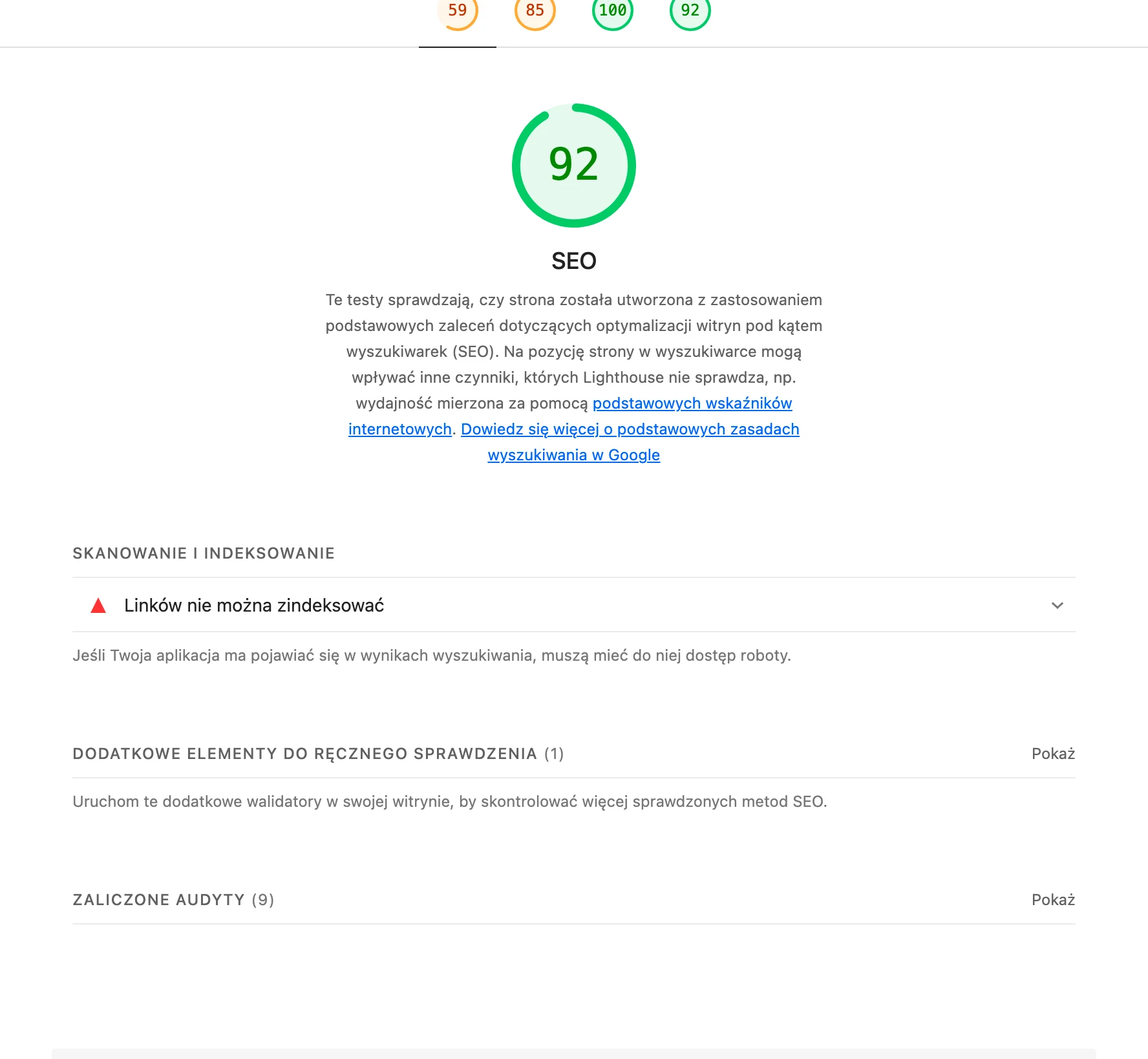
Another group consists of technical problems that make it harder, or even impossible, to process the page. In logs, you can see a high share of 4xx and 5xx responses, temporary outages, timeouts, unstable statuses and long redirect chains. If an important section regularly returns errors or several redirects appear along the way, indexing slows down even when the content remains correct.
You can also catch conflicts between SEO signals. A typical case is pages that are visited often despite a noindex directive, addresses blocked in robots.txt that are still heavily linked, or URLs with a canonical pointing to a different version than the one promoted in the sitemap. Such inconsistencies do not always manifest as one clear error, but they can disrupt the consistency of indexing across the entire section.
In practice, logs also help to spot rendering issues. This applies in cases where the bot does not fetch CSS, JS or other files required to assemble the page view correctly. This is particularly important on JavaScript-based sites, where lack of access to resources can cause the bot to “see” the page differently from the user.
- 01Analysis of real bot trafficChecking whether the right URLs are being reached
- 02Wasting crawl budgetFilters, parameters, duplicates absorbing attention
- 03Insufficient crawling of key pagesImportant categories and products visited too rarely
Logs reveal real discrepancies between the pages that matter to the business and what bots are actually crawling.
What data is essential for effective log analysis?
For log analysis to make sense, you need raw HTTP request data and the ability to connect it with SEO metadata for each URL. Data from a crawler, sitemap or webmaster tools is often not enough, because it does not show the full request flow or how the server actually responds. Without raw logs, it is hard to separate a real crawling problem from a misread report.
- timestamp, i.e. the exact time of the request,
- client IP,
- HTTP method,
- host,
- path or full URL,
- HTTP response code,
- user-agent.
This is the basic set you can start with. Referrer, response size and request handling time also add a lot, because they help assess redirects, delays and performance issues.
The origin of the logs is no less important. If the site runs behind a CDN, WAF, load balancer or reverse proxy, you need to establish whether you are analysing the response from the edge layer, from the origin, or from both at the same time. Otherwise it is easy to draw the wrong conclusion that the bot is receiving the correct status, when the problem occurs at a different layer of the infrastructure.
The hit list alone will not tell you much if you do not know what a given address is from an SEO perspective. That is why logs should be cross-referenced with information on indexability, robots.txt, meta robots, canonical, sitemaps, template type, click depth, internal linking, parameters, pagination and hreflang. Visits alone, without context, will not show whether the bot is landing where it should or just circling around technical noise.
You also need to make sure bot identification is reliable. A user-agent alone is not sufficient proof, because it can be spoofed with ease. For important analyses, it is worth verifying the bot’s authenticity via DNS or infrastructure ranges, and filtering out test traffic, monitoring and non-search-engine automation.
The time horizon matters too. For a reliable diagnosis, you need a representative period covering normal traffic and moments of technical change, such as a migration, the implementation of new canonical rules or a filter rebuild. Analysing a single day usually gives only a snapshot and often leads to misplaced priorities.
Finally, data completeness for all important URLs is key. If you do not have a list of pages that should actually be crawled and indexed, it is hard to identify the ones being skipped. In practice, only combining logs with a full map of relevant addresses makes it possible to clearly decide what to fix first and how to confirm the effect in subsequent logs.
What mistakes should you avoid when analysing logs?
Among the most common pitfalls in log analysis are conclusions drawn from incomplete data, misidentifying bots and assessing hits on their own without SEO context. When logs come from only one layer of the infrastructure, it is easy to get a distorted picture. The response from the CDN will behave differently from the origin, and differently again on the way through a WAF or reverse proxy. Without establishing which layer records a given HTTP status, it is easy to arrive at the wrong diagnosis.
Another common mistake is relying solely on the user-agent. In logs, traffic impersonating Googlebot or other crawlers appears regularly. If you do not filter out such requests or, for important analyses, confirm bot authenticity, you may overstate the scale of crawling or look for a problem where there is none.
Analysing too short a time window can also be misleading. One day or just a weekend can show a random pattern rather than the real behaviour of bots. To make sensible decisions, you need a period that covers normal traffic and moments of technical changes, migrations, deployments or availability issues.
In practice, it is also harmful to treat URLs only as individual addresses. The most visible problems emerge at the level of directories, templates and parameters, because that is where excess crawling most often arises. When you look only at individual pages, it is easy to miss a pattern such as: an entire filter module generates thousands of requests, while key category pages are visited too rarely.
A serious mistake is also separating logs from data on indexability and the site architecture. The mere fact that a bot visits a URL does not yet determine whether it should visit it, whether it may index it and whether it receives the right signals. It is worth cross-referencing logs with information on robots.txt, meta robots, canonicals, sitemaps, internal linking, template type and response status. Only then does the gap between the SEO plan and the bots’ real behaviour become visible.
You also need to be careful with over-simplified conclusions like “let’s block this in robots.txt and the problem will go away”. A block may limit crawling, but it will not fix broken internal links, duplication or bad HTTP statuses. Likewise, noindex is no substitute for a correct canonical, and canonical will not solve a chain of redirects or 5xx errors.
The final common mistake appears after the analysis, namely a lack of validation of changes. If after deployment you do not go back to the logs, you cannot be sure whether the bot has actually stopped wasting resources on unnecessary sections and whether it visits important pages more often. A good analysis is only complete when subsequent logs confirm a change in crawling patterns.
- 01Incomplete dataLack of a full picture.
- 02False botsImpersonating crawlers.
- 03Assessment without SEO contextIgnoring the broader context.
The key to a correct diagnosis is comprehensive analysis and verification of the authenticity of the data.
How to implement changes after log analysis?
Changes resulting from log analysis are implemented according to their real impact on crawl and indexing, rather than what is easiest to “deliver” technically. First, you remove the barriers through which the bot wastes the most requests or fails to reach key subpages. These are most often 4xx and 5xx errors, extensive redirect chains, parameters creating endless combinations, incorrect canonicals, and sections of the site generating large amounts of technical noise.
A good process starts by turning the findings from the analysis into a concrete task backlog. Each item should describe the pattern of the problem, its source, impact on SEO, the owner of the implementation and how the result will be verified. This means the team does not receive a vague recommendation to “reduce filter crawl”, but a precise task, for example to change linking to parameter combinations, correct canonical rules, clean up the sitemap and shorten redirect rules.
Implementations usually cover several layers in parallel. Some changes sit on the SEO and CMS side, such as meta robots, canonicals, sitemaps or internal linking. Others require work from backend, DevOps or the CDN administrator, for example corrections to HTTP statuses, cache, routing, WAF or error handling. If you do not assign changes to the right owners, even an accurate diagnosis will remain only a report.
In practice, it is better to roll out fixes in stages rather than launching everything at once. If you change robots.txt, redirects, the sitemap and parameter logic at the same time, it is later difficult to assess what actually produced the effect. Shorter deployment series with pre- and post-measurement work well, especially on large sites, online stores and portals.
The choice of fix should result directly from the type of problem. If the bot regularly lands on non-existent addresses, you need to remove the sources of these URLs from linking, sitemaps and navigation, rather than only returning 404. If filters and parameter combinations are being crawled heavily, you need to correct link generation, indexability logic and canonicalisation. If important pages are visited only sporadically, it is worth shortening their click depth, strengthening internal linking and making sure they are not blocked by conflicting signals.
After deployment, you should assess not only the result itself, but also potential side effects. It happens that after reducing filter crawl, the visibility of valuable listings drops because the rules were set too broadly. The opposite also happens: noindex was removed, but an incorrect canonical was left in place, so the bot visits the page but still does not receive a clear signal about what it should index.
The final stage is a fresh log analysis at the same level of detail as before. You then verify whether the share of unnecessary requests has fallen, whether errors have decreased, whether redirect chains have shortened and whether important sections are being visited more often. The best confirmation of implementation quality is not the configuration change itself, but the new pattern of bot behaviour in the logs.
What are the best practices for validation after changes have been implemented?
The most reliable validation after implementation is a comparison of the logs before and after the change for the same sections of the site, the same bots and a comparable time window. Only then can you assess whether the bot has really stopped burning crawl budget and whether it reaches important URLs more often. The most common mistake is drawing conclusions based on single days or on the increase in the number of hits alone. A higher number of visits does not necessarily mean improvement if they still concern filters, parameters or non-canonical URLs.
When comparing, you should include not only request volume, but also their nature. In practice, it works well to analyse the share of visits to key sections, the distribution of 2xx, 3xx, 4xx and 5xx codes, the length of redirect chains and whether the bot more often than before lands on indexable pages. If, after the changes, the number of visits to junk URL patterns falls and the coverage of important pages increases, this is a real sign of improvement.
Validation should be carried out on the same infrastructure layers from which the initial analysis came. If you previously analysed logs from the CDN and origin, and after deployment you are only analysing one layer, the picture may be distorted. This is particularly important with changes to redirects, cache, WAF and security rules, because each of these layers can change the response seen by the bot.
It is worth checking not only what dropped out of crawling, but also what started to appear more often. After improving internal linking, the sitemap or removing incorrect canonicals, the bot should return more quickly to business-important pages and reach deeper URLs. If the fixes reduced crawl in one section but at the same time cut off access to resources needed for rendering or to important subpages, the implementation cannot be considered successful.
A good habit is to compare logs with the current SEO status for each URL. You need to confirm that the addresses visited more often after changes are indexable, have the correct canonical, are not blocked by robots.txt and are not sending conflicting signals. Improving the pattern in the logs alone is not enough if the bot visits pages more often that still should not end up in the index or are technically flawed.
During validation, you also need to separate the effect of the implementation from independent factors. Log patterns are influenced by migrations, CMS rollouts, seasonality, major changes in the offer, server outages and updates to security rules. That is why every post-implementation analysis is worth comparing with the technical change calendar, so that you do not attribute success or a problem to the wrong cause.
The most useful outcome of validation is not a vague statement that “it is better”, but precise information about which problems disappeared, which have decreased, and which still persist. In practice, this comes down to a short list: URL pattern, expected effect, log reading and the decision whether to close the case, apply a fix, or continue the analysis. Such validation turns log analysis from a one-off audit into a continuous process of monitoring the effects of implementations.
FAQ
Frequently asked questions
How does log file analysis help detect indexing issues in SEO?
It shows the bots’ actual requests, not just signals from reports, so you can see which URLs are visited, missed or crawled too infrequently. This makes it easier to spot the gap between business-critical pages and the ones the bot actually processes.
What data is needed for effective SEO log analysis?
You need raw HTTP logs with information such as timestamp, IP, method, host, URL, status, user-agent, and ideally referrer, response size and processing time. You also need to combine them with SEO data, e.g. robots.txt, meta robots, canonicals, sitemap and internal linking.
Is the user-agent alone enough to confirm it is a real Google bot?
No, the user-agent alone is not enough proof, because it can be easily spoofed. For important analyses, it is worth confirming bot authenticity at DNS level or via infrastructure ranges.
Which indexing problems most often show up in server logs?
You often see crawl budget being wasted on filters, parameters, duplicates, search results or technical pages. Logs also reveal gaps in coverage of important pages, 4xx and 5xx errors, redirects, and conflicts between canonical, robots.txt and noindex.
Why is it worth analysing logs from several infrastructure layers, not just one source?
Because responses can differ between the CDN, origin, load balancer and reverse proxy, and without this it is easy to draw the wrong conclusion. Only merging the data gives a fuller picture of what the bot actually receives.
What mistakes most often ruin SEO log file analysis?
The most common mistakes are working with incomplete data, analysing too short a period and relying solely on the user-agent. Another problem is looking only at individual URLs without segmenting by directories, templates and parameters.