

Google Street View in marketing is a tool that allows you to show a real location even before the customer arrives on site. It is particularly useful when the appearance of the premises, ease of access and first impressions genuinely affect the decision to get in touch, make a booking or visit. It most often works in tandem with local search, Google Maps and the Google Business Profile. This is not a sales channel in itself, but practical support for trust and local decision-making. A well-planned tour can reduce uncertainty, whereas a poorly prepared one can highlight chaos, outdated decor or distort brand perception. For this reason, profitability depends less on the 360° technology itself and more on whether the presentation of the place genuinely makes it easier for the customer to make a decision.
What is Google Street View in marketing?
Google Street View in marketing involves publishing connected 360° panoramas, allowing the user to view the premises from within Google Maps and the Google ecosystem. In practice, it is not just about an attractive visual effect, but about showing the entrance, interior, spatial layout and service standard before the visit. This reduces the distance between finding the business and deciding to visit.
It delivers the greatest value where physical space influences the choice of business. This applies, among others, to restaurants, hotels, beauty salons, clinics, gyms, showrooms, educational institutions, property and entertainment venues. If a customer wants to assess in advance whether a place looks professional, spacious and credible, a tour can genuinely help with that.
It is also worth being clear about what Street View does not provide. It does not replace a website, up-to-date photos, reviews or a well-completed Google Business Profile. It works best as part of the whole local visibility ecosystem, rather than as a standalone marketing activity.
Currentness of the material is also important. If the interior, branding, reception area or room layout have changed after a refurbishment or reorganisation, the old tour starts to undermine credibility. In local marketing, an out-of-date image of a place often does more harm than its absence.
How does Google Street View work in marketing practice?
Google Street View in marketing practice is the process of preparing, publishing and then using a 360° tour at the customer touchpoints with the business. First, it is worth assessing whether the premises really support sales through their appearance, atmosphere or ease of finding them. Next, you decide which areas are worth showing and what the purpose of the material is: building trust, supporting bookings, presenting standards or making access easier.
- First, the location is qualified and it is checked whether the customer really needs to see the place before visiting.
- Next, the marketing-relevant areas are selected, for example the entrance, reception, sales floor, lobby, demonstration room or approach from the street.
- Then the space is prepared: tidied, lit and presented properly, signage is completed and visible sensitive data is removed from the frame.
- The next step is to capture 360° panoramas at sensibly chosen transition points so that the user can move around the venue naturally.
- After recording, the material is stitched together, checked for smooth navigation and assigned to the correct location.
- Finally, the tour is published in Google and used on the website, on the contact page or in local activities.
What matters most is not the number of panoramas itself, but whether the user immediately “gets” the spatial layout. They should be able to spot the entrance, service point, key areas and the overall standard of the place without difficulty. A chaotically designed route, omitting important reference points or showing random back-of-house technical areas reduces the usefulness of the material.
Once published, the tour works primarily in local searches when the user views the business in Google Search or Google Maps. It then helps answer practical questions: is it easy to find, does the place look professional, does it meet expectations and is it worth visiting? Before implementation, you therefore need to clearly establish which specific customer objection the tour is meant to remove.
There is no point assessing the effect solely by the number of views. In practice, local signals matter more: direction requests, calls, clicks to the website, questions about on-site conditions and whether expectations are met after arrival. A good tour improves the quality of the customer’s decision before the visit, not just generates views.
The current context for using Street View in Google Maps
Street View in Google Maps now mainly plays the role of supporting a local decision, rather than being a separate customer acquisition channel. The user most often lands on such material when they are already looking for a specific business or comparing several places in the area. Usually, they want to quickly check whether the premises inspire trust, whether they are easy to get to and what they can expect once they step inside.
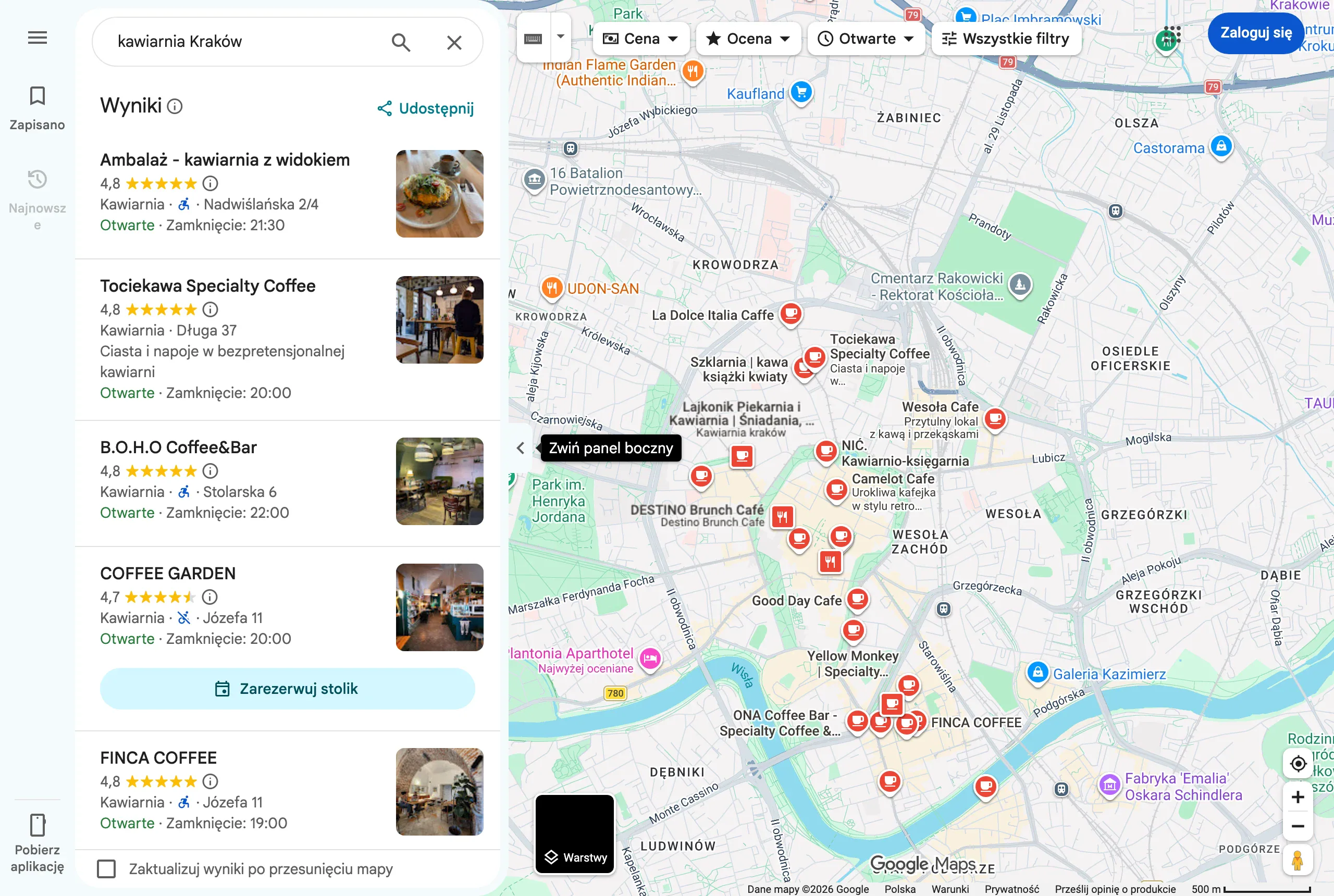
This is most clearly seen in services where the place directly affects trust. This applies to restaurants, hotels, beauty salons, fitness, showrooms, educational institutions and service premises where the standard of the interior is part of the offer. If the customer wants to “see the place” before visiting, Street View can shorten the path to a decision.
The visibility of the tour does not result from the publication alone. The material must be correctly linked to the business location, comply with Google’s guidelines and be technically polished enough not to raise objections. Image quality, continuity of panoramas, publication rights and the privacy of people and data visible in the frame all matter.
Currentness also matters. If the premises have been refurbished, changed decor, branding or reception layout, an older tour can do more harm than good because it creates expectations different from what the customer sees on site. An out-of-date Street View reduces credibility faster than its absence.
The best result appears when the tour is aligned with the company’s entire presence in Google. It should be consistent with current photos, the business description, service categories, opening hours and access information. The tour on its own will not rescue a weak Google Business Profile, but it can sensibly round it off.
Stages of creating a Google Street View tour
Creating a Google Street View tour starts with assessing whether showing the place will genuinely make it easier for the customer to make a decision. At this stage, you check whether the premises sell themselves through appearance, atmosphere, service standard or how easy it is to find the entrance. If the space is not important when choosing the offer, such an investment usually makes less sense.
The next step is to define the scope of the shots. You choose the areas that strengthen trust and help the user get their bearings, for example the entrance, reception, sales floor, waiting area, consultation rooms or access from the street or car park. You do not show everything, only what supports sales and does not add chaos.
- Preparing the premises – tidying the space, removing temporary items, checking lighting, signage, displays and privacy-related risks.
- Capturing 360° panoramas – taking photos at logical transition points so that the user can move through the interior naturally and intuitively.
- Editing and stitching – organising the panoramas, setting the correct transitions, checking the light, sharpness and visibility of sensitive content.
- Publishing – assigning the tour to the correct location and checking whether it links properly with the company’s presence in Google.
- Marketing use – embedding the material on the website, in the contact section, on the location subpage or driving traffic to it from local campaigns.
The biggest problems usually arise not with the photography itself, but at the preparation stage. Documents, screens displaying data, random customers or out-of-date POS materials should not be in frame. It is also worth planning the shoot outside peak hours so the tour is clear and does not require excessive masking of sensitive elements.
After publishing, there is no point assessing the effect solely through the lens of the number of views. It is more meaningful to check whether users more often click directions, ask less often about the entrance and better understand the standard of the place before visiting. A good tour should reduce customer uncertainty, not just “look nice” in the listing.
What affects the profitability of using Street View in marketing?
The profitability of Street View mainly depends on whether the appearance and layout of the place genuinely help the customer decide to visit. The biggest gains go to businesses where the premises build credibility, show the service standard or allow people to quickly assess what to expect on site. This is especially true in sectors where the customer wants to see the entrance, reception, room, consultation room, display area or the atmosphere itself in advance. If the space removes the customer’s objections before they arrive, the tour makes marketing sense.
User intent also matters. When someone searches for a local business in Google Maps or in search, they often compare several options and want to quickly assess which place looks professional and where it is easiest to get to. In that setup, the tour supports the decision, but it will not work in isolation from the rest. It should be consistent with current photos, opening hours, the service description and access information.
Premises that do not sell through “appearance” or that change their layout often are usually less profitable. If the place is small, temporary, visually poorly prepared or its appearance has little impact on the buying decision, the investment usually brings limited results. Street View will not replace a good offer, customer reviews or a properly completed Google Business Profile.
The cost and value of implementation are also affected by the scope of the project. A simple premises with one entrance and one service point requires less work than a site with multiple floors, connecting passages, parking and separate zones. It is also worth taking material freshness into account. If branding, reception, displays or the interior layout change every few months, the tour loses value faster and may need to be redone.
In practice, it is better to assess profitability based on user behaviour rather than views alone. It is worth checking whether, after publishing, more people use directions, call, visit the website or ask fewer basic questions about the place. A good tour should reduce uncertainty before a visit, not just “look nice”.
The most common mistakes in using Street View
The most common issue is publishing an unprepared or out-of-date tour and treating it as a standalone sales tool. Instead of building trust, such material can show chaos, a low standard or a mismatch with the current offer. Users notice this quickly, especially when comparing several businesses in the same area.
- Showing the premises in poor condition: mess, temporary signage, empty shelves, bad lighting, random back-of-house items.
- Lack of key landmarks: the entrance from the street, reception, waiting area, main room, car park or access to the premises.
- Chaotic navigation between panoramas, which makes the user lost instead of helping them understand the space.
- Publishing material after a refurbishment, rebrand or reorganisation of service areas without updating the tour.
- Treating the tour as a substitute for current photos, reviews and a properly managed Google Business Profile.
A separate category of mistakes consists of operational and legal oversights. Visible personal data, documents, computer screens or people whose presence may create reputational risk or infringe privacy should not appear in frame. It is also good practice to schedule the shoot outside peak hours, when it is easier to control the space and reduce incidental movement. In Street View, it is not only aesthetics that matter, but also publication safety.
A common mistake is also choosing the wrong scope. There is no need to show the entire infrastructure, because the user usually does not need to see the technical back-of-house area, the warehouse or zones that do not support the decision. It is better to focus on those parts of the space that answer the customer’s real questions: where to enter, what the service looks like, what the standard is and whether the place meets their expectations.
To minimise such problems, it is worth reviewing the walkthrough carefully before publishing it, just as a new customer would. Can they immediately see where the entrance is, what the main area looks like and what to expect on arrival. If the walkthrough does not help with decision-making or with finding their way on site, then even a technically correct implementation will not translate into a good marketing outcome.
How do you measure the effective profitability of Google Street View?
The effective profitability of Google Street View is assessed through its impact on local user actions and the quality of the visit, rather than by the number of panorama views alone. The fact that someone has viewed the walkthrough says very little about business value. In practice, what matters is whether, after engaging with the walkthrough, the user finds the location more easily, is more likely to take the next step and has more realistic expectations of the place. The most reliable signals are behaviours that bring the visit or booking closer.
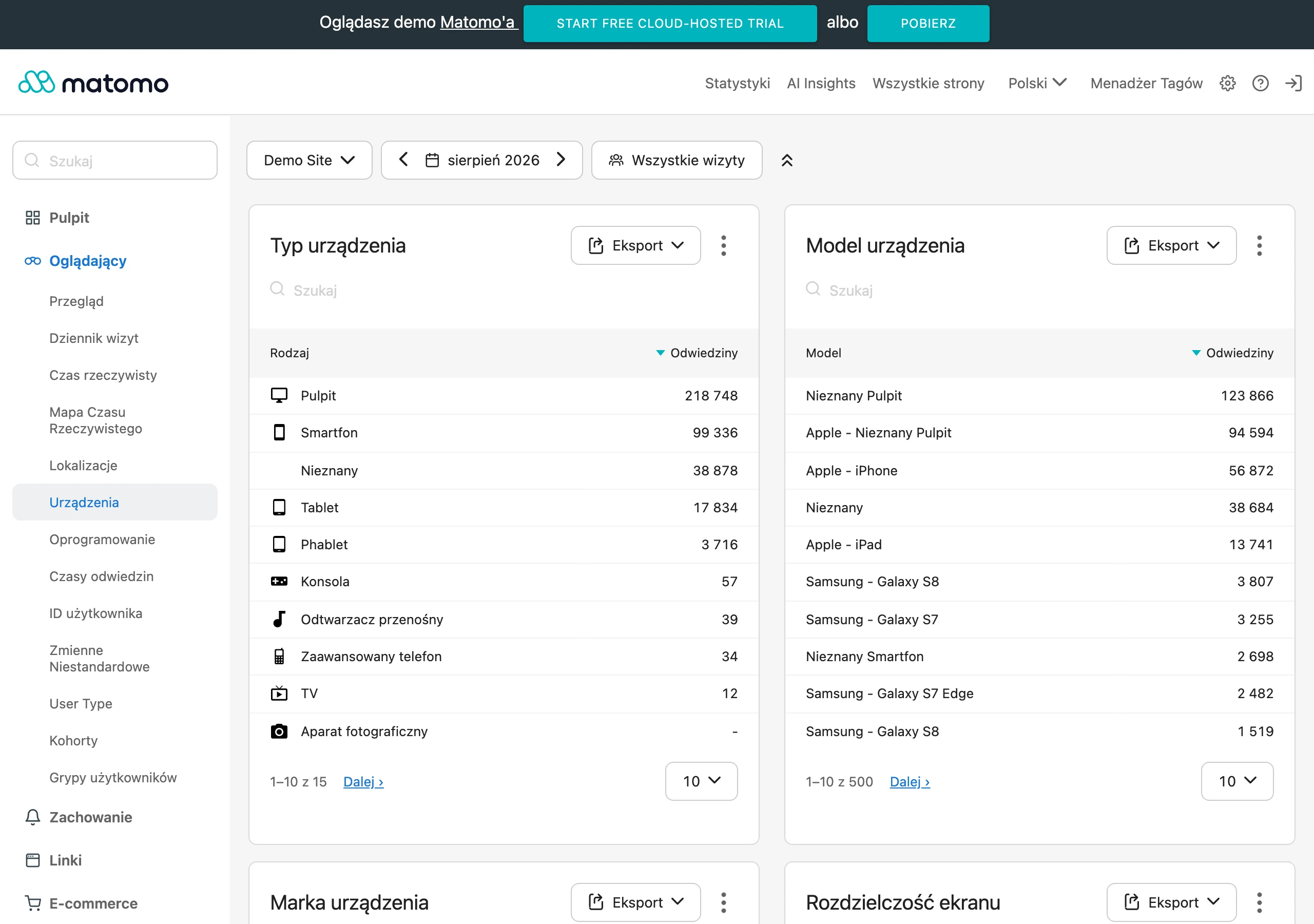
The first step is to establish a baseline from before publication. It is worth gathering data from several weeks or months: actions in Google Business Profile, website traffic for the location, the number of calls, route requests and enquiries about the basic conditions on site. If the business is seasonal, the comparison should be made against the corresponding period, not against an arbitrary month. Without a simple “before” and “after” comparison, it is easy to attribute to the walkthrough an effect resulting from seasonality, a campaign or a larger number of reviews.
- the number of route requests from Google Business Profile,
- the number of calls and clicks through to the website from local results,
- user behaviour on the location subpage, if the walkthrough is embedded on the site,
- the number of questions about the entrance, parking, layout of the space, interior standard or availability of areas,
- the extent to which customer expectations on arrival match what they saw online beforehand.
The most useful metrics always depend on the business model. For a restaurant or beauty salon, calls, bookings and fewer questions about the atmosphere or standard of the premises matter. For a larger venue, clinic or showroom, directions, how easy the entrance is to find, and whether the customer can understand the layout of the space before arriving will be more important. Street View is best assessed where it reduces uncertainty before a visit, because that is when its real impact is easiest to capture.
When the walkthrough is embedded on the website, measurement can be more precise. You can check whether users landing on the location subpage click the phone number, form, directions map or booking button more often than before. If traffic comes from campaigns, it is worth separating the sources and comparing whether people arriving on the page with the walkthrough carry out more local actions than those who see only the standard subpage. This will not show the full value of Street View in Google Maps, but it does give a practical picture of its influence on decision-making.
It is also worth measuring qualitative signals, because they matter a great deal in this format. If, after publication, the team answers questions such as “what does the entrance look like”, “is there a waiting area”, “is the place spacious” or “where exactly should I park” less often, the walkthrough is probably doing its job. In some sectors, a smaller gap between the online promise and the on-site experience will also be a good sign. Street View often does not increase sales directly, but it does improve the quality of the customer’s decision before the visit.
Finally, you need to compare the effect with the cost and longevity of the material. If the walkthrough works for the business for a long time in Google Business Profile, on the website and in sales materials, the cost is spread across many months. If, however, the location changes quickly, goes through refurbishments or has seasonal layouts, profitability falls because updates are needed. The fairest assessment is not “how many views did the walkthrough get”, but “did it make the customer’s decision easier, and did it do so more cheaply than other ways of presenting the place”.
FAQ
Frequently asked questions
How does Google Street View help in local marketing for a business?
It shows the entrance, interior and layout of the space before a visit, making it easier for the customer to assess what they can expect. This supports trust and the decision to get in touch, book or visit.
Does Google Street View replace a website or customer reviews?
No, Street View does not replace a website, up-to-date photos, reviews or a fully completed Google Business Profile. It works best as part of the whole local visibility ecosystem.
When is Google Street View most worthwhile?
It makes the most sense where the appearance of the premises, ease of access and the first impression genuinely influence the choice of business. This applies especially to places such as restaurants, hotels, beauty salons, clinics or gyms.
Why can an out-of-date Google Street View tour harm a business?
Because it shows a place different from the one the customer will see in person, which reduces credibility. The article points out that an out-of-date image often does more harm than having none at all.
What elements are worth showing in a Google Street View tour?
It is best to show the areas that help people orient themselves and build trust, for example the entrance, reception, sales floor, lobby, showroom or the approach from the street. There is no need to show all the infrastructure if it does not support the customer’s decision.
How do you measure the profitability of Google Street View after publication?
Not by the number of panorama views alone, but by user behaviour. It is worth checking, among other things, route requests, calls, clicks through to the website and the number of questions about the entrance or parking.