

Increasing the number of conversions without increasing the advertising budget comes down to one thing: making better use of the traffic that is already coming to the site. And that is not a cliché. In practice, it is not about “magic tricks”, but about cutting out the problems that cause users to drop off before purchasing, submitting a form or making contact. Losses most often come from three places: measurement, a mismatch between the ad and the page, and a conversion process that can put people off at the final hurdle. If the data is wrong or the user journey has too much friction, simply adding budget usually only scales the problem. So the key is first to check what is actually driving results and what is only generating clicks. Only then does it make sense to work on campaigns, landing page and forms.
How to increase conversions effectively without increasing the advertising budget?
Conversions grow when the share of users completing the desired action from the traffic already acquired increases. That is the theory; the practice is less convenient. It means working not only on the ad, but on the whole interconnected system: from the entry source, through the message, to the form, checkout or contact sales process. The goal is not just to lower the cost per click, but to deliver more genuine leads, sales, calls, sign-ups or bookings.
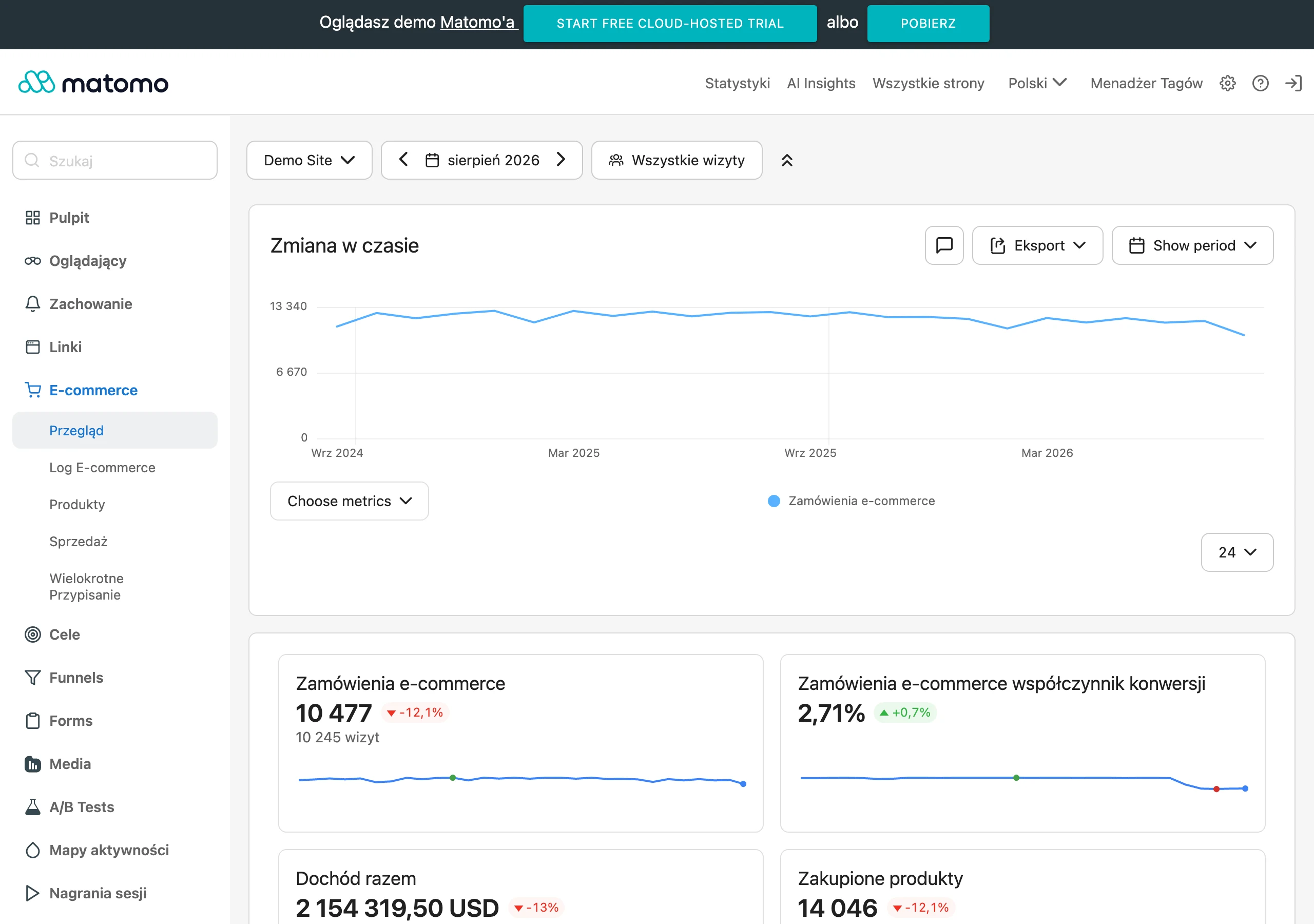
First, you need to be sure that conversions are being measured correctly. Without that, everything you do later is more roulette than optimisation. Today, data can be incomplete because of user consent, cookie blocking, differences between devices and gaps in CRM integration. If a form submission, phone call or offline sale does not feed back into analytics and ad systems, optimisation decisions are based on guesswork.
The next step is to verify the quality of the traffic, not just its volume. Clicks can look great in the report and still carry no buying intent. Some campaigns, keywords, audiences or placements generate visits, but do not deliver results. That is why you need to compare traffic sources by conversions, cost per acquisition, lead quality, devices, location and user type, rather than by CTR or CPC alone.
A large part of the problem only becomes visible after the click, on the landing page. The ad promises one thing, the landing page says another and the user disappears. They also drop off when the headline is too generic, the form is too long, and the CTA is tucked away in a corner. The biggest gains usually come from simple fixes: a better above-the-fold section, a shorter form, a clearer offer, stronger trust signals and faster mobile performance.
In practice, results come only from combining data from quantitative and qualitative sources. A report will show at which stage the number of users drops, but session recordings, heatmaps and form error analysis answer the question of why it happens. And that is where the crux lies. This makes it possible to distinguish a campaign problem from a UX problem, an offer problem or a technical issue with the site.
Key areas of conversion optimisation
Four areas make the biggest difference in conversion optimisation. These are measurement and attribution, traffic quality, landing page effectiveness and the conversion process itself. This is exactly where sales or the number of leads most often “leak”, even when traffic on the site looks stable. Good optimisation does not chase one button or one colour. It checks where in the funnel users are actually disappearing.
- Measurement and attribution — whether the system correctly records purchases, forms, calls, microconversions and offline leads.
- Traffic quality — which campaigns, queries, audiences and devices attract users with real intent.
- Landing page effectiveness — whether the landing page clearly responds to the ad promise and leads to action.
- Conversion process — whether the form, checkout or contact process is simple, fast and free from unnecessary barriers.
The starting point is always the same: measurement. Without reliable data, you cannot fairly assess the result of any change, because you are comparing numbers that do not describe reality. It is essential to set up GA4, Google Tag Manager, ad pixels, e-commerce events, deduplication and data consistency between analytics, ad platforms and CRM. The problem is that this stage is often treated as a formality, yet it sets up everything else. The most common mistake is optimising campaigns based on conversions that are incomplete or attributed to the wrong sources.
The second area is traffic quality. It sounds simple, but this is where budget can quietly burn away, day after day. In practice, it means breaking down campaigns, keywords, creative, audience segments, locations, devices and times of day into their component parts. The data speaks clearly: sometimes the budget is not too small, it is simply spread across visits with no intent, which have no chance of converting well. Instead of adding more money, it is better to cut out what is not delivering first.
The third area is landing page effectiveness. There is no room here for warming up; the page has to confirm the ad’s promise straight away, show the value of the offer and lead to the next step without informational clutter. The headline, sequence of sections, CTA, trust signals, FAQ, price or terms of cooperation, and the visibility of key information at the start all matter. But be careful, mobile plays by its own rules. What “works” on desktop can fall apart on a small screen in a matter of seconds.
The fourth area is closing the conversion. In theory the offer is great, in practice it loses out in the final stretch. A form that is too long, a multi-step checkout, flaky validation or a lack of clear information about what happens after the data is submitted can wipe out the effect of all the work. Instead of adding more marketing arguments, it is better to remove barriers and reassure the user. The less uncertainty and technical friction there is at the final stage, the greater the chance that a click will turn into a real result.
Current challenges and the optimisation context
The biggest challenge in conversion optimisation today is simple and brutal. Data is less complete than it was just a few years ago, because privacy, cookie blocking, cross-device discrepancies and consent requirements all take their toll. As a result, a report can look “healthy” and yet still fail to show the full user journey. That is why the first step is not changing the ad or the page, but checking whether the measurement is fit for making decisions at all. In practice, you compare figures from GA4, GTM, advertising systems and CRM rather than trusting a single dashboard.
This means strict control over event configuration, e-commerce, ad pixels, offline conversion import and enhanced conversions. If a form saves a lead in the CRM but that lead does not come back as a conversion to the advertising platform, the algorithms learn from only a fraction of reality. Then the campaign can end up optimising for cheap clicks, not real sales. Without consistency between advertising, analytics and CRM, it is hard to distinguish a traffic source that works from one that only looks good in the dashboard. And that is not an academic difference, but a cost in the budget.
The second problem is just as common, and often conveniently swept under the carpet. The campaign itself rarely fixes what happens after the click, because the user may arrive with high intent and still drop off because of slow loading, a weak headline, a form that is too long, unclear CTA or an ambiguous offer. The key is matching the message between the keyword, the ad and the landing page, rather than relying on the “power” of targeting alone. If the ad promises a quick response and the page does not say when someone will call back, friction appears and conversion drops.
Analysing micro- and macro-conversions is doing more and more of the heavy lifting. A macro-conversion shows the final outcome, but micro-steps reveal exactly where the user stops: on scroll depth, clicking the CTA, starting the form or adding a product to the basket. This allows you to find the bottleneck faster, before the fall in sales is already visible in the final result. In practice, this approach is particularly important where traffic is not very high and you simply have to wait a long time for the final conversion.
Stages of the conversion optimisation process
The conversion optimisation process is a journey from fixing the data to implementing changes exactly where users are actually dropping off. Sequence matters, because testing a page on the basis of faulty measurement leads straight to false conclusions. First you clean up tracking and the funnel, then assess traffic quality, and only at the end do you implement changes in the campaign, landing page and closing process. The best results come not from the number of changes, but from their proper sequence and prioritisation. Instead of chaos — sequence.
- 1. Measurement audit: you check conversion definitions, tag accuracy, event deduplication, attribution, user consent and data consistency between GA4, advertising systems, CRM and sales.
- 2. Funnel analysis: you map out the full journey from entry to conversion and identify the places where users drop off, abandon the form or get stuck between checkout steps.
- 3. Traffic quality analysis: you compare campaigns, keywords, audience groups, devices, locations and times of day to separate traffic that only clicks from traffic that actually converts.
- 4. Landing page analysis: you check whether the page delivers on the ad’s promise, how quickly the offer value becomes visible, what the first screen looks like, the CTA, form content and trust elements.
- 5. User behaviour analysis: you use heatmaps, session recordings, scroll depth and error reports to see where users lose their bearings or encounter real resistance.
- 6. Prioritising changes: you arrange problems by impact on results, ease of implementation, technical dependencies and quality of evidence. Instead of improving everything at once.
- 7. Pre-click optimisation: you fine-tune keywords, exclusions, ad messaging, campaign segmentation, remarketing and the consistency of the ad promise with the landing page.
- 8. Post-click optimisation: you simplify the landing page, shorten forms, strengthen CTA, improve mobile UX, page speed and the order of sections.
- 9. Closing process optimisation: you reduce the number of steps, refine field validation, enable autofill, tidy up error messages and clarify information about costs, payments or contact.
- 10. Testing and validation: you run A/B tests or sequential tests for headlines, CTA, forms, section layout and offers. And with low traffic, you implement changes based on strong UX patterns and watch the trend.
- 11. Reporting and iteration: you turn results into decisions, meaning you indicate which traffic sources to scale, which pages to rewrite and which blockers have the highest priority in the next cycle.
This is not a one-off project. It is a cycle. After rolling out a few changes, new data almost always appears, and it ruthlessly points to the next problem to remove. Sometimes it will be a weak mobile landing page, other times a lack of offline lead imports or overly broad campaign targeting. Optimisation works best when every change is driven by data and has a clearly defined goal in the funnel.
Practical steps to implement optimisation
Implementing optimisation starts very simply: by defining one main conversion and a few supporting metrics. The main conversion might be a purchase, form submission, booking or phone call, while supporting metrics include CTA clicks, form starts or add to cart. The problem is that without one overarching goal, it is easy to get caught up chasing numbers. If you do not define one most important goal, it is very easy to improve numbers that do not translate into sales or leads.
The second step is straightforward. You check whether you actually have a real ability to work with the data and on the website, because without that the whole plan stays on paper. In practice, you need access to GA4, GTM, ad accounts, CRM, CMS and tools for session recordings or heatmaps. Do you have those keys, or just goodwill. The most common blocker is not a lack of ideas, but a lack of access to implementations, sales data or someone who can quickly replace a form or improve a landing page.
Before you change anything on the site, you fix measurement. Otherwise you will be optimising blind, and that usually ends in nice-looking conclusions and poor results. You check whether forms, phone calls, purchases and e-commerce events are being recorded correctly, and whether there is any conversion duplication and offline leads are being sent back to the advertising platforms. If the data in GA4, the ad platform and CRM says something different, first sort out the tracking, and only then assess the effectiveness of the campaign and the site.
Then comes the moment for message consistency. You match the user’s intent to the message, because otherwise the campaign builds one expectation while the landing page serves something completely different. The ad, keyword, landing page headline and CTA must promise the same thing, instead of drifting apart from the start. In practice, the first screen, headline, offer description, trust elements and clear information about what happens after submitting the form or making a purchase are most often improved.
The first step of conversion carries the most weight. Simplifying the form, reducing distractions, better CTA, faster page load and a clear mobile layout can deliver more than another cosmetic tweak to ad bids. So you are not fiddling with “optimisation” for sport, but removing friction where the user has to make a move. Start with the place where the user has to take the first concrete step, because that is usually where the biggest losses are visible.
The overall result can be misleading. That is why you analyse in segments, not only “as a whole”, because only then can you see where the funnel is really leaking. Devices, traffic sources, landing pages, new and returning users, and brand and non-brand traffic are checked separately. This split will show whether the problem is, for example, mobile, one campaign, a specific location or simply a weak entry page.
Finally, you combine the numbers with behaviour. The report will tell you that users are dropping off on the form, but only session recordings, validation error analysis and heatmaps will show whether the layout, too many fields, an unclear message or a technical error is to blame. And one thing is key here: instead of guessing, you have proof. The best CRO decisions are made when you know not only where conversion drops, but also why.
The implementation has to fit the company’s real constraints. Low traffic, a slow CMS, a lack of development resources, a long sales cycle or closing leads offline all change the pace and way of working, and more than many are willing to admit. In such conditions, it is better to introduce fewer changes, but in a more controlled way, rather than launch a broad plan without the ability to properly assess the effect. Because what is the point of “a lot happening” if nobody knows what works.
The most common mistakes and how to avoid them
The most common mistakes are twofold: people optimise the campaign rather than the entire user journey, and decisions are made based on incomplete data. It is convenient. And dangerous. Too often bids, creative or audience groups are changed, even though the real bottleneck sits on the landing page, in the form or in the checkout. The key is therefore to look at the result from click to final conversion, not solely at the level of traffic itself.
A common misstep is also judging effectiveness by CTR, CPC or the number of sessions. These metrics are useful, but they do not answer whether the traffic ends in a sale, lead or valuable contact. Good traffic is not the one that clicks cheapest, but the one that most often moves towards the business goal. Why celebrate numbers that do not deliver results.
The second serious mistake is the lack of offline conversion import and inconsistency between ads and CRM. The mechanism is simple. If a sales rep closes a lead after a few days, and that information does not return to the advertising platform, the system learns from false signals. As a result, campaigns can end up “optimising” themselves for cheap but low-quality leads, meaning those that do not close anything commercially.
Problems also like to hide in aggregated data. On the average conversion rate, everything looks decent, while underneath mobile performs clearly worse than desktop and non-brand traffic behaves differently from brand traffic. Segmentation is not an add-on to analysis, but a condition for finding the real source of the problem. Instead of comforting yourself with the average, it is better to break the data down and see where it is cracking.
A very typical mistake is ignoring mobile devices. A site may look great on a computer, yet on a phone it may have overly large spacing, hidden CTAs, a tiring form or slow loading. And then the whole “optimisation” of the ad goes down the drain. To avoid this, you carry out a separate mobile UX analysis, test on real devices and go through every step of the form or checkout on a small screen, without shortcuts.
The last common mistake is rolling out many changes at once, with no chance of assessing what actually worked. It seems faster. In practice, worse. When you change the ad, headline, form and page layout all at once, afterwards you do not know which decision improved the result and which undermined it. It is safer to work with priorities, roll out changes in stages and document the impact of each one.
Tools essential for effective optimisation
For effective optimisation, you need a toolkit for measurement, behavioural analysis, campaign work, reporting and implementing changes. The foundation is GA4 and Google Tag Manager. These are what let you check whether conversions, micro-events and traffic sources are being measured consistently, rather than “roughly”. If there are errors at this stage, further analysis usually leads to the wrong conclusions, even when the charts look neat. Tracking has to work first; only then does it make sense to improve ads and landing pages.
Traffic does not come from nowhere. To work on it, you need advertising and search tools, mainly Google Ads, Meta Ads Manager and Search Console, because only against that backdrop can you see what actually delivers intent. Thanks to them, you can compare which campaigns, ad groups, keywords, creatives and audience segments attract people ready to act, and which ones generate clicks only. Search Console is particularly useful for organic traffic, because it shows queries and landing pages, that is, the moment when the user’s expectation collides with the page content. And this is often where the crux lies: the problem is not volume, but a mismatch between the promise and what the user sees after landing.
Numbers do not tell the whole story. To understand why users do not complete the journey, you need qualitative tools: heatmaps, session recordings, form analysis and scroll depth, because they show behaviour, not just outcome. Purely numerical reports will catch the drop-off between landing and form submission, but they will not tell you whether the user missed the CTA, got stuck on a validation error or left on mobile because of an awkward layout. The most practical insights come from combining quantitative data with observation of real behaviour. And when traffic is higher, it is worth adding front-end error monitoring and log analysis, because some conversion losses are simply the result of technical faults that are invisible in standard reports.
A lead is not a sale. To assess lead quality and sales, web analytics alone is not enough, so CRM and offline conversion import are key, because only then can you see the rest of the story. This way you know not only who filled in the form, but also which source and campaign led to a valuable contact, a sale or a closed opportunity. This is especially important in longer decision-making processes, B2B sales and telephone handling, where a “cheap lead” can turn out to be an expensive trap. Without connecting advertising data with CRM, it is easy to scale a channel that delivers cheap leads but weak business quality.
A dashboard is not decoration. For day-to-day decision-making, you still need reporting and testing tools, most often Looker Studio and a system for A/B tests or simpler sequential tests, because without that it is easy to confuse an impression with a fact. Such a view only makes sense if it shows a few key breakdowns: device, traffic source, landing page, user type and funnel stages, instead of bombarding the eye with a hundred charts. If traffic is small, implementing changes by priority and watching the trend is often more practical than formal A/B testing without a sufficient sample. The question is therefore not “how many tools do we have”, but whether they help us spot the problem faster, implement a fix and honestly assess its real impact.
Technology sells too. It helps to have access to technical tools such as PageSpeed Insights, basic performance monitoring and the ability to edit content quickly in the CMS, because site speed and the efficiency of implementation can decide the outcome. Some of the biggest conversion uplifts come from simple changes: shortening the form, improving the first screen, speeding up the site or clarifying the message after the click, in other words things you can do without a revolution. The best toolkit is one that not only diagnoses the problem, but also lets you implement the fix straight away.
FAQ
Frequently asked questions
How can you increase conversions without increasing the ad budget?
You need to make better use of the traffic already reaching the site and remove the points where users drop off. First, it is worth checking measurement, traffic quality, the landing page and the conversion process.
Why doesn’t simply increasing the ad budget always raise the number of conversions?
If the data is wrong or the user journey has too much friction, a bigger budget only scales the problem. Then the number of clicks rises, but not necessarily sales or leads.
Can you rely on conversions in analytics without additional verification?
Not fully, because the data can be incomplete due to consent, cookie blocking, differences between devices and gaps in CRM integration. That is why you need to compare GA4, GTM, ad platforms and CRM.
What most often breaks conversion after clicking an ad?
Most often the problem is a mismatch between the ad and the landing page, a headline that is too generic, a long form or a hidden CTA. The page can also be weakened by slow loading and a lack of clear information about what will happen after the details are submitted.
How can you check which traffic sources really convert?
You need to analyse campaigns, keywords, audiences, devices, locations and times of day by conversions, cost per acquisition and lead quality. CTR or CPC alone do not show whether the traffic has purchase intent.
When is it worth starting conversion optimisation?
Always with a measurement audit, because without reliable data it is difficult to assess the effectiveness of changes. Only then do you analyse the funnel, traffic quality, the landing page and the close process.