

Moving content to a new site is not a copy-paste job into a new CMS. It is a proper clean-up, where you have to decide what makes sense to keep, what to refine, and what to discard without regret. A well-executed migration protects traffic from Google, maintains the usability of the site, and after launch does not turn the site into an information dump. The most common mistake is moving all the old content without assessing its quality, value and fit for the new site structure. And then the usual problems begin: not with the design, but with lost URLs, incorrect redirects and weakened key subpages. That is why, before the new site goes live, you need a plan for every important asset.
What does a content migration service involve?
This is a service that starts with a review of the whole site and ends with a specific decision for every piece of content: keep, improve, merge, rewrite, archive or remove. It sounds simple. But the key thing is that the aim is not merely to move the materials, but to save what works and organise what gets in the way. Content migration is, in practice, an audit and implementation plan, not technical 1:1 page copying.
The starting point is a complete inventory of assets. This includes not only service pages and blog posts, but also landing pages, categories, FAQ, PDF files, downloadable materials and content that genuinely generates traffic or supports sales. The problem is that in many sites, it is precisely these “less visible” elements that fall off the checklist. And then it turns out that after the migration, Google traffic has disappeared or important internal links have broken.
Each piece of content is assessed from several angles at once: SEO, usability, information freshness, user intent, alignment with the offer and fit with the new information architecture. Why so many filters? Because a page can attract traffic and at the same time convert poorly, cannibalise the topic with another subpage or lead the user down a blind alley. Not every old piece of content deserves a place on the new site.
The outcome of the service should not be a nice wish list, but a complete set of materials ready for implementation. In practice, we are talking about a map of old and new URLs, a 301 redirect plan, the scope of editorial changes, rules for merging similar content, and a list of pages to be retired. This is especially important in the case of a rebrand, CMS change, menu restructure, domain consolidation and tidying up an old blog. Instead of hoping it will “somehow migrate” — it is better to close the topic on paper before Google does it its own way.
What are the most important steps in the content migration process?
The most important steps in the content migration process are URL inventory, gathering data on their value, quality assessment, a decision for each address, mapping to the new structure, preparing redirects and post-publication checks. It sounds like a procedure. And that is a good thing, because if any of these stages are dropped, the risk of losing traffic and implementation chaos simply increases.
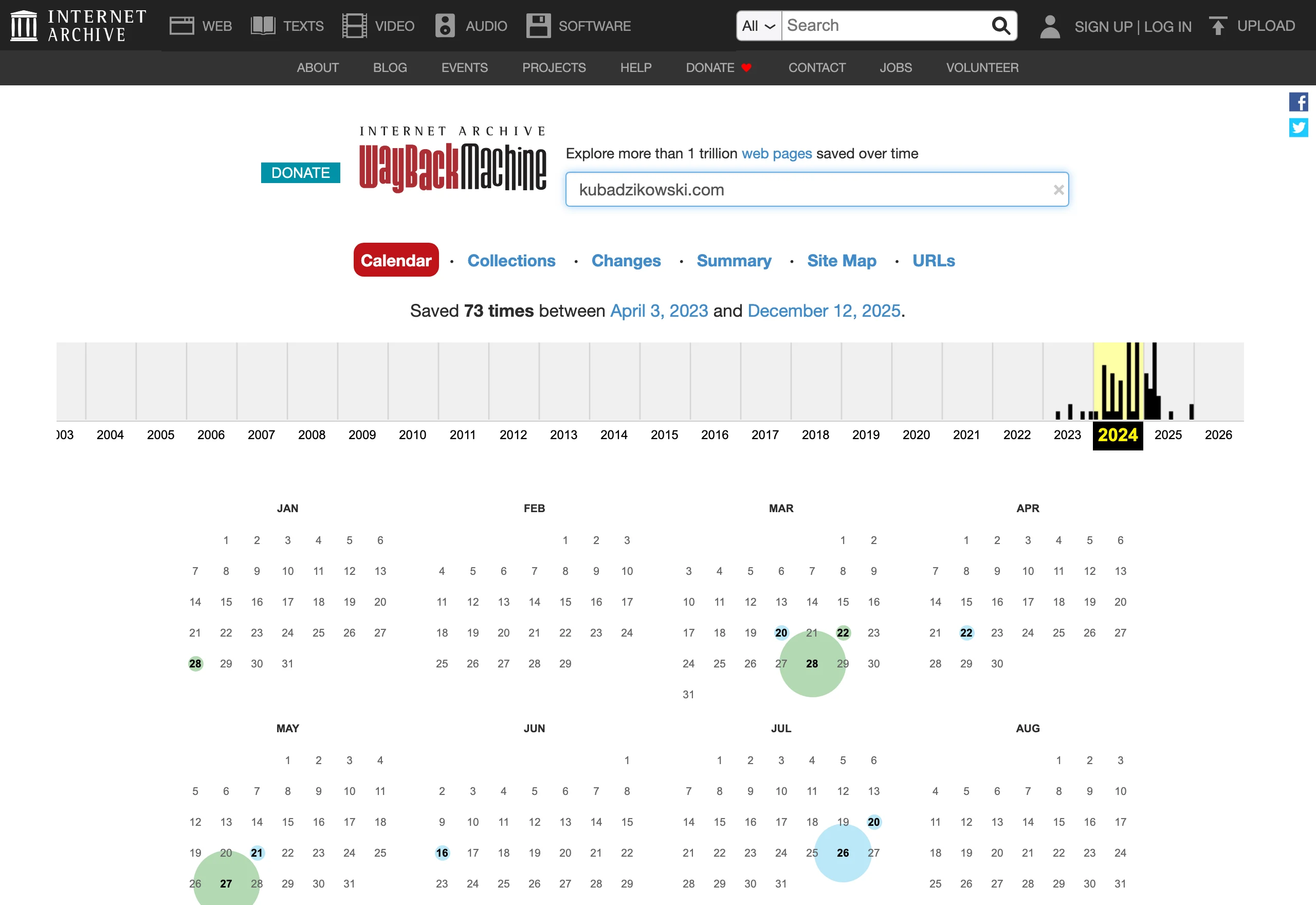
The first stage is simple in theory, demanding in practice. You gather all existing addresses and assets into one working spreadsheet, usually feeding it with data from a crawler, the XML sitemap, an export from the CMS, analytics and Google Search Console. Without one complete URL list, you will not plan the migration properly.
The second step is to turn that list from a collection of links into a decision-making tool. For each address, add the page type, organic traffic, total visits, conversions, indexation status, internal and external links, topic, last update date and an assessment of alignment with the current offer. That way, you are not evaluating content “by eye”, but through the lens of its real value for the business and the user.
The third step is a hard quality assessment and operational classification. For each URL, you need to decide whether it stays unchanged, needs updating, should be rewritten, merged with other content, retired or archived. Each address must receive one clear decision, because only then does the team know what it actually needs to implement.
The next stage is assigning old content to the new site architecture. Sometimes it is easy. If there is a direct equivalent, the mapping is almost automatic, but with a larger rebuild you have to decide: a new subpage, combining the topic with another piece of content, or closing the old address with a redirect to the most semantically similar page. And that is where the difficulty starts — the new menu, categories, templates and section layout can disrupt the logic that previously worked.
Next, an optimisation plan and the technical elements linked to the content are prepared. This includes updating headings, expanding sections, improving CTAs, keeping or changing the meta title and meta description, setting canonicals, internal linking, breadcrumbs and the 301 redirect plan. The biggest losses after a migration usually come not from the content itself, but from losing URLs and poorly implemented redirects.
The final step is implementation and post-publication checks for the new site. You check for 404 errors, redirect loops, missing meta data, lost headings, indexing issues and drops on pages that previously delivered traffic or leads. This is the moment of truth: whether the migration plan has been carried out properly, or merely ticked off in a spreadsheet.
How to assess the value of content from an SEO and usability perspective?
The value of content comes from a combination of traffic data, conversions, visibility in Google and its real usefulness to the user. Pageviews alone do not solve the problem, because a page may generate visits and yet still fail to answer important questions or support sales. On the other hand, a subpage with lower traffic can be invaluable if it completes the contact journey, structures the offer or captures valuable leads. The best migration decisions come from several data sources at once, not from a single metric.
First, you check the hard data. From an SEO perspective, you look at whether a given URL gets clicks and impressions from Google, which queries it appears for, whether it has incoming links and whether it is indexed correctly. Its position within the site also matters: how many internal links it has, whether it strengthens important categories and whether it is competing with another subpage for the same intent. If a page has a visibility history, has earned links and answers a specific topic, moving it requires particular caution.
Usability can brutally bring you back down to earth. The assessment is about whether the user quickly understands where they have landed and what they should do next, instead of wandering around blindly. The content should be up to date, consistent with the offer, written in simple language and matched to the stage of the customer decision. If a subpage has an unclear structure, overly generic headings, lacks specifics or does not lead to any sensible action, there is usually no point in moving it unchanged. Content that is good for SEO but weak for the user often loses effectiveness after migration faster than rankings.
In practice, the best approach is to assess each piece of content through a few simple questions. Does it generate traffic, does it support conversion, does it answer an important intent, is it up to date and does it fit the new site structure. Only the combination of these answers shows what to do with the material: keep it, improve it, combine it with another piece or remove it. The problem is that very often it is not the quality of the text itself that fails, but rather the fragmentation of the topic across several weak URLs instead of one strong asset.
Technical aspects also have a say here. You need to assess the elements linked to the content, because they can affect the migration result just as much as the text itself. This includes the meta title, meta description, H1 heading, structured data, canonical, breadcrumbs, internal linking, images and alt texts. If these elements disappear during the migration or their logic changes, even good content can lose visibility and usefulness.
What are the key decisions during a content migration?
The decisions are specific and there is no room for chance. The key decisions during a content migration are whether to keep, improve, rewrite, merge, archive or delete a given piece of content. Each of these options makes sense, but only if it follows from the data and the new site architecture. The worst approach is copying everything 1:1, because that transfers the old mistakes, duplication and pages with no value along with the content. A migration should tidy up content, not just move it elsewhere.
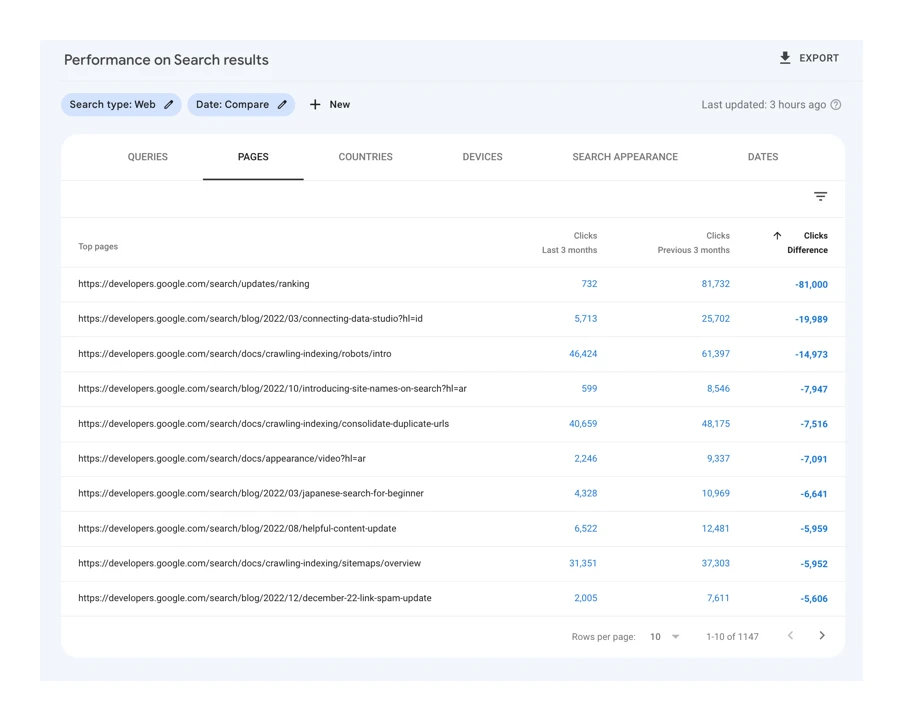
- Keep pages that are current, well matched to intent and important for business or SEO.
- Improve content with potential, but with a weak structure, outdated information or misaligned CTA.
- Rewrite materials whose topic is still needed, but whose format, language or scope is no longer appropriate.
- Merge several similar subpages if they answer the same user need.
- Archive or delete outdated, incorrect, duplicated content and content with no relevance for the new site.
The key decision is mapping the old URL to its new equivalent. If the address changes, you need to point it to the most semantically similar page and set up a correct 301 redirect. Do not redirect many old subpages to the homepage or to a general category just because it is quicker. A bad redirect usually means losing context for the user and weakening SEO signals.
The second issue is the scope of editorial changes before publication. Sometimes it is enough to refresh the headings, add a missing section and improve the CTA, and sometimes you need to rebuild the topic from scratch for the new offer and different navigation. The question is what remains untouched. You also need to clearly identify the elements that must stay unchanged, for example the main topic of the page, important keywords, sections answering customer questions or content supporting lead generation.
It is also important to decide what to do with content with little traffic, but indirect value. These are often pages that rarely act as a Google entry point, but regularly appear in the conversion journey, are shared by salespeople or answer recurring customer questions. And here it is easy to jump to conclusions. Such subpages should not be removed automatically just because they have weak statistics over the last few months.
Finally, you need to assign an owner to every decision and an implementation deadline. Without that, even a well-prepared migration spreadsheet stays on paper, and mistakes only emerge after publication. In practice, a simple model works best: for each URL there is a decision, a new address, redirect type, scope of changes, and the person responsible for implementation and post-launch checks.
What mistakes are most often made during content migration?
The most common mistake is deleting or moving pages without data, without a URL map and without a redirect plan. The result is predictable: traffic disappears, the user lands on 404 errors, and Google loses continuity between the old and new address. The most expensive mistakes usually do not result from the new look of the site, but from poor decisions about content and addresses.
A very common problem is copying everything 1:1 into the new CMS simply because the content is already there. That preserves old duplication, outdated messaging, weak structure and pages that no longer have any business value. Migration is meant to tidy up assets, not carry over historical mess.
The second mistake is deleting pages solely on the basis of low traffic. Some subpages have few visits, but in practice they support the purchase decision, answer important questions or appear at the end of the conversion path. Before you delete anything, check not only page views, but also conversions, inbound links, Search Console queries and the role of the page across the whole site.
Redirects can be implemented badly. The worst option is mass-directing old addresses to the homepage or one general category, because then the topical context disappears and the robot has nothing to “grab onto”. A good redirect leads to the closest semantically relevant subpage, even if it is not a perfect equivalent. And that is the difference between order and chaos.
There is also a separate class of errors. This refers to content-related elements that “evaporate” during implementation: meta title, description, H1-H6 headings, canonicals, structured data, breadcrumbs, internal linking, CTAs, PDF files and alt attributes in images. It sounds like detail work. The problem is that without them, the new site may look fine while at the same time losing visibility and usability, which is exactly what it was built for in the first place.
Another trap is failing to match content to the new information architecture. An old subpage may have made sense in the previous menu structure, but on the new site it often needs shortening, merging or splitting into several sections. If you do not map content to the new structure before launch, the team usually starts improvising at the publication stage, and that is when the number of errors increases. The question is: why add risk if it can be anticipated.
In practice, a lot of losses come from a lack of quality control before launch. Content goes live without checking formatting, links, the mobile version, indexability and design compliance, and then everyone is “surprised” by drops. The safest approach is to run a test on the staging environment and have a spreadsheet with a decision for every old URL, the task owner and the implementation status. That is not bureaucracy, but a safety belt.
What should be monitored after launching the new site?
After launching the new site, monitoring matters. First and foremost: the correctness of redirects, indexing, traffic on key URLs and conversion behaviour, because that shows whether the migration preserved the value of the old site or whether something was broken along the way. The most critical period is the first days and weeks. That is when technical and editorial errors surface fastest, before they have time to “settle” in the reports.
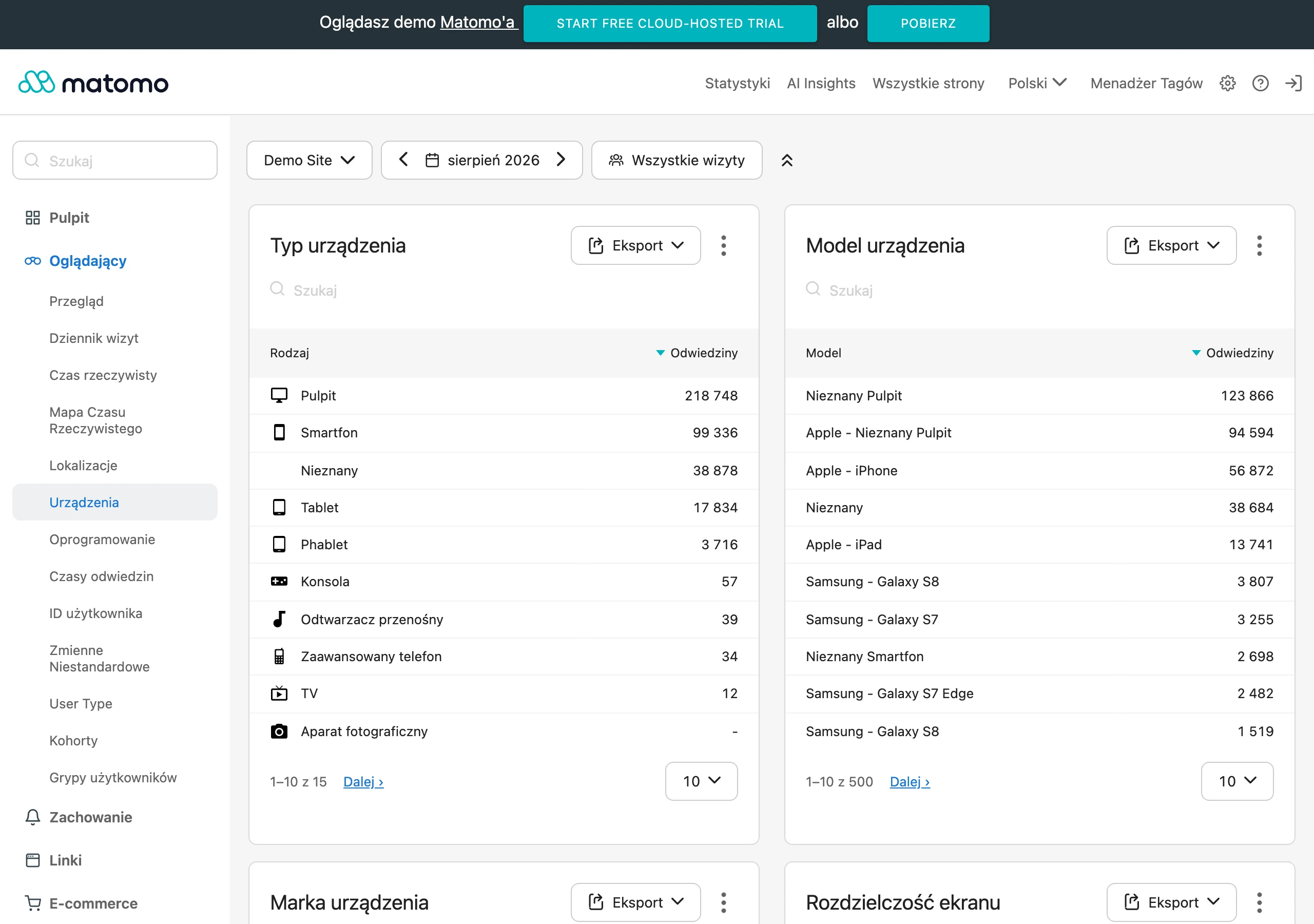
First, deal with 404s, redirect loops and situations where an old address leads to the wrong subpage. Then compare the actual old URL – new URL map with the plan prepared before migration, because paper will accept anything, but the site will not. If a priority address with traffic or leads does not have a correct equivalent, the problem needs to be fixed immediately, without waiting for full monthly data. The data is clear: in such places, every day of delay costs money.
The next area is indexing and SEO signals visible in Google Search Console. You need to keep an eye on whether important pages are indexed, whether coverage errors appear, whether queries have changed, and whether the number of clicks and impressions is not dropping sharply on key topics. A drop does not always mean a problem. But note: if it affects specific pages after migration, the first things to check are usually the content, redirect, canonical or internal linking, because that is usually where the signal “escapes”.
At the same time, keep an eye on priority pages from a business perspective. This means service pages, landing pages, lead-generating content, frequently visited FAQs and articles with strong external links. Monitor not only traffic, but also forms, calls, submitted enquiries and other micro- or macro-conversions, because a page can keep its visits while losing sales effectiveness.
The second issue is comparing the new version of the site with what was meant to be preserved at on-page level. After publication, headings, meta data, FAQ sections, CTA blocks or related-content modules surprisingly often “evaporate”. For the client, this can be invisible at first glance, but the effects come quickly: page quality drops and results go down.
A separate alarm bell is internal linking. After changing the menu, categories and templates, some pages lose traffic not because the content itself is worse, but because fewer links from other parts of the site lead to it. If, after a migration, the results for a specific subpage drop, first check its accessibility from the navigation, breadcrumbs, related content sections and links from other important pages.
Finally, there are the functional elements, the most down-to-earth ones and, precisely for that reason, the most unforgiving. What matters is the correct display of content on mobile, the functioning of downloadable files, forms, embedded materials and CTA buttons. And the question is: after the migration, can this page be used normally, or does it merely “look” right. A well-executed migration ends not with publication alone, but with a monitoring period in which deviations are quickly spotted and fixed before they translate into greater losses.
FAQ
Frequently asked questions
How do you assess which content to keep during a migration to a new website?
You need to check traffic, conversions, visibility in Google, freshness, alignment with the offer and fit with the new site architecture. It is worth keeping materials that are important for the business and SEO and that answer a specific user intent.
Can all old content be moved 1:1 to the new CMS?
No, because that also carries over duplication, outdated messaging and pages with no value. Migration is meant to organise assets, not copy the old mess.
What are the most important steps in migrating content to a new website?
First, carry out an inventory of URLs and gather data on their value, then assess the quality and make a decision for each address. Next, map the content to the new structure, prepare 301 redirects and monitor the launch.
Why do some pieces of content need to be merged or rewritten before publication?
Merging makes sense when several subpages answer the same user need and fragment the topic. Rewriting is needed when the topic is good, but the format, language or scope are no longer appropriate.
What needs to be redirected after URL changes during a migration?
Every old URL should lead to the closest semantically relevant new subpage, rather than broadly to the homepage or a general category. You also need to prepare correct 301 redirects so that context and SEO signals are not lost.
What should be monitored after launching a new website following a content migration?
The most important things are redirects, 404 errors, indexation, traffic to key URLs and conversions. You also need to compare the actual old URL – new URL map with the plan prepared before the migration.