
Definition and use of Performance Max campaigns
Performance Max is an automated Google Ads campaign type that runs ads across multiple Google inventory placements and optimises them towards the chosen conversion goal. In practice, the question often comes up whether this is “one campaign for everything” — it is one campaign, but the algorithm chooses the channel, creative and bid in each auction on its own. This makes PMax particularly useful when the aim is to extend reach beyond Search itself and let the system look for new sources of demand, among others in YouTube, Discover or Gmail. At the same time, it does not provide the same level of control over keywords as classic Search campaigns.
Performance Max works best when conversions are stable and tracked correctly, and when the budget allows enough data to be gathered for optimisation. The system enters a learning phase, during which it tests creative combinations and placements; typically this lasts around 1–2 weeks, but it can be longer with a small budget or a low number of conversions. At the start, users often observe results “fluctuating” — usually this is natural until the algorithm stabilises its bidding strategy. The biggest operational risk remains the lack of stable conversion tracking, because then PMax optimises towards the wrong signals.
PMax can simplify account structure because it combines many formats in one place, but it requires thoughtful separation by real business segments (e.g. margins, categories, regions), not by channels. If you are facing the dilemma of how many PMax campaigns to create, 2–3 campaigns aligned with different goals or segments usually work better than one campaign “for the whole store”. You also need to take limited transparency into account: compared with Search, visibility into queries, placements and the exact combinations generating results is lower. If precise query control, matching headlines to specific phrases, or highly structured A/B testing in Search is the priority, PMax may turn out to be too much of a “black box”.
- 01Automation and optimisationThe algorithm chooses the channel, creative and bid. One campaign for everything.
- 02Reach extensionIt runs ads across multiple Google inventory placements, looking for new sources of demand.
- 03Required data and budgetIt works best with stable conversions and a budget for the system to learn.
Summary: Performance Max automatically optimises ads towards a conversion goal, extending reach beyond Search, but it requires data to learn and offers less control over keywords.
Key business goals supported by Performance Max
Performance Max works best when you have a precisely defined conversion, e.g. a purchase, form submission, phone call, registration or transaction value. In the context of lead generation, the answer is “yes, PMax is suitable”, but it requires solid quality control, e.g. through offline conversion imports and spam filtering. The system optimises towards the specified conversion actions and their values, not towards clicks, which is why metrics such as CPC take a back seat to CPA or ROAS. The better you define “what success looks like” in measurement, the more accurately the algorithm chooses the channel and bid to achieve the goal.
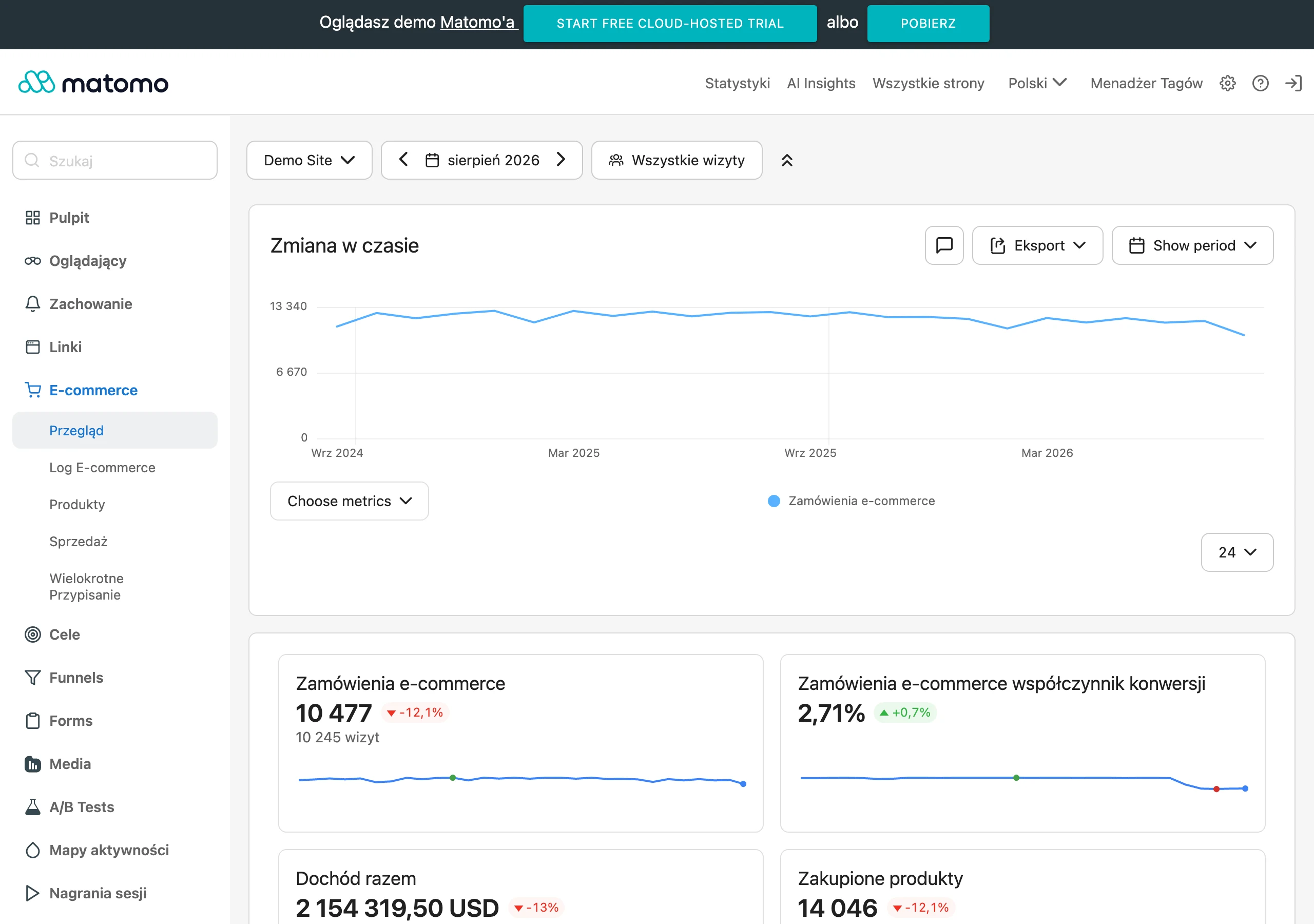
In e-commerce, PMax usually combines creative assets with the product feed in Google Merchant Center, which enables automatic selection of products and queries. Such a “feed” is an important reference point for an online store, because it affects query matching and the quality of exposure in Shopping. For lead generation, PMax relies more heavily on assets (copy, graphics, video) as well as the quality of signals and conversions, because it does not have an “anchor” in the form of a product feed. In both cases, it is crucial that the goals and values are consistent with what you genuinely want to scale (e.g. transaction value rather than clicks alone).
The minimum requirement for a sensible PMax launch is correct conversion tracking (Google tag, GA4 or import), consistent attribution and a budget that allows data to be collected for the learning phase. In practice, a level of several dozen conversions per campaign per month helps, because it gives the algorithm fuel for optimisation. In e-commerce, there is also the requirement for Merchant Center quality, including availability, prices, GTIN, shipping and policies, because errors in these areas reduce effectiveness. If you do not have stable tracking and “hard” conversions, PMax may optimise in the wrong direction regardless of budget.
Comparison of Performance Max with other Google campaign types
Performance Max differs from classic Google Ads campaigns in that, within a single campaign, it automatically selects the channel, creative and bid in each auction, rather than relying on manually set parameters for each format. As a result, PMax is often more convenient when you want to expand reach beyond Search itself and let the system look for new sources of demand within the Google ecosystem. At the same time, this approach means less “hard” operational control than in Search campaigns, where you manage keywords and ad structure more directly. If your priority is precise control over queries and structured A/B tests in Search, PMax may be too opaque.
Compared with Search, PMax can participate in auctions on the Search network, but it does not provide the same level of insight or control over queries as classic keyword-based campaigns. In practice, this means the campaign can capture part of the queries, including branded ones, if the system considers it to have an auction advantage and the right creative and landing page. When full control over the brand is the priority, protective measures are often implemented, such as a separate brand Search campaign and exclusions or brand lists. It is also worth bearing in mind that after launching PMax, drops in Search traffic may result from keyword cannibalisation or from a change in attribution.
In e-commerce, PMax is often seen as “Shopping plus automation”, because it uses the product feed from Google Merchant Center to select products and determine how they are presented, and in many cases standard Shopping campaigns are replaced by PMax. The success of this approach depends largely on feed quality (attributes, titles, images) and well-planned segmentation, for example by separating product groups or launching separate campaigns for key categories. From the perspective of campaign coexistence, it is important that in Shopping, PMax usually takes priority over Standard Shopping for the same products. When comparing PMax with Search and Shopping, the key selection criterion is the level of control (higher in classic campaigns) versus reach and automated allocation (higher in PMax).
- 01Automatic optimisationMultiple channels, one campaign
- 02Manual controlDirect management of parameters
- 03Reach prioritiesPMax expands, Search refines
PMax focuses on reach automation, while Search offers precise control.
Channels and inventory covered by Performance Max
Performance Max covers inventory across multiple Google assets and can display ads across several channels in parallel, depending on where the system predicts the best conversion goal performance. This means there is no guarantee of a constant presence in a specific channel (e.g. always on YouTube), because the budget is distributed automatically. In practice, PMax can use various contexts (search, product feed, reach surfaces) without the need to create separate campaigns for each network. You cannot set a percentage budget split between channels — the channel choice in a given auction is automatic.
- Search
- Shopping
- YouTube
- Display
- Discover
- Gmail
- Maps
On the Search network, PMax can enter auctions when the system considers that it has an advantage and the right creative and landing page, which sometimes leads to capturing part of the queries, including branded ones. In Shopping, the campaign uses data from Merchant Center to generate product ads, and feed quality (including attributes, titles and images) strongly affects matching and the way the offer is presented. On YouTube, PMax can serve video ads, and if you do not provide your own materials, the system can automatically create video from assets, which is often lower in quality. That is why in practice 1–3 short videos (approx. 10–20 s) are often prepared to increase delivery stability and exercise better control over the message.
In Display, Discover and Gmail, PMax works more like a campaign combining reach with performance, matching audience signals against contexts, and the effectiveness assessment ultimately relies on conversions, not CTR. In Maps, PMax can support local intent (e.g. directions, visits), especially when you have a correctly configured Google Business Profile and location signals and measurement in place (e.g. offline imports, store visits, if available). For international markets, campaigns can run across multiple countries and languages, but ad creatives and landing pages should be aligned, because automatic language mixing usually hurts quality. If you are considering one campaign across multiple markets, it is usually better to split them by language and by differences in objectives (e.g. ROAS/CPA) to retain control.
Optimisation and bidding strategies in Performance Max campaigns
Optimisation and bidding in Performance Max is based on Smart Bidding, which sets the bid in every auction based on the probability of conversion and its value. The system takes auction signals into account at the time of bidding, such as device, location, time of day or user intent. In practice, this means that PMax “decides in real time” how much it is worth paying for a particular impression or click, if that helps move the campaign closer to its goal. For this automation to make sense, the conversion goals and assigned values must be consistent with what you actually want to maximise.
The most commonly chosen strategies are “Maximise conversions” (often for leads) and “Maximise conversion value” (often for e-commerce), and in the value-based variant you can additionally use target ROAS. Target CPA (tCPA) defines the acceptable average cost per conversion, but setting it too low can restrict delivery, because the campaign will not find auctions that meet the condition. Target ROAS (tROAS) makes it easier to manage return, but a threshold that is too ambitious usually limits volume and reach. In practice, it is better to increase tROAS gradually (e.g. by 10–20% every 1–2 weeks), rather than “locking it in” high from the start.
The pace at which a campaign learns depends, among other things, on the daily budget and the number of conversions, because a budget that is too small limits the number of combination tests and delays stabilisation. Also important are attribution settings and the conversion window (e.g. 30 days), because they affect what the system considers a success and when conversions are reported. If you want better control over priorities, you can also work with conversion values (e.g. different values for a form submission and a phone call) or use value rules to reward selected types of customers (e.g. new ones). For short, sharp promotions lasting 1–7 days, you can additionally use Seasonality Adjustments to suggest a temporary increase in conversion rate and limit the algorithm’s “delayed reaction”.
- 01Smart BiddingAutomation of auction bids
- 02Real-time signalsAnalysis of intent, device, location
- 03Data consistencyConversion goals aligned with value
- 04Key strategiesMaximising conversions or value
Key: Real-time bid automation requires consistent conversion goals for effective performance maximisation.
Targeting and audience signals in Performance Max
Targeting in Performance Max is based on “audience signals”, i.e. pointers to start with, rather than hard delivery constraints. In practice, ads may also appear outside the listed audiences if the system decides it can deliver the campaign goal more easily there. Signals speed up the algorithm’s reach to the right people, but they do not work like classic targeting known from Display campaigns. For this reason, results depend not only on the choice of signals, but also on the quality of conversion data on which the optimisation is based.
The most commonly used signals include remarketing lists, Customer Match (e.g. a customer list), audiences from GA4 and custom segments based on keywords and URLs. Customer Match uses encrypted 1st party data (email/phone), but it requires compliance with Google policies and local regulations, as well as properly obtained marketing consent (in the EU often supported by Consent Mode v2). Custom segments allow you to suggest intent (keywords, apps, URLs), but they are not a substitute for keywords, because you do not set match types or bids on specific queries. Ultimately, the system decides where and to whom to show the ad, treating these suggestions as a starting point.
In PMax, you can also focus on acquiring new customers with New Customer Acquisition features (e.g. the “New customers only” mode or a bid adjustment for new customer value), provided you can correctly distinguish new vs returning users (e.g. via Customer Match or a tag). For geo-targeting, the advanced setting is key: whether you target people “in” the location, or also those “interested in” the location, because that is a common source of leads from outside the city. It is worth aligning language settings with the creatives and the landing page, because mixing languages within one asset group can distort the message when the algorithm starts combining components. An additional lever is audience exclusions (e.g. employees or already acquired customers), which help limit budget waste on low-quality segments.
Structure and configuration of a Performance Max campaign
The Performance Max campaign is based primarily on asset groups, which combine creative assets with the final URL and, optionally, audience signals. An asset group resembles an ad group, but the algorithm assembles its assets in many formats and channels, rather than sticking to one fixed creative. In practice, you do not manually “build” the final ad; instead, you provide the elements from which the system creates different variants. That is why each asset group should have a consistent theme (offer/category) and a relevant landing page, so that automation does not blur the message.
It is worth basing PMax setup on a full set of assets, because that determines how many variants the system can test during the learning phase. In practice, it is recommended to provide as much as possible: up to 15 headlines, 5 long headlines, 5 descriptions, several images (e.g. 1.91:1 and 1:1) and at least 1–3 videos, because a shortage of materials narrows the scope of tests and usually extends learning. If you do not add video, Google may create it automatically on the basis of other assets, which is often lower in quality and limits control over the message. In addition, it is worth deliberately deciding on automatically created assets, especially when a strict brand tone or legal compliance is important.
- Final URL expansion: allows traffic to be sent to different subpages; limit or switch it off if you have critical landing pages or a risk of sending users to pages with low conversion.
- Merchant Center feed (for e-commerce): affects product selection and query matching; attributes such as title, description, image, price and brand have a direct impact on presentation quality.
- Listing groups: enable product segmentation and exclusions (e.g. category/brand/price), which makes it easier to promote selected parts of the range with a separate campaign and ROAS/CPA target.
- Campaign-level assets (e.g. sitelinks, callouts, promotions, prices, calls): increase the ad “surface area” and should remain consistent with the landing pages.
Campaign settings include locations, languages, schedule, content exclusions and brand settings, among other things, but they do not provide for manual bids per device or per channel. When a campaign starts sending traffic to unwanted subpages (e.g. terms and conditions or careers), you can exclude specific URLs, and also revisit the decision to expand the final URL. From an operational perspective, it is also important that placement control remains limited, so content exclusions and brand safety measures come to the fore. The safest approach is to treat PMax configuration as working on the “inputs” (assets, feed, URL, goals), because they determine the automation outcome to the greatest extent.
Measuring performance and reporting in Performance Max
Measuring performance in Performance Max is based on correctly configured conversions and their values, because the campaign optimises for actions, not clicks. It is best to designate 1–3 key conversions as primary and keep the rest as secondary, so as not to blur the optimisation goal. Micro-conversions (e.g. scroll depth) generally should not be the main goal, because the system may start maximising “easy” actions instead of sales or a valuable lead. In practice, the quality of measurement often determines whether the automation learns from the right signals.
Conversions can be implemented via Google tag (gtag), Google Tag Manager or imported from GA4, and the key is to make sure that the same action is not counted twice. If the reports show “2x more conversions”, a common source of the problem is counting the same event both as a GA4 goal and as a separate conversion in Google Ads. In the EU, a lack of cookie consent limits observability, while Consent Mode v2 allows Google to model part of the conversions based on aggregated signals, which can support both reporting and algorithm learning. That is why consent and tag settings have a direct impact on data consistency and stability.
Reporting in Google Ads covers campaign, asset group and asset performance, and segmentation by time and device, among other things, but it does not provide as detailed a view of placements as separate campaigns do. Instead of a full list of queries, you often get “Search themes”, i.e. search topics (aggregates of intent), which changes the way analysis is conducted and exclusions are built. When generating leads in B2B, offline conversion imports (e.g. MQL/SQL or sales from CRM) are crucial, because without them the algorithm may optimise for cheap but low-quality volume. On the technical side, this requires, among other things, GCLID/GBRAID/WBRAID identifiers and a process on the CRM side. To compare setups, you can use experiments (PMax Experiments), and for broader reporting, Looker Studio with connected Google Ads, GA4 and possibly CRM data, including margin as well, if you import or map it in the data.
FAQ
Frequently asked questions
How does a Performance Max campaign work in Google Ads?
The system automatically selects the channel, creative and bid in each auction to achieve the chosen conversion goal. Ads can appear at the same time across different Google assets such as Search, Shopping, YouTube, Display, Discover, Gmail and Maps.
Is Performance Max one campaign for everything?
Yes, PMax works as a single campaign, but that does not mean it is completely simple to manage. The algorithm still allocates delivery across channels and ad assets on its own, so the level of control is lower than in classic campaigns.
When does Performance Max work best?
It works best when conversions are stable and measured correctly, and when the budget allows enough data to train the algorithm. It is especially useful when you want to scale results beyond search alone.
Is Performance Max suitable for lead generation?
Yes, but it requires good control over lead quality, for example through offline conversion import and spam filtering. The system optimises for conversions, so if the signals are weak, it may head in the wrong direction.
How many Performance Max campaigns are worth setting up?
Usually, 2–3 campaigns tailored to different goals or business segments work better than one campaign for the whole store. Splitting by margins, categories or regions gives the algorithm better conditions for optimisation.
What data is needed for Performance Max to work effectively?
Correct conversion tracking via Google tag, GA4 or import, and consistent attribution are needed. In e-commerce, a good feed in Google Merchant Center is also important, with correct attributes, titles, images, availability and prices.