

Store migration is one of those projects where it is easy to confuse the launch of a new version with genuine business success. And that is not a cliché. In practice, it is not only about changing the platform, template or domain, but about maintaining sales, visibility in Google and correct data measurement. The biggest problems usually do not lie in the design itself, but in URLs, indexing, the basket, checkout, feeds and analytics. Publishing the new store is not the goal in itself — the goal is to maintain continuity of traffic, conversions and SEO signals. A well-executed migration is based on an inventory of the old store, testing on a staging environment and post-launch checks. If any of these elements drops out of the plan, drops are rarely caused by bad luck and more often by implementation errors.
What is store migration and what are its goals?
Store migration is the controlled transfer of an online store between platforms, system versions, themes, domains, subdomains or URL structures. It sounds technical because it is. Such a project covers not only the look and feel of the website, but also the product catalogue, categories, filters, content, blog, basket, checkout, payment integrations, delivery integrations and marketing tools. In practice, it is an operation on a live organism that still has to sell and at the same time not disappear from the search engine.
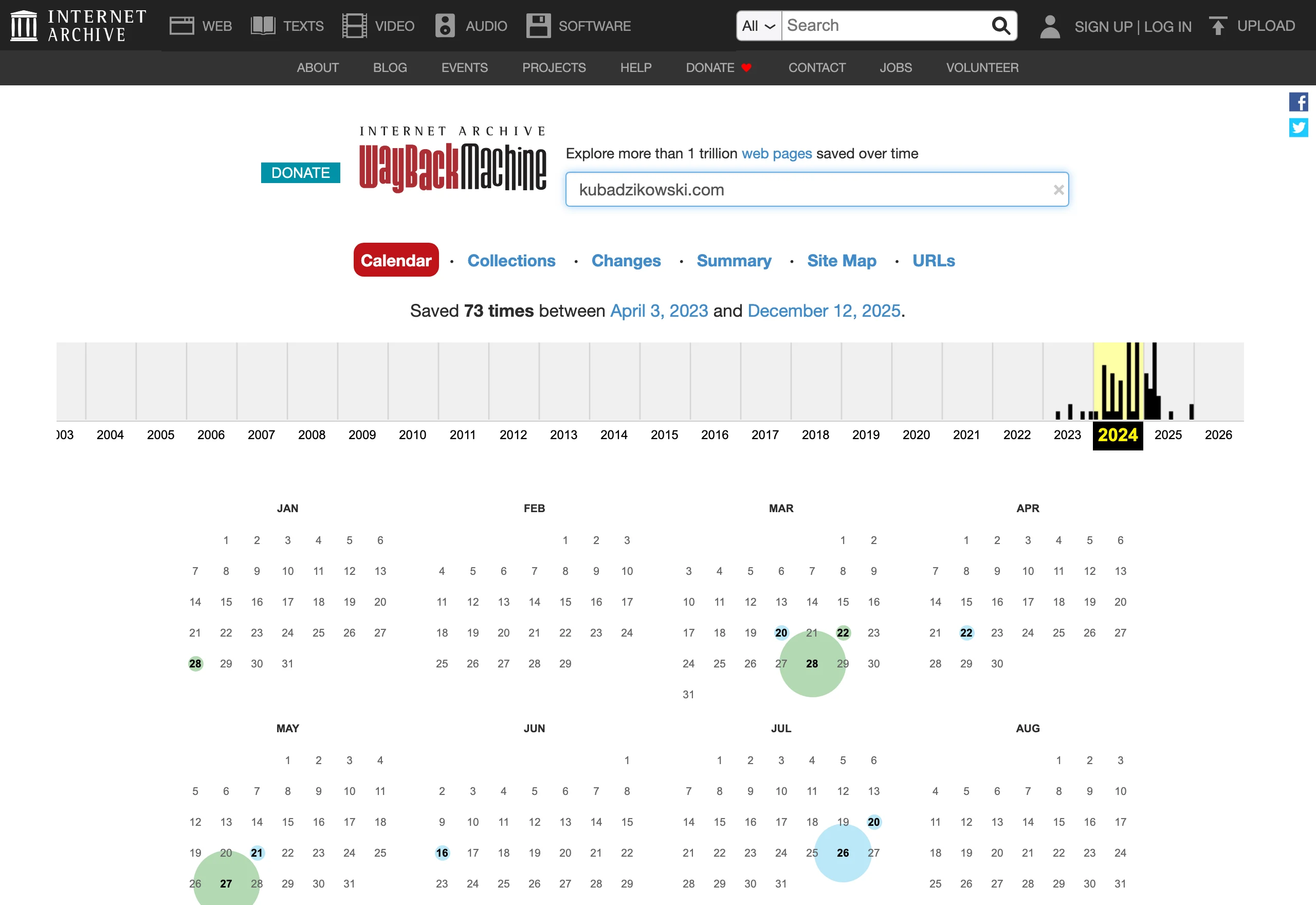
The main goal of migration is not simply “moving the store”, but maintaining operational continuity. The key thing is that the user still lands on the right pages, the Google bot can correctly index the new version, and advertising campaigns and product feeds do not stop from one day to the next. The question is what happens when that chain breaks. If after migration the basket, transaction tracking or mapping of old addresses does not work, even a good new store starts losing money from the very first hours.
From an SEO perspective, the most important thing is to preserve the signals the old store has already built up. The data makes it clear that it is usually about the basics, not “magic” tricks. This applies above all to URLs, 301 redirects, category and product content, meta data, internal linking, canonicals, structured data, and robots.txt and sitemap.xml files. Redirecting addresses alone is not enough if, at the same time, the content of the pages, their intent or the way they are rendered changes. The problem is that such changes can look harmless, yet in the index they cause confusion.
From the point of view of sales and analytics, the goals are just as concrete. There is no room here for “it’ll be fine somehow”. After migration, the store should correctly display prices, stock levels, variants, delivery methods, payment methods and transactional messages, while tools such as GA4, GTM, ad pixels or Merchant Center must continue to collect consistent data. But note that this does not end with launching the new front end. A well-executed migration ends not only with a new deployment, but also with a complete set of working materials: an audit of the current state, a redirect map, a test checklist, a launch plan and a fallback plan.
What are the key stages of the store migration process?
The stages of store migration are straightforward on paper. First you inventory the old site, then you design the new architecture, prepare redirects, test on staging, launch safely and keep an eye on monitoring after the launch. This sequence is not decoration, but the backbone of the process, because each next step stands on the decisions and data from the previous one. When a team starts with implementation and only later tries to “recreate” the old URLs, metadata and category logic, it usually ends up with gaps that cannot be patched quickly.
- Inventory of the old store: crawl all important URLs, export data from Search Console, GA4, the store system and product feeds.
- Analysis of critical assets: identify pages that must not be removed or merged without a business decision, because they generate traffic, revenue or links.
- Design of the new architecture: compare categories, filters, variants, pagination, breadcrumbs, search and templates.
- 301 redirect map: assign every important old URL to one logical destination URL, without chains and without soft 404s.
- Content and meta data migration: transfer title, H1, descriptions, product content, FAQ, alts and internal linking.
- Staging deployment: check response codes, indexability, canonicals, hreflang, robots.txt, sitemap.xml and performance.
- Render validation: check whether content, listings and menus are visible to robots also when JavaScript is rendered.
- Analytics and integrations deployment: test dataLayer, GA4, GTM, checkout, ad pixels, feeds and Merchant Center.
- Pre-launch QA and go-live: run through the checklist, publish according to plan and freeze risky changes for the launch period.
- Post-launch control and stabilisation monitoring: track 200, 301, 404, 5xx, indexing errors, traffic, revenue and feed quality.
The most important things happen at the beginning. That is when the list of things that must not be lost is created, because without it migration is like moving house without an inventory of boxes. You need to distinguish which categories, products, guides and landing pages really “drive” traffic and sales, instead of pretending that every URL weighs the same. The most common cause of drops after migration is not one spectacular mistake, but a series of small losses: pages with traffic disappearing, category content being replaced, canonicals set incorrectly and the lack of a complete 301 map.
The middle of the process decides whether the new shop will preserve the sense of the old site in the eyes of Google and the user. Key elements are category templates, filter handling, pagination, structured data Product and Offer, as well as whether listings and navigation do not “disappear” when JavaScript renders. In shops with extensive filters or dynamic content loading, you need to check not only how the page looks, but also what the crawler actually sees. That is exactly where quiet problems most often arise, only becoming apparent after launch.
The analytical and integration stage is regularly underestimated. Without it, it is hard to assess honestly whether the migration has actually succeeded. You need to test page_view, view_item, add_to_cart, begin_checkout and purchase separately, as well as transaction sources, cross-domain, external checkout and passing data to advertising systems. In stores dependent on product campaigns, you also need to keep track of the consistency of product IDs, prices, availability and landing page addresses.
After launch, the work does not end. It simply moves from implementation mode to control mode. In the first hours you check response statuses, robots.txt, sitemap.xml, redirects and basket functionality, and in the following days you analyse indexation, server logs, organic traffic per directory and errors in feeds. No monitoring after launch is a common reason why fixable errors linger for too long and start to genuinely reduce visibility and sales.
What risks and limitations should be considered during a shop migration?
During a shop migration, you need to account for SEO, sales, analytics and operational risks. And this is not an academic list, because each of these areas can independently cut traffic or revenue. The most common mistake is assuming that because the new shop works visually, the migration is “done”. In practice, problems begin when old URLs disappear, the category structure changes, or Google’s robot sees a different version of the content than the user. The biggest drops after migration usually do not result from one failure, but from several minor errors piling up at the same time.
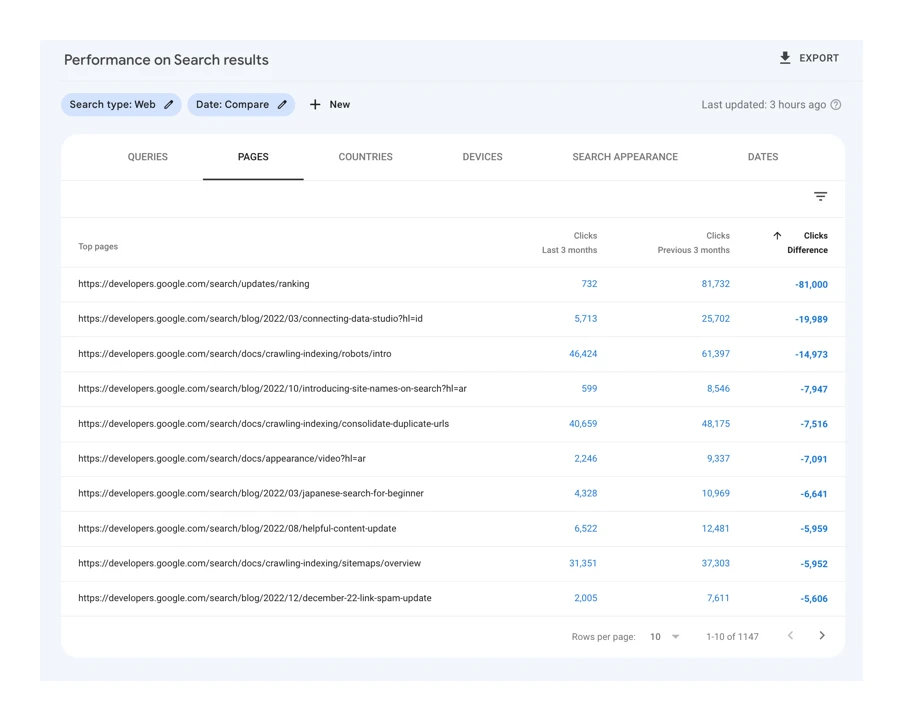
On the SEO side, the greatest risk is losing important URLs. Right after that come incorrect 301 redirects, mass 404s, wrong canonicals and accidental indexation blocks. Redirecting addresses alone is not enough if you change the category content, remove internal linking or split an old search intent across several weaker pages. In JavaScript-based shops, you also need to check the rendering of product listings, filters, menus and dynamically loaded content.
On the sales side, the risk concerns the basket, checkout, payments, deliveries, discounts and stock levels. Here, you do not need a catastrophe; a small detail is enough. Even a minor error in these areas can reduce conversion faster than a drop in Google rankings. If the migration changes the platform and checkout at the same time, you need to test the entire purchase process from the product page to transaction confirmation, not just individual subpages.
A separate area is analytics and advertising. At the intersection of GA4, GTM, consent mode, external payment gateways and subdomains, it is surprisingly easy to lose the transaction source or break the e-commerce event path. The problem is that campaigns may continue to spend budget, but the reports will start showing understated sales or incorrect attribution.
In shops based on Google Merchant Center, limitations related to the product feed quickly appear. It is enough to change product IDs, landing page addresses, prices, availability or schema markup.org for product campaigns and free product listings to start drifting apart. And the problem is not solely the feed itself. What matters is whether the data in the shop, the feed and the landing page are truly consistent with one another.
The risk increases when additional languages, currencies, markets and subfolders are involved. Then you also need to keep an eye on hreflang tags, canonicalisation between language versions, and whether the translations and architecture of the new shop follow the old category logic. What happens when you change everything at once. The more changes you make at the same time, the harder it is to determine the cause of a drop, which is why migration should separate technical, content and UX decisions wherever possible.
You also need to acknowledge the project’s limitations. Not every platform gives convenient control over URLs, meta data, robots.txt, structured data or filter logic, and not every team can extract full source data from the old shop. And that is where the difficulties begin. If there is no complete list of old URLs, traffic history and information about the pages that generated revenue, the redirect map will be incomplete from the outset.
The final risk appears after publication. Some errors only come to light once bots start crawling, campaigns go live and the first real orders come in, so without monitoring there is no room for a quick reaction. This is not won by intuition. A migration without a rollback plan and without monitoring the first few days after launch is more of a “blind” implementation than a controlled process.
What tools and techniques are essential for a successful migration?
For a migration that is meant to succeed, you need tools for URL inventory, technical testing, analytics validation and post-launch monitoring. Their role is not to “do SEO”, but to catch what could cut traffic, sales or measurement. That is what makes the difference. Without such a toolkit, you are operating on assumptions rather than data.
The foundation is a technical crawler. It collects addresses, response statuses, meta data, headers, canonicals, internal links and indexing elements from the old and the new store, so you can see what has actually changed. On top of that there is Google Search Console, because it shows the URLs that are actually indexed, queries and index coverage issues. The fact is that first you need a solid base. First, you need to build a complete list of old URLs and assign priority according to traffic, revenue, links and their role in the purchase journey.
Data on the business value of URLs is best combined from GA4, the e-commerce system and server logs. GA4 will show landing pages, purchase paths and revenue, while logs will reveal which sections search bots actually visit. This is not an academic exercise in reporting. Not every indexed URL is equally important, and not every error has the same business cost.
The key technique remains mapping 301s in a working spreadsheet or a dedicated implementation document. Simple rule. Every important old URL should have one logical destination, not a generic redirect to the homepage or the top category. A well-prepared redirect map separates this clearly: products, categories, CMS pages, blog, brands, plus rules for handling parameters and archived URLs.
The second pillar is a staging environment as close to production as possible. Without it, you are groping in the dark. It is used to verify HTTP statuses, robots.txt, sitemap.xml, canonicals, hreflangs, noindex, pagination, breadcrumbs, filter behaviour, the mobile version and the performance of key templates. Staging only makes sense when it reflects the real logic of the store, not just the front-end appearance.
For stores with a dynamic front end, rendering tests also come into play. And this is not cosmetic. You need to confirm that the bot sees category content, product listings, menu links, navigation elements and JS/CSS assets, and that lazy loading is not hiding what is meant to generate revenue. In practice, this comes down to comparing the source code, the post-load render and the outcome in URL inspection tools and JavaScript-rendered crawls.
A separate set concerns analytics. This is where it can hurt the most. You need GTM preview, dataLayer validation, GA4 event tests and cross-domain checks if checkout runs on another domain or subdomain. You need to manually go through the page_view, view_item, add_to_cart, begin_checkout and purchase events and check whether source attribution is not breaking after payment. Because what is the point of the traffic matching if sales “disappear” along the way.
For product campaigns, feed validation and structured data are essential. The question is: do all systems talk about the same product. You need to check the consistency of product IDs, prices, availability, destination URLs and Product and Offer markup. If the product in the feed, store and analytics has different IDs or different URLs, problems will appear simultaneously in ads, reports and Merchant Center.
After publication, monitoring techniques matter most. This is the stage where the truth comes out. They include checking 404 and 5xx errors, verifying redirects, analysing new sitemaps in Search Console, observing logs, monitoring feeds and reviewing traffic and revenue at the level of categories and landing pages. The first hours after launch are there to catch critical errors, and the following days to assess whether Google and users are actually moving to the new architecture without losing continuity.
What are the critical elements of SEO and analytics during a migration?
The critical elements are those that determine whether Google and measurement systems will see the new store as correctly as the old one. The fact is: the most important are URL addresses, page content, indexing rules, internal linking and full measurement of the purchase journey. If any of these areas is damaged, the drop will affect not only visibility, but also real revenue. Technical migration alone is not enough if the pages generating traffic and sales disappear.
In SEO there is one critical point: the 301 redirect map. Every important old URL should lead to one new, sensible equivalent, not to the homepage, a random category or a search result. What usually carries the most weight are top categories, evergreen products, brand pages, guides and campaign landing pages. And these are precisely the ones that require manual checking, rather than bulk rules done “quickly and dirty”.
The second issue is the intent and content of the page. If the old category ranked for specific queries, the new version must deliver the same answer to the user’s need, even if the design or module layout has changed. Changing category content without analysis often does more harm than the platform change itself. This applies not only to the text, but also to H1, title, descriptions, FAQ, long-tail content and the internal links leading to these pages.
The third area is indexability and technical signals. Canonicals, robots.txt, noindex, sitemap.xml, pagination, hreflang need to be reviewed, and you need to check whether the menu, listings and content are visible to bots after rendering. In stores built on JavaScript, the classic problem looks like this: the user sees products, but the crawler does not see the full content or links to the next subpages. The effect is simple. It limits URL discovery and weakens internal linking.
In e-commerce, product data consistency is equally important. Product identifiers, prices, availability, variants and landing page addresses should remain stable wherever possible, because they simultaneously support SEO, product feeds and advertising campaigns. If identifiers or variant structure change after migration without oversight, the data can drift apart in Merchant Center, remarketing and sales reports. For stores dependent on product campaigns, the feed, schema.org Product and Offer, and price and stock consistency should be checked separately.
In analytics, it is critical to recreate the entire funnel, not just pageviews. You need to verify page_view, view_item, add_to_cart, begin_checkout and purchase, and then check whether the number of events and the relationships between them still make sense. If only purchase works and the earlier part of the funnel is silent, you lose the ability to diagnose where the store starts losing users. This is not a detail. It is a blind spot in decision-making.
Most errors appear at the intersection of GA4, GTM, consent mode, an external checkout and payment gateways. In practice, you need to make sure that the source of the visit carries through the entire journey, that the session does not break between domains, and that the transaction reaches the correct channel. If cross-domain tracking does not work after migration, or the purchase completes outside the main domain without the correct configuration, the sales report will be misleading even if the store is genuinely selling. And then the problem is not marketing. The problem is measurement.
Finally, keep consistency between SEO, ads and analytics. This is not a detail. The same product page must have the correct URL, the right canonical, a matching identifier in the feed, the proper structured data and properly reported sales. When these layers drift even slightly, problems begin with indexing, disapprovals in Merchant Center, incorrect attribution and nervous diagnosis of drops.
How to monitor and control results after store migration?
After migration, monitor indexing, technical errors, traffic and sales every day, because most problems only emerge after launch. The first hours are for confirming that the store works, but the first few days show whether Google, users and ad systems are really moving through the new version without losses. Plan monitoring before publication, not only when drops appear on the charts. The most dangerous issues are not major failures, but small errors repeated across hundreds or thousands of URLs.
First, response statuses and indexing go on the table. You need to confirm that priority URLs return 200, old URLs redirect via 301 to the correct pages, and that no accidental noindex or robots.txt block has ended up in production. At the same time, it is sensible to submit the new sitemaps in Google Search Console right away and check whether Googlebot is fetching the key resources without obstacles.
The second area is technical errors that hit SEO and sales at the same time. This is no longer theory. You need to monitor 404s, 5xxs, incorrect canonicals, empty category listings, broken filters, pagination issues and slow mobile templates. If the store uses JS rendering, it is also worth checking whether content and links are still visible to the crawler after deployment, and whether lazy loading is hiding products or images.
The third area is traffic and revenue measurement. And here it is easy to go down the wrong path. A drop in sessions alone does not yet tell you whether the problem concerns SEO, ads, attribution or the store itself, which is why the data needs to be broken down by directory, landing page and channel. The most practical approach is to compare not only total traffic, but also revenue from top categories, the number of transactions, the add-to-cart rate and the checkout entry rate. If traffic looks stable but begin_checkout or purchase drops, the problem usually lies in the basket, checkout or analytics, not in SEO.
It is also worth keeping a close eye on Google Search Console reports and server logs. What do the data say. GSC will show whether the number of indexing errors is rising, whether clicks and impressions are changing on important sections, and which new URLs are being discovered. Logs help assess whether bots are getting stuck in redirects, 404s or blind spots in the architecture that are not immediately visible in a standard traffic report.
After a store migration, there is no “peace and quiet” in ads and feeds. You need to quickly audit Google Merchant Center: account status, product data errors, price and availability consistency, and whether campaigns are actually driving traffic to the correct destination URLs. And this is where the stairs begin. SEO can look excellent, and sales can still fall because of rejected products in the feed, mismatched identifiers or poorly connected landing pages in product campaigns.
Monitoring without alert thresholds is just a pretty chart. The key is for it to have an owner on the team side and clear rules for what we consider a deviation and what we consider a fire. In practice, this means a concrete list of indicators to review daily during the first days and weeks: 404 and 5xx errors, the number of indexed pages, organic traffic on top categories, revenue from the most important landing pages, the correctness of purchase events and feed errors. The question is: who responds and within what time. Without an agreed response plan, even correctly collected data will not help, because the team will distinguish a normal fluctuation from a real failure too late.
Performance monitoring should lead to decisions, not another round of “we will see tomorrow”. What to fix immediately, and what only to keep under observation. Critical errors such as mass 404s, no purchase, payment issues or blocked indexing require an immediate fix or the launch of a rollback plan. Smaller ranking fluctuations or partial traffic reshuffles are normal. But note: only if, at the same time, store availability, the number of transactions and the performance of the most important entry pages are not deteriorating.
FAQ
Frequently asked questions
What are the most important stages of an ecommerce migration?
First, you take an inventory of the old site, then design the new architecture and the 301 redirect map. Next, you need to test the shop on staging, launch it safely and monitor the results after launch.
Why does visibility in Google drop after a shop migration?
The most common reasons are lost important URLs, incorrect 301 redirects, incorrectly set canonicals or indexing blocks. The problem is also compounded by changes to category content and the lack of a complete redirect map.
Is redirecting old URLs enough on its own during a shop migration?
No, because redirects alone will not solve the problem if the content of the pages, their intent or the rendering method changes. You also need to preserve internal linking, metadata and correct indexing.
What should be checked in a shop after migration to avoid losing sales?
You need to verify the basket, checkout, payments, delivery, stock levels and transactional messages. It is also important whether prices, product variants and transaction tracking work correctly.
What tools are needed for a successful shop migration?
You need a technical crawler, Google Search Console, GA4, GTM and a staging environment close to production. Server logs, feed validation and JavaScript rendering tests also help.
When is the best time to detect errors after a shop migration?
Ideally straight after launch, because some issues only appear once bots, campaigns and real purchases start running. In the first hours you need to monitor response statuses, robots.txt, sitemap.xml, redirects and the basket.