

WooCommerce SEO optimisation is about organising the store in such a way that the search engine reads its structure more accurately and the user reaches the right categories and products faster. In practice, this is about technique, content, internal linking and URL logic, not just adding a few phrases to descriptions. In WooCommerce stores, problems most often stem from duplicate pages, an unclear category architecture, too little content and overloaded templates. The most important thing is to separate the pages that are meant to gain visibility from the supporting pages that are meant to work for the user but should not compete in the index. Well-executed optimisation supports both organic traffic and sales, because it organises the store’s key areas. It is a process that usually starts with an audit and ends with implementations and performance tracking.
What does WooCommerce SEO optimisation involve?
WooCommerce SEO optimisation involves technically, structurally and content-wise adapting the store so that the most important pages are easier for search engines to crawl, index and evaluate. This includes categories, products, filters, variants, tags, the blog, system pages and the way these elements connect with one another. The goal is not only greater visibility, but also better use of the store’s potential without directing traffic to low-value subpages.
In practice, this service is not limited to “adding keywords”. The key is to organise the templates and the store logic so that the strongest SEO URLs collect visibility, while supporting pages do not dilute indexing. This includes, among other things, filters, pagination, sorting, URL parameters, similar product descriptions and pages generated automatically by the theme or plugins.
The quality of the landing pages themselves is also very important. Categories should act as landing pages for SEO, and product pages must have clear names, good technical data, logical headings, sensible descriptions and consistent information about price, availability or reviews. The search engine evaluates not only the text content, but also internal linking, structured data and the consistency of the information on the page with what is reflected in the code.
The scope of optimisation also depends on the size of the store and the level of its complexity. The more products, variants, filters, language versions and integrations there are, the more points need to be analysed and refined. In a well-run service, the outcome is not just a report, but a list of specific changes to implement, priorities and a check on whether the store really performs better after publication.
What steps does a WooCommerce store SEO audit include?
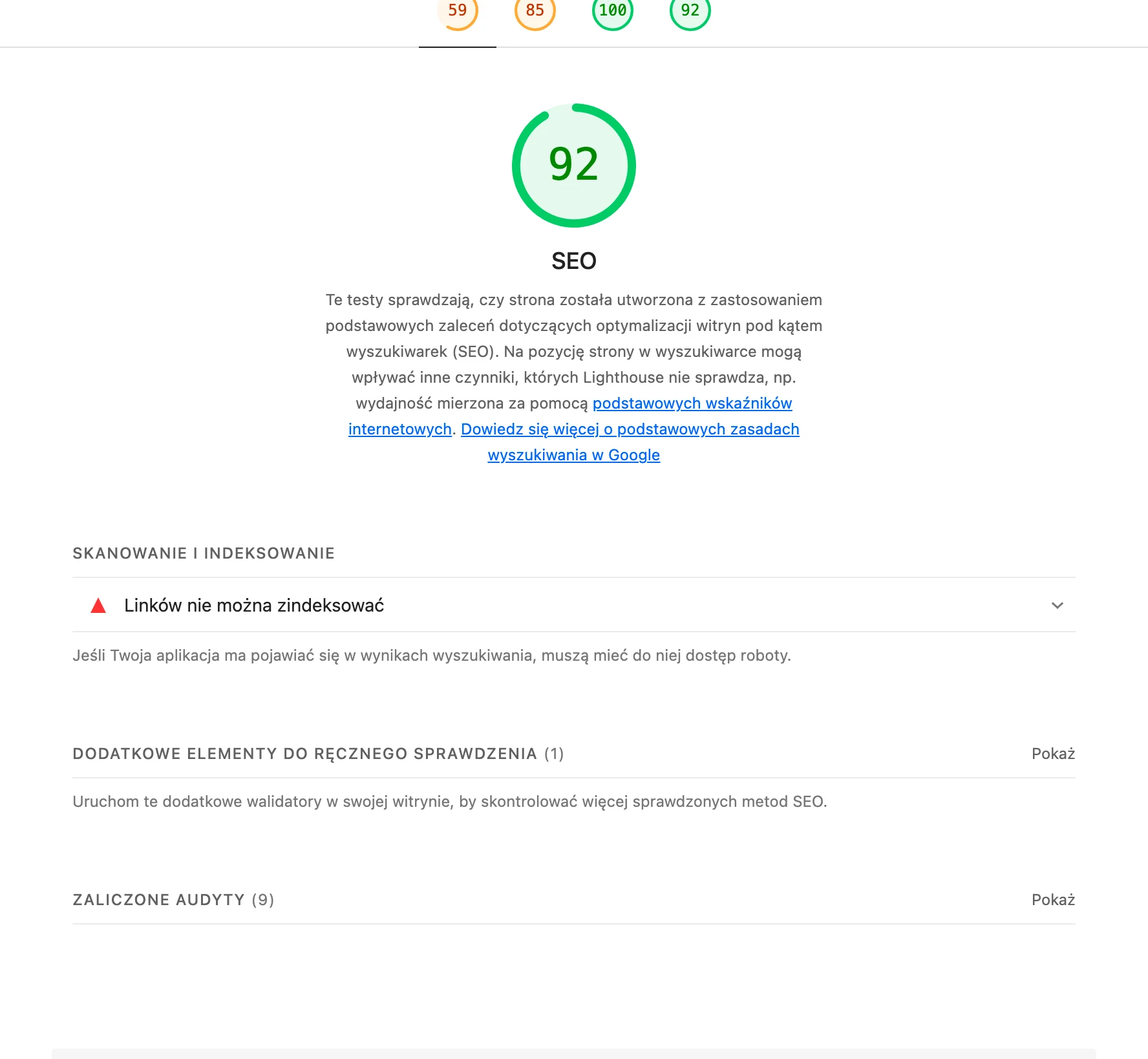
A SEO audit of a WooCommerce store includes a review of indexing, site architecture, templates, content, product data, performance and technical issues that affect visibility. The aim is to identify which areas genuinely support SEO and which are holding back growth. Such an audit should conclude with specific implementation decisions, rather than just a general set of findings.
- Store inventory: review of the URL map, page types, the theme in use, SEO plugins, traffic sources and implementation constraints.
- Indexation check: sitemap, robots.txt, meta robots, canonicals, noindex, orphan pages, 404 errors and redirects.
- Analysis of the information architecture: category hierarchy layout, click depth, menu, breadcrumbs and links between categories, products and guide content.
- Template assessment: title, H1, description, main content composition, FAQ sections, reviews and blocks matched to user intent.
- Content analysis: uniqueness of descriptions, quality of product names, degree of category content coverage, keyword cannibalisation and topic gaps.
- Technical analysis: loading speed, Core Web Vitals, images, lazy loading, scripts, CSS, cache, JavaScript errors and mobile performance.
- Verification of product data: attributes, variants, prices, availability, SKU, reviews and Product schema.
- Filter and parameter assessment: which pages make business and search sense, and which should be limited from an indexing perspective.
- Post-implementation review: test crawl, Search Console, indexing consistency and the impact of changes on the most important URLs.
The greatest value of an audit becomes clear when decisive decisions are made at the end. It is necessary to determine which pages are to be indexed, which should receive noindex or canonical, which descriptions need to be rewritten, and which URLs should be redirected or merged. Without such decisions, the audit remains only a diagnosis, not a tool for improving results.
In WooCommerce, it is also important to look at the store as a system that is constantly evolving. New products are added, part of the range disappears, seasonal categories appear, and theme or plugin updates can change the way indexing works. That is why an audit should not close off SEO work, but rather set the direction for future implementations and ongoing, cyclical checks.
What are the most common SEO problems in WooCommerce stores?
The most common SEO problems in WooCommerce are duplicate URLs, poor control of indexation, and an excess of low-value pages. They usually result from filters, sorting, pagination, tags, URL parameters and similar product templates. In practice, Google crawls multiple versions of the same content instead of focusing on categories and products that are actually meant to build visibility. In a store, not every working page should be indexed.
A frequent issue is also content that is too short or duplicated. This is most often seen in categories without descriptions, in products with text copied from the manufacturer, and in variants that differ only slightly yet have almost identical content. As a result, it becomes harder to assess which subpage should be the main one for a given keyword, and sometimes keyword cannibalisation occurs between a category and product pages. Simply adding keywords will not fix a store if the templates and URL structure are set up incorrectly.
Significant losses can also be caused by poor information architecture. Categories can be nested too deeply, the menu does not lead to the key sections, and internal linking does not support pages focused on sales. When an important category is hidden several clicks away from the homepage, has few links and does not receive support from the blog or related products, its organic potential usually remains untapped.
A separate group consists of technical issues. WooCommerce stores are often weighed down by the theme, page builder, marketing scripts and extensions, which worsens speed, layout stability and rendering on mobile devices. On top of that come errors in structured data, outdated price or availability information, as well as redirects from deleted products. Incorrect schema and chaotic redirects not only fail to help, but can reduce the quality of the entire SEO implementation.
How does the technical and structural optimisation process work?
The technical and structural optimisation process starts with verifying how the store is built, what actually reaches the index, and which page types should genuinely work towards organic traffic. The aim is not to improve everything at once, but to set priorities for categories, products and supporting pages. Only after such a review do you know what to index, what to consolidate and what to exclude. First the logic of the store is organised, and only then are individual subpages refined.
- Store audit: data is collected on page types, URL map, SEO plugins, the theme, implementation constraints and the current state of indexation.
- Indexation analysis: sitemap, robots.txt, meta robots, canonicals, noindex, orphan pages, 404 errors and redirects are verified.
- Architecture analysis: the category hierarchy, click depth, breadcrumbs, menu and linking between categories, products and informational content are assessed.
- Template and content analysis: H1, title, description, category descriptions, product names, FAQ sections, reviews and the risk of duplication are checked.
- Technical and product data analysis: mobile performance, images, scripts, Core Web Vitals, attributes, variants, prices, availability and the correctness of Product schema are analysed.
- Decisions and implementation: rules are established for filters, canonicals, noindex, redirects, internal linking and template changes.
- Post-implementation review: a recrawl is carried out, Search Console is monitored and the impact of the changes on the most important URLs is assessed.
In practice, the turning point is the SEO decision stage. At this point, pages that are meant to rank are separated from those serving only as support for the user, such as the basket, account, part of the filtered results or technical product variants. This is also the stage at which rules are set for discontinued products, seasonal categories and similar addresses, so the store does not create new problems every time the assortment changes.
Implementations most often include refining category and product templates, organising meta data, breadcrumbs, internal linking, structured data and the indexation rules for filters. At the same time, performance is improved, including images, cache, scripts and theme elements that unnecessarily burden the frontend. In WooCommerce, the best results come from combining technical aspects, structure and content, rather than focusing on only one of these areas.
After the changes are published, it is worth verifying whether the search engine reads the store in line with the new assumptions. Important factors include indexation statuses, errors in Search Console, schema consistency with the visible content, and whether key categories and products gain more visits and better crawl coverage. Store SEO does not end with implementation, because the product catalogue, filters and stock levels are constantly changing.
What should you pay attention to when implementing SEO changes in WooCommerce?
When implementing SEO changes in WooCommerce, you need to make sure that each modification supports the visibility of specific page types rather than the entire store “en masse”. The key is to separate URLs that are meant to rank from those that are purely technical or supporting. In practice, this means that categories, selected products and some informational content are worth strengthening, whereas filters, sorting options or account pages should usually not compete for indexation.
Special attention is required for category pages, because they are most often the ones that capture traffic for broad and commercial keywords. Each important category should have its own title, one clear H1, a sensible description and elements that help the user make a decision, such as FAQ, breadcrumbs and links to subcategories. If a category remains only an empty product list, its SEO potential is usually not being used.
Product pages are worth implementing with transactional searches and precise user questions in mind. What matters is a unique name, a description that distinguishes the product from similar offers, clear specifications, correct images, and information about availability and price. It is not enough to add keywords if the product has an identical description to dozens of other stores or is missing the data needed to make a purchasing decision.
Filters, variants and similar products cause the most problems, because in such a setup it is easy to generate a huge number of almost identical URLs. It is worth deciding in advance which filter combinations have business justification and genuine demand in Google, and which should be limited through noindex, canonical or parameter control. The worst implementations are those in which the store releases thousands of indexable pages without any unique value.
The implementation should also take internal linking and structured data into account, because both areas affect how the search engine interprets the store. Links from the menu, breadcrumbs, related products sections or blog posts should point to priority categories and products, and schema must be consistent with the content visible on the page. When the markup provides a different price, availability or rating than the content, a quality issue appears instead of an SEO advantage.
You also cannot run SEO in WooCommerce in isolation from performance and technical changes in the theme. Heavy builders, excessive marketing scripts, incorrectly implemented lazy loading and overloaded extensions can worsen rendering on mobile devices and the stability of the site. A good SEO implementation is only complete once, after publication, you verify crawl, indexation, redirects and the behaviour of key URLs in Search Console.
What are the typical risks and mistakes during WooCommerce optimisation?
The most common risks and mistakes during WooCommerce optimisation include mass creation of thin pages, duplicate content, poor control of indexation, incorrect redirects and conflicts between plugins. Such problems are rarely the result of one major failure. Usually they build up through small implementation decisions that individually look harmless, but together break the store structure.
A very common mistake is indexing everything the store can generate. This applies to tags, filter pages, sorting pages, search results, pagination and variants lacking unique value. As a result, Google wastes time on weak URLs instead of focusing on pages that should genuinely grow.
The second major risk is duplicate content and keyword cannibalisation. This appears when several categories target the same intent, similar products differ only in detail, and descriptions are copied from the manufacturer or duplicated across variants. If the store does not clearly communicate which page should be the main one for a given topic, the search engine chooses candidates itself and often gets it wrong.
Significant losses are also caused by mistakes after changes to the product range. A removed product without a redirect, a redirect to the homepage instead of the closest equivalent, or changing category URLs without updating links and the sitemap are common sources of traffic loss. The same applies to seasonal categories that are switched off and relaunched without a plan for maintaining their SEO history.
A separate category of risks consists of technical issues appearing after updates to the theme, WooCommerce and SEO plugins. Meta templates, canonicals, schema, indexation settings or the way filters work can change, causing the store to send incorrect signals to the search engine for some time while the fault remains unnoticed. That is why WooCommerce optimisation is not a one-off setup, but a process of checking after every major change in the store.
How do you measure the effects of SEO implementations in a WooCommerce store?
The effects of SEO implementations in WooCommerce should be assessed by comparing changes in visibility, indexation, organic traffic and the quality of visits to individual types of pages. A general increase in the number of sessions alone is not enough, because the store may grow or fall for many reasons that do not result directly from SEO. It is best to analyse categories, products, advisory content and technical pages separately. The key is to measure results on URLs that were actually covered by the changes.
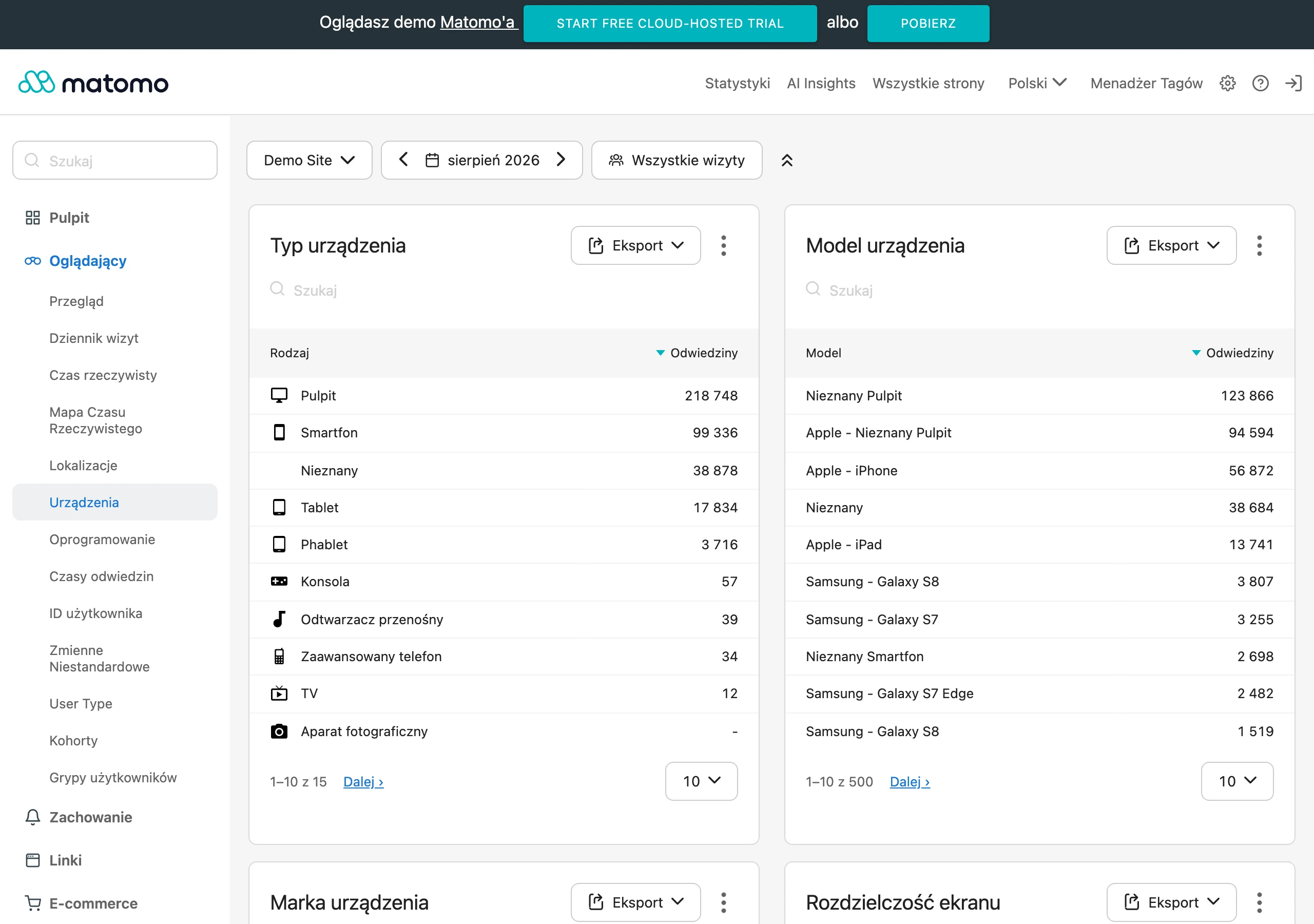
In practice, the basis is data from Google Search Console, GA4 and a crawl performed after implementation. Search Console shows clicks, impressions, average position and CTR for specific pages and queries. GA4 makes it possible to verify whether organic traffic translates into events, add-to-carts and transactions. A control crawl helps confirm that the technical changes work as intended, meaning that indexation, canonicals, linking and the availability of important templates have improved.
The most useful metrics are:
- organic clicks and impressions for categories and products,
- the number of indexed important URLs and a drop in the indexation of low-value pages,
- positions and CTR for keywords assigned to specific landing pages,
- organic traffic broken down by category pages, products and the blog,
- revenue, transactions and conversion rate from the organic channel,
- 404 errors, redirects, structured data issues and Core Web Vitals.
Reliable measurement requires comparing periods, but with seasonality and changes in the offer taken into account. A shop selling tyres, gifts or clothing should not be assessed solely month on month, because current demand can easily distort the results. The safest approach is to compare year on year or analyse the period before and after implementation on the same group of URLs. It is also worth noting changes in prices, product availability, advertising campaigns and stock levels, as they clearly affect SEO sales.
In WooCommerce it is particularly sensible to measure results separately for categories and products. Categories usually account for generic keywords and a larger volume of traffic, while products more often capture transactional and long-tail queries. If after implementation only impressions grow and clicks do not, the cause is often the title, description or a mismatch between the page and the intent. If traffic grows but there is no sales, you need to verify the quality of visits, offer availability, mobile UX and page speed.
It is also worth measuring technical results, because they often determine whether SEO has any chance of working at all. After implementation, it is a good idea to verify whether the number of URLs with parameters in the index has decreased, whether the sitemap contains only the correct URLs, and whether key pages are easier to reach thanks to internal linking. If indexing still includes filters, sorting or thin tag pages, part of the SEO effect will continue to be diluted.
Not every result is visible immediately. Improvements to the title, H1 and category content can produce a signal faster, whereas changes to architecture, canonicals, filtering and redirects usually need more time, because the search engine has to reprocess the shop structure. That is why it makes sense to plan checks at three points: after publication, after a few weeks and after a few months. Lack of monitoring after implementation is a common mistake, because some changes can fall apart during updates to the theme, plugins or product feeds.
Finally, it is worth assessing not only whether traffic has increased, but also whether the shop is making better use of its organic potential. A well-executed optimisation usually means greater visibility for the most important categories, fewer junk pages in the index, better long-tail coverage on products and more stable traffic from Google. If these signals are moving in the right direction, the implementation was successful even if the full sales effect appears only over time.
FAQ
Frequently asked questions
What elements does WooCommerce SEO optimisation include?
It includes technical setup, content, internal linking and URL logic. The aim is to organise the store so that the most important pages are easier for search engines to crawl, index and evaluate.
What steps does a WooCommerce store SEO audit include?
The audit checks indexing, site architecture, templates, content, product data, performance and technical errors. In the end, it should indicate concrete implementation decisions, not just general conclusions.
Why do WooCommerce stores most often have SEO duplication problems?
Most often because of filters, sorting, pagination, tags and URL parameters. Then Google sees many versions of similar content instead of focusing on the pages that are meant to build visibility.
What should category pages in WooCommerce look like to support SEO?
Categories should work like SEO landing pages and have their own title, one H1, a sensible description and elements that help the user make a decision. A simple empty product list usually does not make use of their potential.
Are keywords alone enough to optimise WooCommerce?
No, because adding keywords alone will not fix a poorly configured structure, templates and URLs. Internal linking, structured data, content quality and crawlability control are also important.
What mistakes are the most serious when implementing SEO in WooCommerce?
The most risky are mass creation of thin pages, duplicate content, incorrect redirects and conflicts between plugins. Another issue can be indexing everything the store generates instead of only valuable URLs.