

Orphan pages are one of those SEO issues that are easy to miss, because in a typical crawl of a site they often do not show up at all. In practice, these are URLs that exist, are sometimes indexed, occasionally even drive traffic, but no internal link from the current site structure points to them. This is not only a problem for search engine crawlers, but also for users and for the coherence of the whole site. The mere presence of a page in the sitemap or in Google’s index does not mean that it is properly integrated into the information architecture. In this article, I show how to spot such URLs, how to estimate their real value, and when it makes sense to link to them, and when the better move will be to consolidate, redirect or remove them. The key is not simply diagnosing the issue, but making the right decision for each group of pages.
What are orphan pages and why are they a problem?
An orphan page is a URL available on the site that no internal link from any other subpage on the same website points to. Such an address may be listed in the CMS, included in the sitemap, appear in Google Search Console or even attract visits from search, but it is not part of the site’s real navigation path. For a crawler and a user, this is a signal that the page exists alongside the structure rather than within it.
The essence of the problem is that such a subpage does not strengthen the information architecture and does not participate in the flow of value from internal links. When an important URL has no links from elsewhere on the site, it is harder to build its visibility, connect it thematically with the rest of the website and bring users to it from areas with matching intent. A page can be indexed and at the same time be practically invisible within its own website.
In practice, orphan URLs are most often left behind after advertising campaigns, migrations, category restructuring, blog changes, publishing tests or automatic page generation. They often concern landing pages, archived posts, product variants, filters, internal search results and temporary pages. This is not always a technical error in the strict sense, but very often these are subpages left without a decision.
The most important thing is that fixing the issue does not automatically come down to adding a few links. First, it is worth establishing whether a given URL has a business justification, whether it adds unique content, whether it duplicates a stronger page and whether it should be indexed at all. Not every orphan page should be rescued — some are better to consolidate, redirect or exclude from indexing.
Current challenges related to orphan pages on websites
The challenge today is that orphan pages appear faster and in a less obvious way than they used to. In modern websites, the source of problems is not only manual editorial slips, but also headless CMS, JavaScript routing, filter modules, automatic URL generation and publications that never make it into the main navigation. As a result, the number of URLs grows, and some of them are never consciously fitted into the structure.
There is a major risk after a redesign or migration. A new category layout, URL changes and content tidying can leave live pages without a place in the current site architecture. Such a URL still works, is often still indexed, but ceases to have any internal connections with the new structure. After a migration, orphan pages are often the result of failing to close old paths, not a single SEO error.
Another challenge is detection itself. A crawler will not reach pages that no link points to, so an analysis based solely on a crawl by definition shows only part of the picture. You need to compare several sources: the sitemap, an export from the CMS, data from Google Search Console, server logs, analytics and historical URL lists. If you rely only on what can be reached through internal links, part of the problem will remain invisible.
It is also worth keeping in mind that not every orphan page represents a critical error. Some campaign landing pages, legal subpages, test versions or content prepared for a narrow audience may intentionally not be linked widely. However, such a decision should result from a deliberate strategy and be consistent with the indexing policy, rather than be accidental.
The priority for fixing depends on the real impact of a given URL. In practice, it makes sense to start by checking whether the page has organic traffic, conversions, backlinks, indexation status, the correct server response and whether it duplicates existing content. Only after such verification do you know whether it should be brought back into the structure, left outside it, or removed from circulation.
How to effectively detect orphan pages in practice?
You can spot orphan pages most easily when you compare different URL sets and check which addresses cannot be found through internal linking. A crawler on its own is not enough, because by definition it will not reach pages that nothing points to. The most common mistake is to assume that “if the tool did not find a URL, then the problem does not exist”. In practice, you need to build as complete a list as possible of addresses that are on the site or were there very recently.
The most useful data sources are:
- URL exports from the CMS or content database,
- XML sitemap,
- a crawl of the current site structure,
- Google Search Console,
- Google Analytics or other traffic data,
- server logs,
- historical URL lists from migrations, campaigns and older deployments.
Next, it is worth standardising this data, because otherwise comparisons can easily lead to false conclusions. In practice, this is about the HTTP/HTTPS protocol, the www and non-www variant, trailing slashes, parameters, letter case, language versions and the address indicated by the canonical. Good data normalisation can filter out a large share of false orphan pages.
Correct detection comes down to spotting URLs that appear in the CMS, sitemap, logs or analytics tools, but do not appear in the current internal linking graph. Such an address may still be indexed and visited by users or by Googlebot, even though there is no longer a place for it in the site structure. Most often, this is the result of a migration, category restructuring, headless CMS, JavaScript routing or automatically generated filters.
Not every detected case requires the same response. First verify whether the page has organic traffic, conversions, backlinks, indexed status and business sense. Repair priority should go to URLs that already contribute something or should strengthen important topic clusters.
At the end, filter out false positives. If a page has noindex, a canonical to another URL, a block in robots, works only as a technical variant or is a temporary landing page, the mere lack of links does not have to mean a critical problem. What matters is not only finding orphaned addresses, but also distinguishing which of them are real errors and which result from a deliberate decision.
Process of fixing orphan pages step by step
Fixing orphan pages starts with deciding whether a given URL should continue to exist and what role it is meant to play on the site. This is more important than simply adding a link, because some pages should not return to the structure. Unthinkingly linking every detected address usually only worsens the information architecture. First you need to assess the content value, user intent and links with other pages.
In practice, it is a good idea to divide URLs into several decision classes:
- keep and include in internal linking,
- keep, but without broad linking,
- merge with a better page with similar intent,
- redirect 301 to the proper equivalent,
- leave technically accessible, but exclude from indexing,
- remove if they have no value and are not needed.
If a page has value, you need to provide it with a stable path from a logical place on the site. The best option is to add links from categories, topic hubs, supporting articles, related product pages or modules such as “related content”. A link from a thematically relevant place works better than adding the address to the footer or a random aggregate list.
If a page duplicates other content or is simply a weaker version of an existing URL, it is more sensible to merge it or redirect it than to try to “boost” it with links. This most often applies to older posts after a migration, retired landing pages, product variants without unique value and pages with filtering results. In such situations, it is better to maintain one strong address than several subpages that compete with each other.
Before implementation, analyse the technical dependencies, because they can completely change the picture of the problem. A canonical set to another address, noindex, faulty hreflang, pagination, URL parameters or internal redirects often mean that the data from the spreadsheet after export does not reflect the real state. Without this verification, it is easy to end up adding links to a page that the search engine will not treat as the target anyway.
After implementation, it is worth confirming that the fix has actually brought results. Run a fresh crawl, check the number of internal links leading to the fixed URLs, HTTP statuses, presence in the sitemap and robot behaviour in the logs. In addition, observe whether the pages have started to fit into a sensible click structure, and whether their indexing, visibility and traffic have changed.
Best practices in managing orphan pages
Good practice comes down to assigning one decision to each orphan page: link it, deliberately leave it outside the structure, merge it, redirect it or exclude it from indexing. Such an order makes the work easier and reduces the most common mess, namely the accidental “saving” of all URLs without assessing whether it makes sense. Not every orphan page needs to be restored to the site architecture. First determine whether the page adds business value, generates traffic or conversions, has backlinks or plays a real role in the funnel.
If a URL is to remain, add links to it from places that are thematically and intent-wise consistent. Links from categories, content hubs, related articles, product pages from the same group and navigation modules work best. A link added from a logical place is usually more valuable than several links inserted randomly. In this way you improve not only accessibility for the crawler, but also the actual user path.
Valuable pages that do not fit into the main menu should also have a stable internal path. In practice, one stable entry from the right section and a few contextual links from supporting content are often enough. This is a typical approach for landing pages, evergreen content, expert pages and resources that are meant to work for SEO, but do not have to be visible in the main navigation. At least one stable linking path is often the difference between a page that “exists” and a page that is genuinely useful.
In large sites, set the order of fixes according to real impact. First tackle URLs with organic traffic, conversions, backlinks, indexed status and those that are meant to strengthen key topic clusters. Only then move on to the rest, because sorting out all historical addresses at once usually consumes a lot of resources, while the return can be small.
Effective management also requires control of technical dependencies. Check canonical, noindex, robots blocks, parameters, hreflang, pagination and internal redirects, because these elements can masquerade as a linking problem or effectively hide it. Before you add links, make sure the URL really should be indexed and does not point canonically to another address.
After implementation, do not stop at publishing the links alone. Run another crawl and check whether the URL has disappeared from the orphan pages list, whether the bot visits it, whether it has appeared in a sensible click structure, and whether any new orphaned subpages have been created. The best process is not a one-off audit, but ongoing oversight after migrations, category changes, CMS rollouts and new campaigns.
Typical mistakes when working with orphan pages and how to avoid them
The most common mistakes are a faulty diagnosis, mechanically linking all URLs, and a lack of a business decision for individual page groups. It usually starts with too narrow a data set and ends with an implementation that tidies up the report but does not improve the site architecture. That is why orphan pages are worth assessing operationally, not solely through the prism of tools.
- Analysing only on the basis of a crawl. Such a report will not reveal addresses that nothing links to, so it needs to be supplemented with data from the CMS, sitemap, logs, GSC, analytics and historical lists.
- Restoring all found URLs to the structure. Some pages are weak, duplicated, expired or temporary, so a more sensible decision may be 301, canonical, noindex or removal.
- Adding links from random places. This breaks the logic of navigation and reduces the relevance of internal links instead of strengthening important sections.
- Ignoring active pages after a migration or redesign. Such URLs often still return 200, may be indexed and generate traffic, but no longer have a role in the new architecture.
- Ignoring technical signals. A canonical to another URL, noindex, faulty parameters or internal redirects can mean that a “fixed” page still will not work the way you expect.
To avoid these mistakes, start by compiling data sources and normalising addresses. Standardising the protocol, trailing slash variants, subdomains, parameters and language variants reduces the number of false alarms. Incorrectly normalised data is one of the main reasons teams fix a problem that does not exist.
The second common pitfall is assessing a URL solely through the prism of indexation. The mere fact that a page is indexed or generates visits does not mean it should remain in its current form. What matters is its function: whether it supports sales, answers a real user intent, offers unique content and fits into the current site structure.
In practice, a simple rule works best: for each group of URLs, choose one dominant scenario and implement it consistently. Separate pages to keep and interlink, separate ones to consolidate, and separate ones to retire. A lack of a clear decision for a group of addresses usually ends with the problem returning at the next implementation.
The final mistake is a lack of control after changes. If, after implementation, you do not analyse bot logs, HTTP statuses, the sitemap or the link structure, it is easy to consider the issue closed too quickly. A good fix only ends when the URL is consciously included in the structure or just as consciously withdrawn from it.
How do you measure the effectiveness of orphan page fixes?
The effectiveness of orphan page fixes is assessed by comparing the state of URLs before and after implementation and by verifying whether the right goal has been achieved for each page. Not every fix has to mean more traffic. For some URLs, success will be regaining links and indexation, while for others it will be a correct redirect or removal from the index.
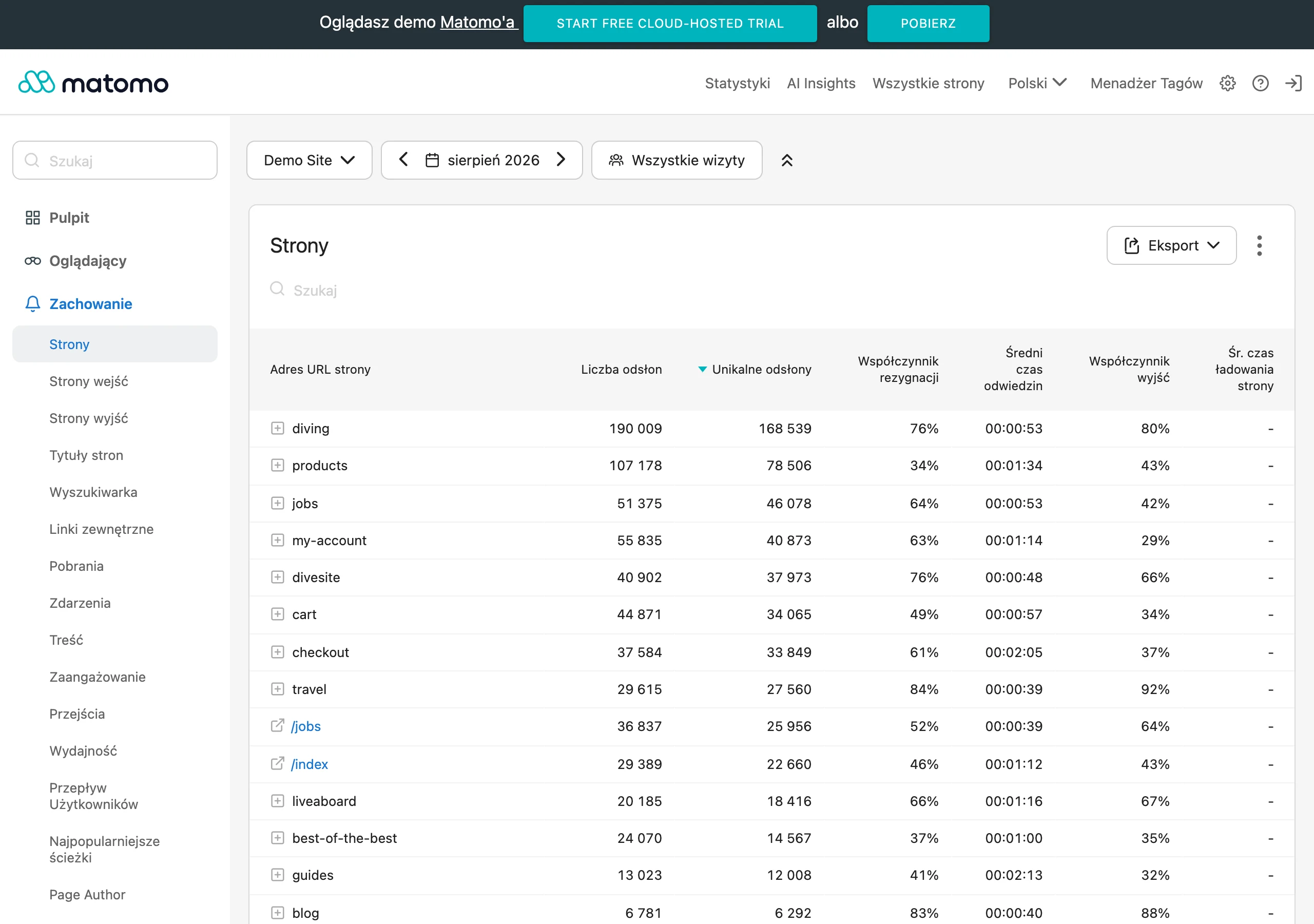
The first step should be preparing a baseline before implementation. In practice, it is worth keeping a list of URLs with an assigned decision, the number of internal links, HTTP status, indexation status, organic traffic and any conversions. Without such a comparison, it is easy to confuse real improvement with random seasonality or the effect of other SEO activities.
From a technical point of view, what matters is whether the URL has stopped being orphaned in light of the current data set. You therefore check the number of incoming internal links, the page’s place in the click structure, its presence in the relevant site sections and its compliance with the assumptions for canonical, noindex and sitemap. If the page was meant to return to the architecture, it should have at least one permanent and logical path to reach it, rather than a single link added “for the sake of it”.
The second layer of measurement consists of crawl and indexation signals. It is worth verifying whether Googlebot visits the fixed URLs more often, whether pages move from the “discovered” stage to actual crawling, and whether they appear in the index when that is desired. If a 301 or noindex has been implemented, the measure of success is not visibility in results, but the correct retirement of the old URL and the transfer of signals to the proper page.
From an SEO and business perspective, you assess effects that are appropriate to the role of a specific subpage. For pages that were meant to “come back into play”, what counts are impressions, clicks, organic entries, participation in conversion paths and the impact on the related topical cluster. For sales pages, it is also worth verifying leads, transactions or moves to the next funnel stages, because an increase in page views alone does not necessarily translate into real value.
Results should be analysed separately, depending on the type of decision taken. URLs linked and included in the structure are assessed differently, pages merged differently, and content intentionally left outside broad linking differently again. The most common mistake is to put all fixed URLs into one report, because then it is hard to identify which actions are actually delivering results.
After implementation, it is worth carrying out two measurements: a quick one and a delayed one. The quick one, after a few days or 1-2 weeks, allows you to check internal links, HTTP statuses, canonicals and whether pages are present in the structure. The delayed one, usually after a few weeks, shows the effects on crawl, indexing and changes in traffic, because these signals almost never update immediately.
The most useful final report answers three questions: how many URLs have stopped being orphan pages, whether the implementation decision was carried out correctly, and whether the change delivered the expected result. If the number of orphaned pages has fallen, but the fixed URLs are still not being crawled, indexed or supporting user paths, the issue is not closed.
FAQ
Frequently asked questions
How do you find orphan pages on an SEO site?
The best approach is to compare several URL sources: the CMS, sitemap, crawl, Google Search Console, analytics and server logs. A crawler alone is not enough, because it will not find pages that no internal link points to.
Does the mere presence of a page in the sitemap mean it is not orphaned?
No. A page can be in the sitemap or even in Google’s index, yet still have no internal link in the current site structure.
Why are orphan pages a problem for SEO?
Because they do not strengthen the information architecture and do not take part in the flow of value from internal links. As a result, it is harder to build their visibility and connect them thematically with the rest of the site.
When does an orphan page not need fixing by linking to it?
When the page is temporary, technical, deliberately not linked to broadly, or has noindex, a canonical to another URL, or a block in robots. In that case, the lack of links alone does not have to mean a critical error.
How do you fix an orphan page that has value?
You need to add a permanent path to it from a logical, topically relevant place, for example from a category, hub or related content. A link from a topically coherent place is better than a random insertion in the footer.
What should you do with an orphan page that duplicates other content?
It is better to consolidate it or redirect it with a 301 to the correct equivalent than to try to save it with linking alone. This applies especially to weaker versions of existing pages, retired landing pages and similar URLs.